FAQs: Self Help
How to remove content from Self Help?
Whatfix enables you to remove content from Self Help that is no longer relevant for your end users.
Use the following steps to remove content from Self Help:
-
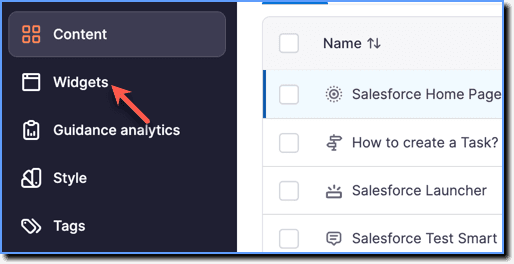
On the Whatfix Guidance dashboard, click Widgets.
-
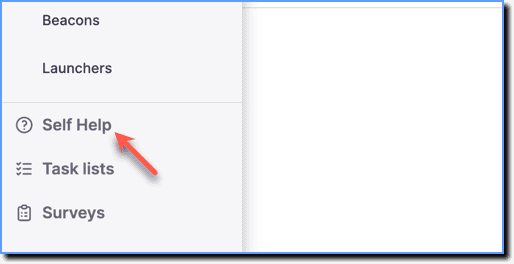
Click Self Help.
-
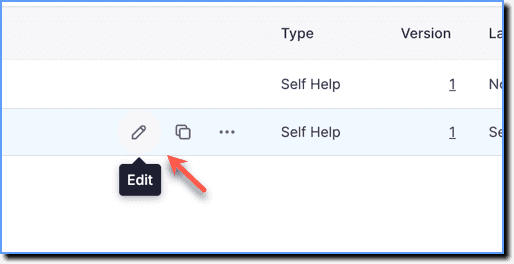
Go to the required Self Help segment and then click the Edit icon.
-
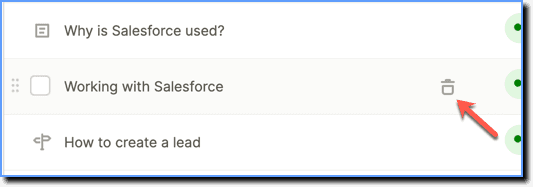
Hover your cursor over the content you want to remove and click the Delete icon.
Note:
Deleting content from the list doesn't delete the content from your account. It only removes it from the list.
- Click Save.