Self Help
Create a copy of Self Help
Note:
The process of creating a copy of Self Help is the same for both the old and improved Self Help experience.
Whatfix enables you to create a copy of a Self Help segment and modify it as required. It reduces the time required to create a new segment and promotes reusability. The copied segment retains the same content, visibility rules, and search scope. Any changes made to the copy do not affect the original segment.
Note:
A copy of a Self Help segment can be created only in the widget section within the Dashboard.
Create a copy of a Self Help segment
-
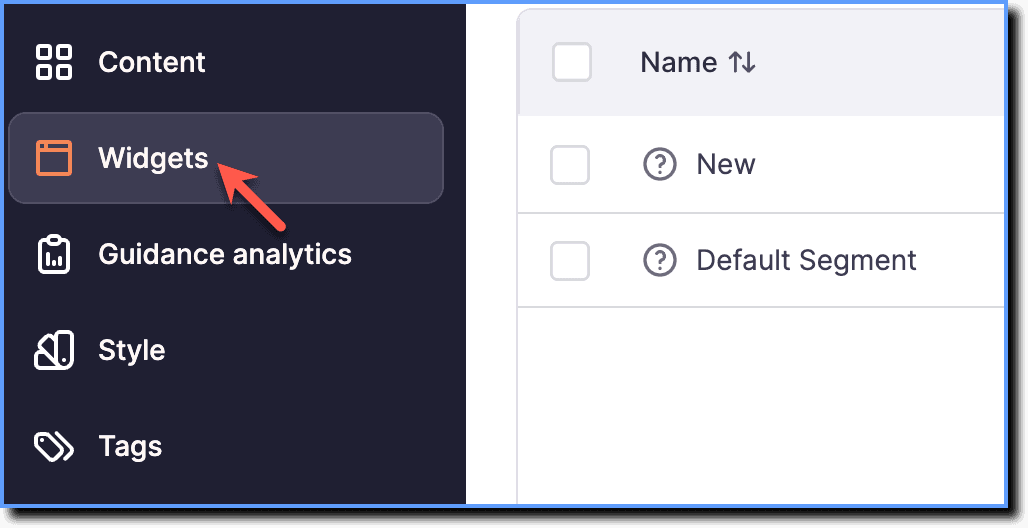
On the Whatfix Guidance dashboard, click Widgets.
-
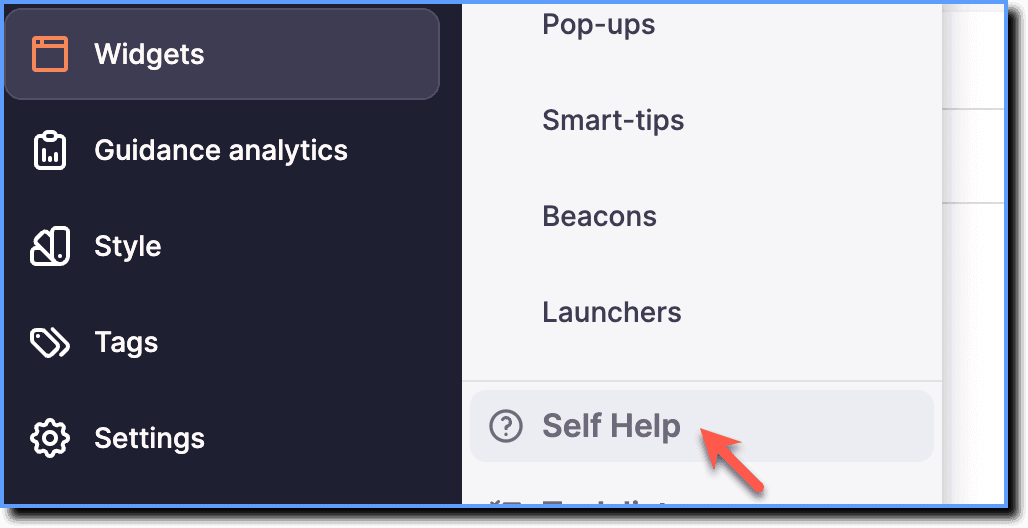
Click Self Help.
-
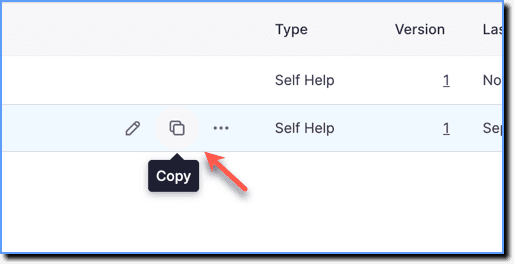
Hover your cursor over the Self Help segment you want to copy, then click the Copy icon.
Note:
- Whatfix content and widgets can be copied in the Draft, Ready, and Production stages.
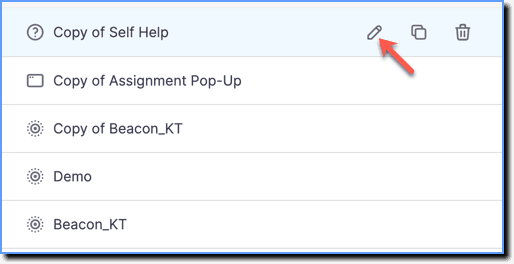
- The copy of the Whatfix content or widget has the title: Copy of <Content/Widget Title>.
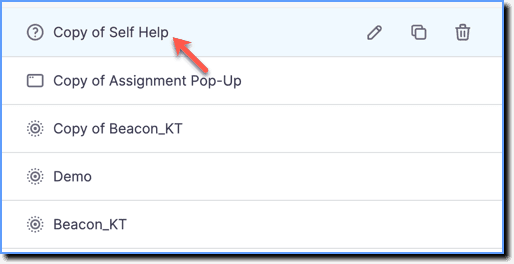
- Hover your cursor over the copied Self Help segment, then click the Edit icon to make necessary changes.
- Make the necessary changes.
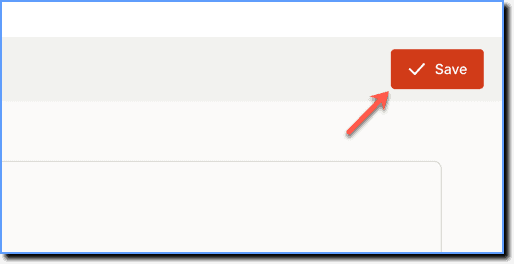
- Click Save.
Note:
Push the copied Self Help from the Draft or Ready stage to the Production stage for it to appear in your application, see Push Whatfix content and widgets to Production.