Self Help
Disable end-user feedback in Self Help
Whatfix provides the option to disable end-user feedback in the Self Help widget at any time.
Expand the following accordions for more details.
Disable end-user feedback in old Self Help
Use the following steps to disable end-user feedback in Self Help:
-
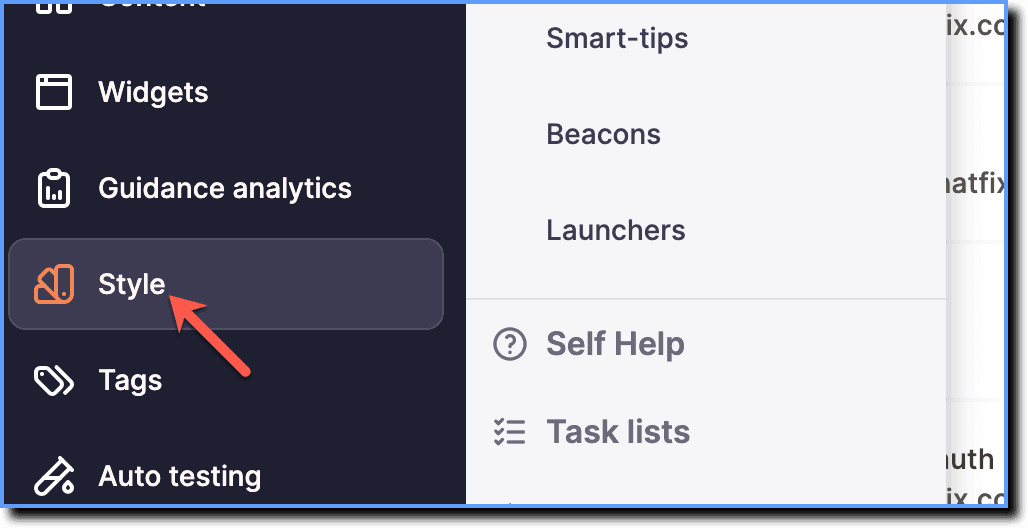
On the Whatfix Guidance dashboard, click Style.
-
Click Self Help.

-
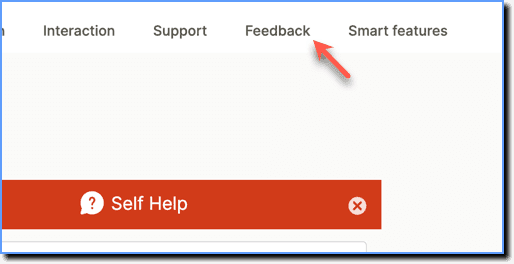
Click Feedback.
-
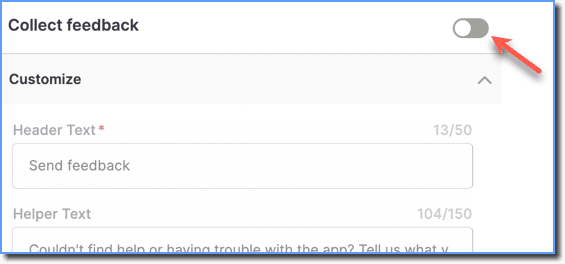
Disable the Collect feedback toggle to disable end-user feedback in Self Help.
-
Click Save.
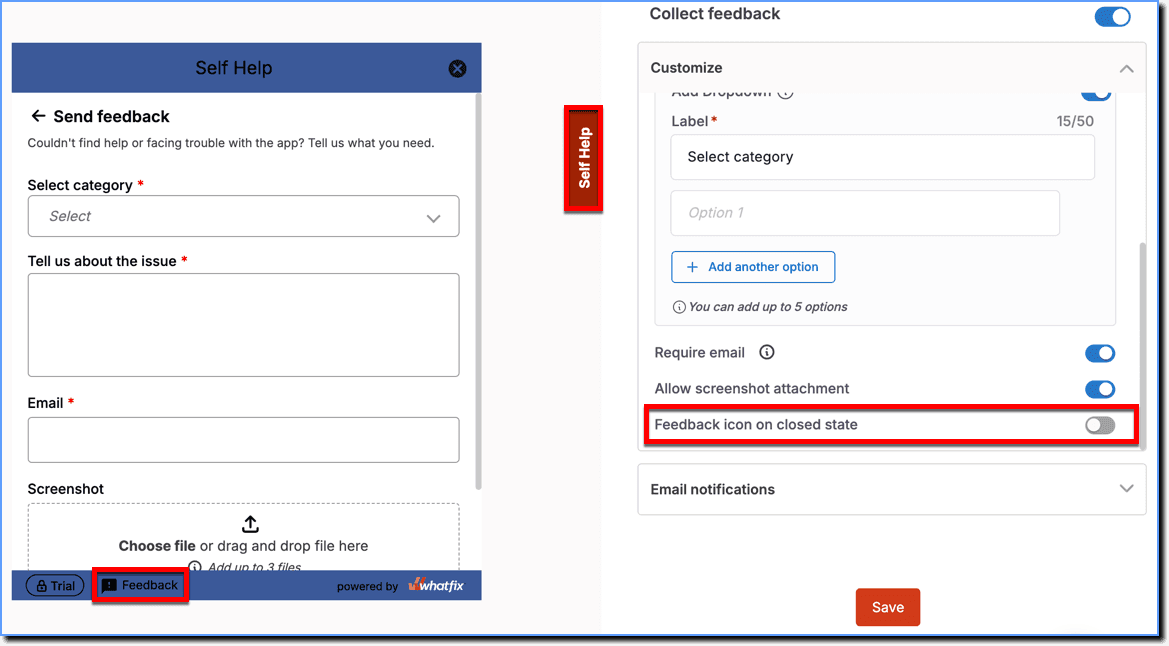
- To keep the end-user feedback feature enabled while hiding the feedback icon in the closed state, disable the Feedback icon on closed state toggle.
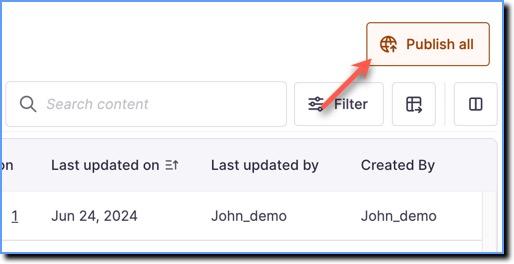
- After you save, use the Publish all button in the Ready stage to Publish the Style changes.
Disable end-user feedback in Improved Self Help
Improved Self Help is a Beta feature. To enable Improved Self Help on your dashboard, contact support@whatfix.com. Improved Self Help provides an enhanced and revamped end-user experience of the Self Help widget. Once enabled, end users see Improved Self Help instead of the Self Help widget.
Use the following steps to disable end-user feedback in Self Help:
-
On the Whatfix Guidance dashboard, click Style.
-
Click Self Help.
-
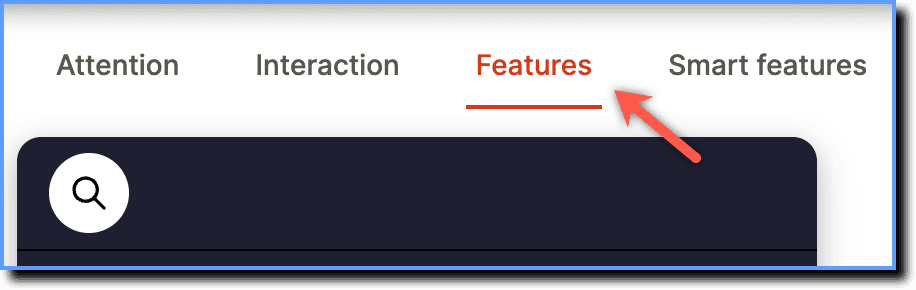
Click Features.
-
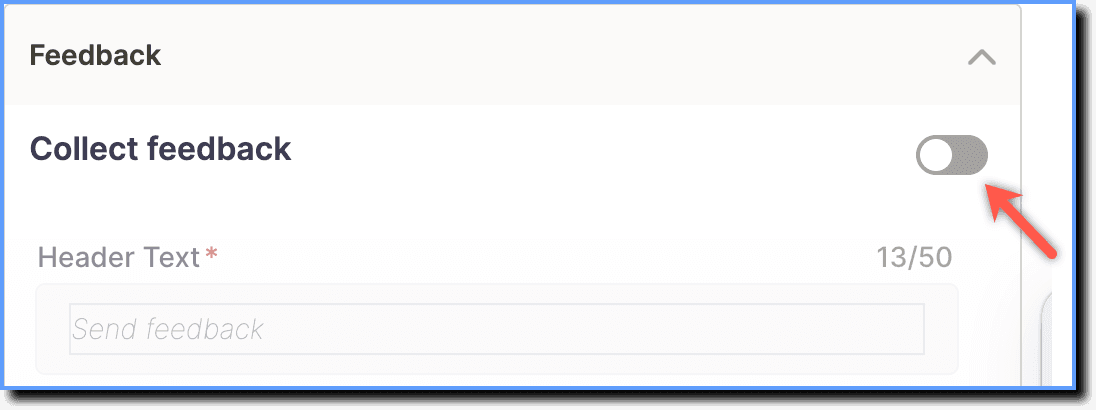
Disable the Collect feedback toggle to disable end-user feedback in Self Help.
-
Click Save.
After you save, use the Publish all button in the Ready stage to Publish the Style changes.