Content Aggregation
View Content Repository links on the Dashboard
Use the following steps to view the content repository links on your dashboard:
-
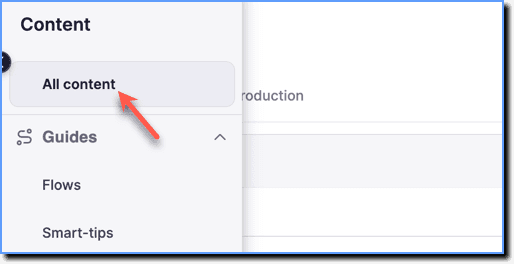
On the Whatfix Guidance dashboard, click Content.

-
Click All content.
-
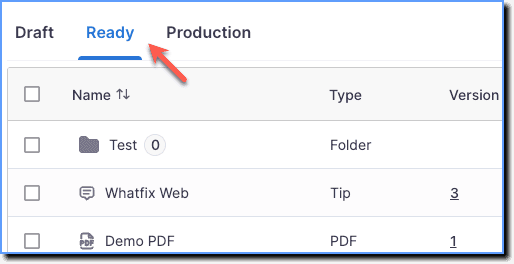
Go to the Ready stage.
-
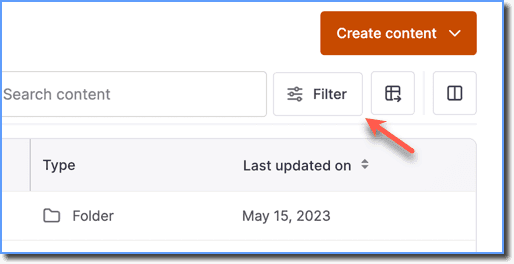
Click Filter.
-
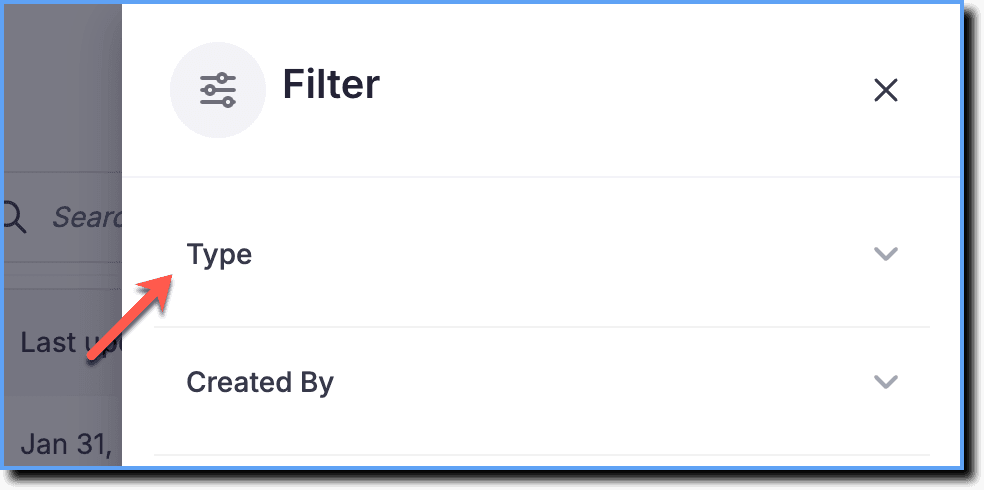
Click Type.
-
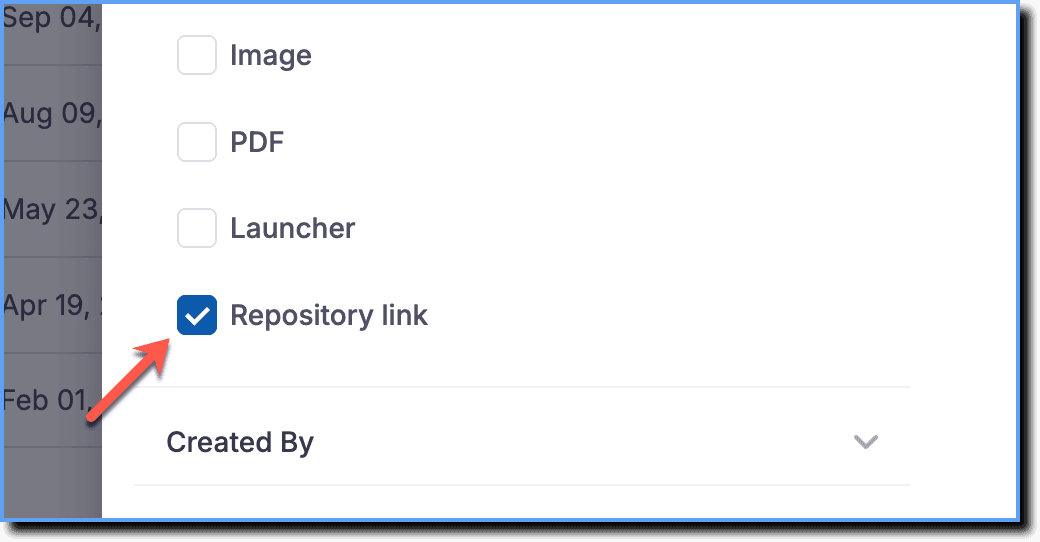
Select Repository link.
-
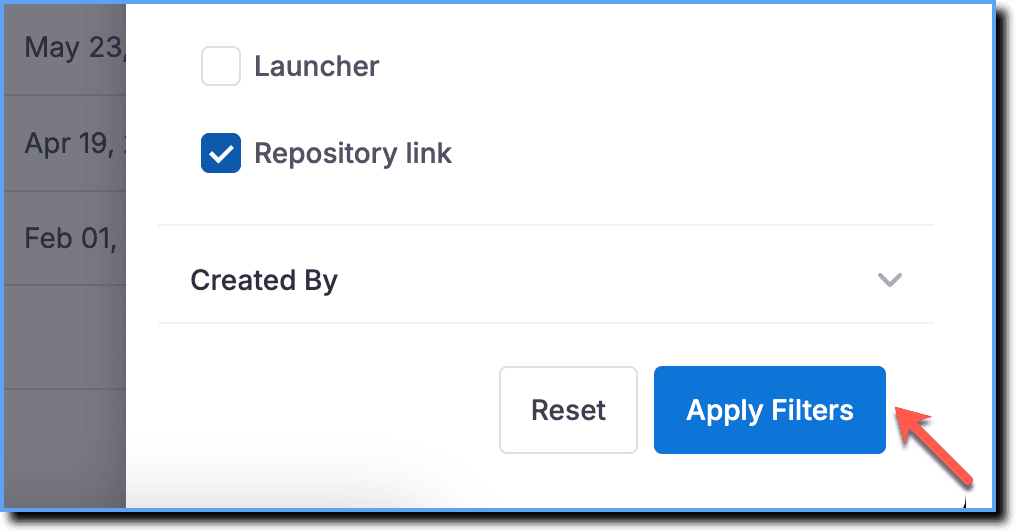
Click Apply Filters.
- The Repository links are available in the Ready stage once the Repository articles are crawled through and brought into Whatfix.
- You cannot move the links to the Draft stage or edit them. In the Ready stage, you can only edit tags and search keywords.
- Once you push the Repository links to the Production stage, you cannot move them back to the Ready or Draft stages like the other Whatfix content and widgets.
- Unlike other content and widgets that you can tag in the Draft stage, you can tag the Repository links only in the Ready stage.