Content Aggregation
Content Repository Actions
Repository Actions are the tasks performed on repositories after successful integration.
Use the following steps to access the action menu:
-
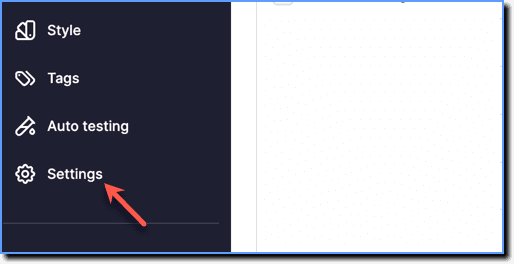
On the Whatfix Guidance dashboard, click Settings.
-
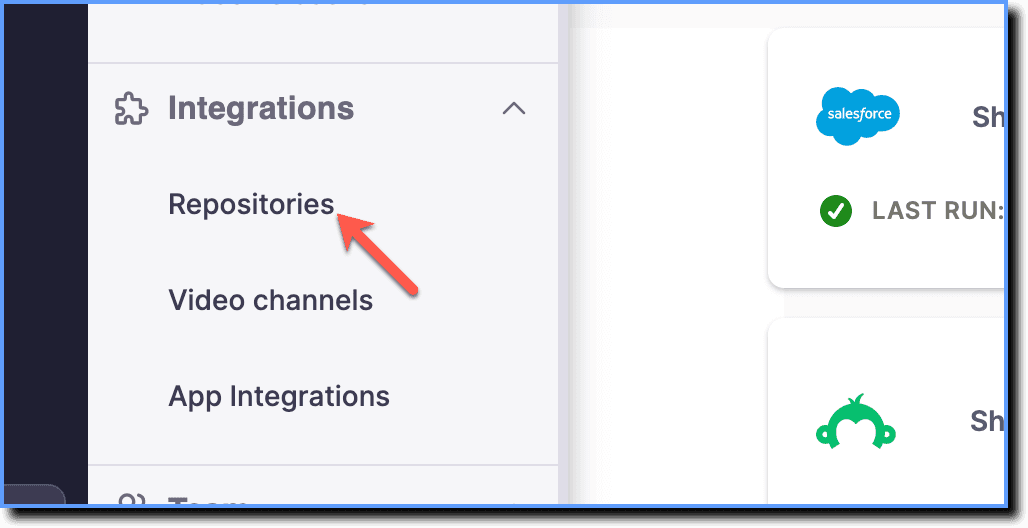
Click Repositories.
-
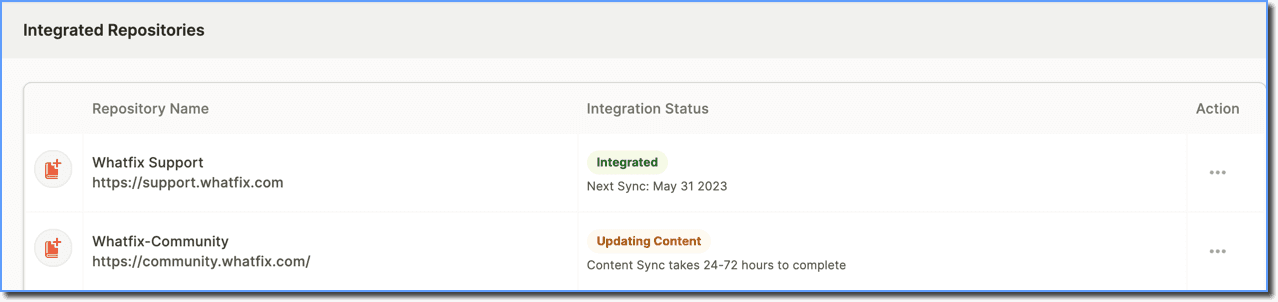
In the Integrated Repositories section, go to the application for which you want to access the action menu.
-
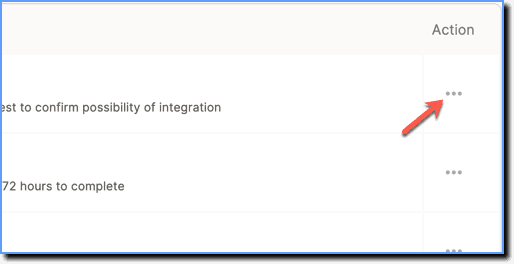
Under Action, click the More icon.
-
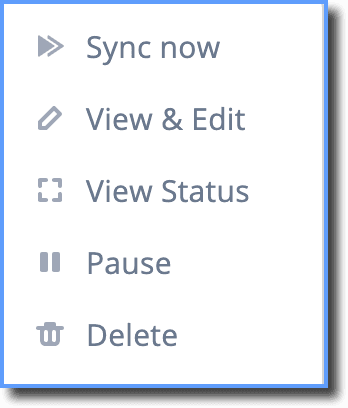
Perform the following actions:
- Sync now: Performs a forced sync.
- View & Edit: Displays repository title, URL, tags associated, and other sync details. Add tags and change the Sync Frequency.
- View Status: Displays the repository integration status pop-up.
- Pause: Pauses content sync. A Resume button appears to continue the sync.
- Delete: Deletes the repository.