Self Help
Add a Flow to Self Help
Whatfix enables you to add a Flow to Self Help.
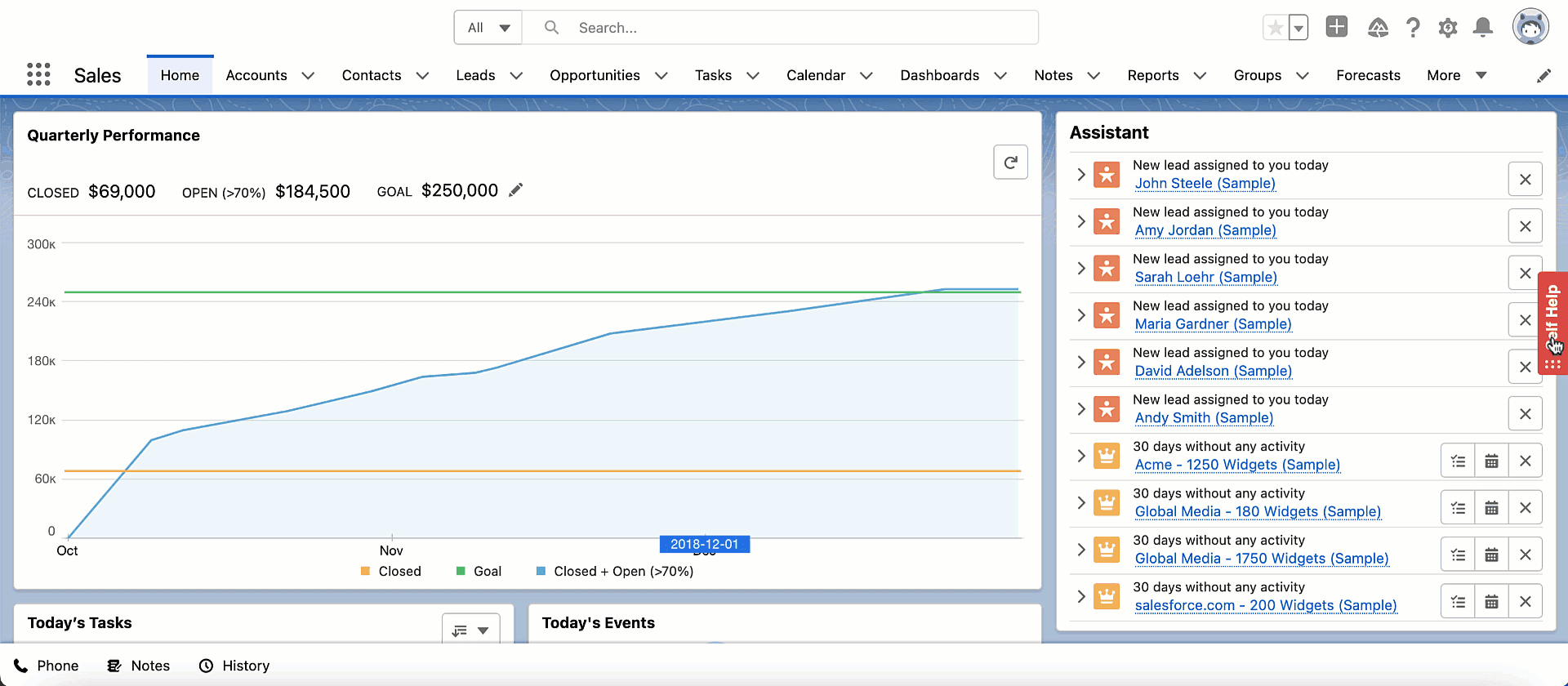
Here's a GIF of how a Flow clicked from Self Help opens in your application.
Use the following steps to add a Flow to Self Help:
-
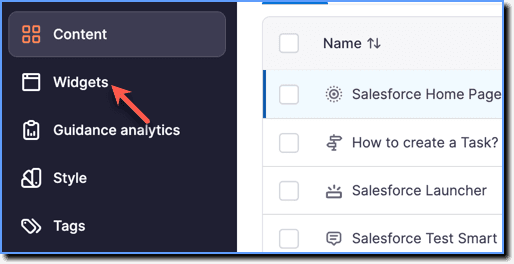
On the Whatfix Guidance dashboard, click Widgets.
-
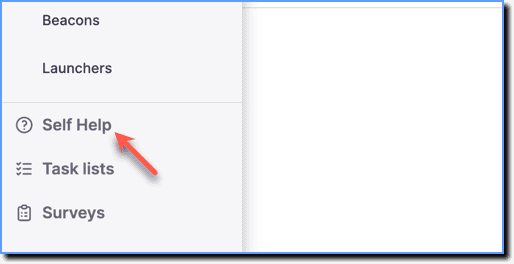
Click Self Help.
-
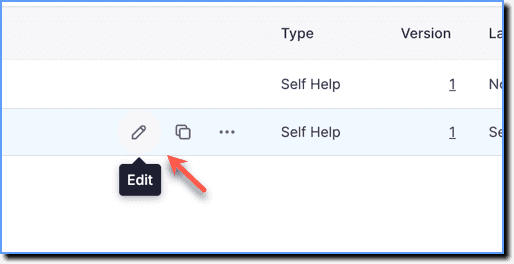
Go to the required Self Help segment and then click the Edit icon.
-
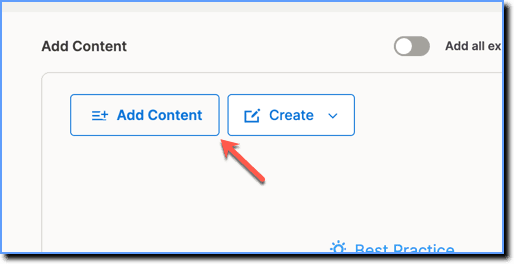
Click Add content.
-
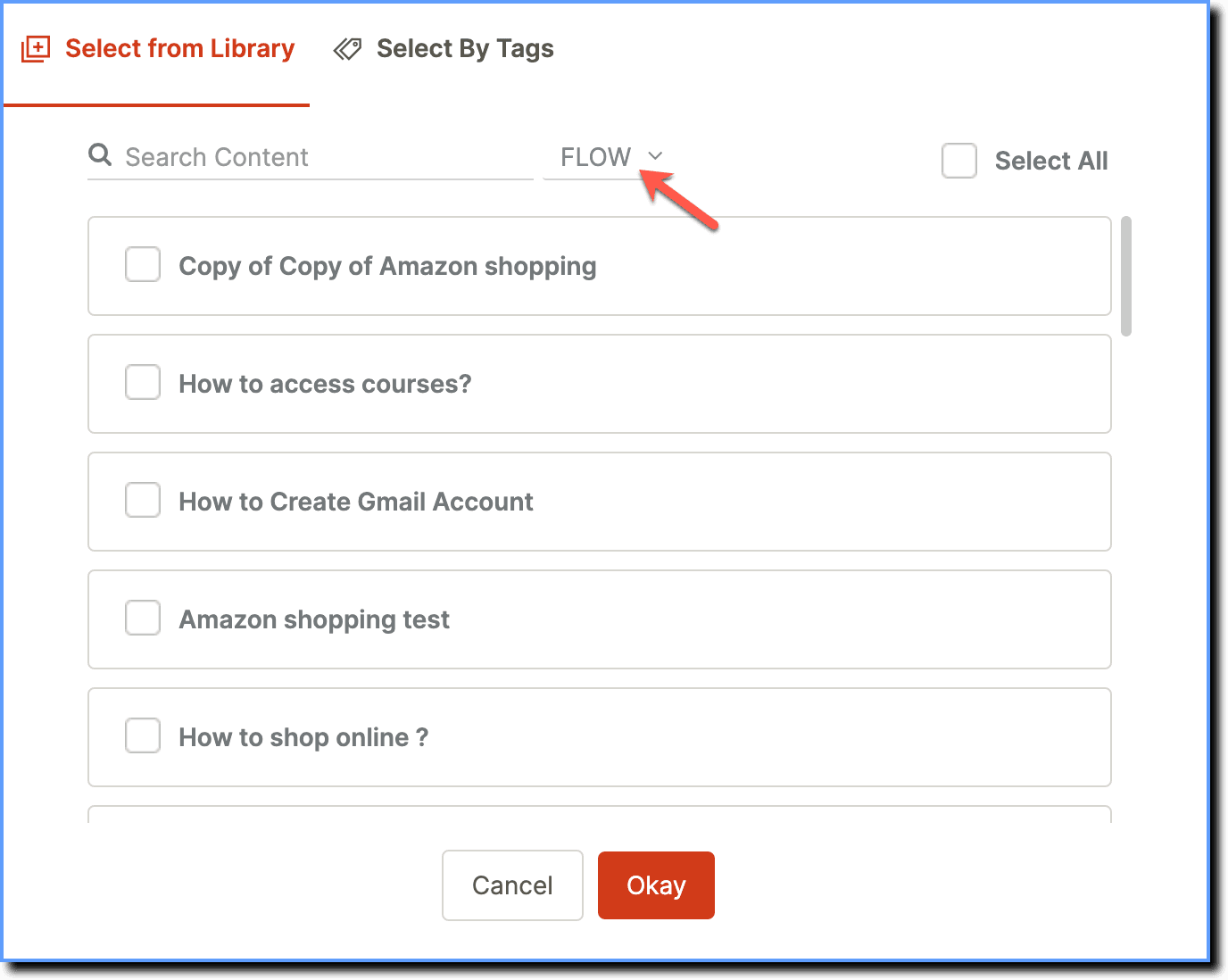
Using the dropdown, set the filter to FLOW.
-
Select the required Flows, and then click Okay.

-
Click Save.