Self Help
Task List Status Filters
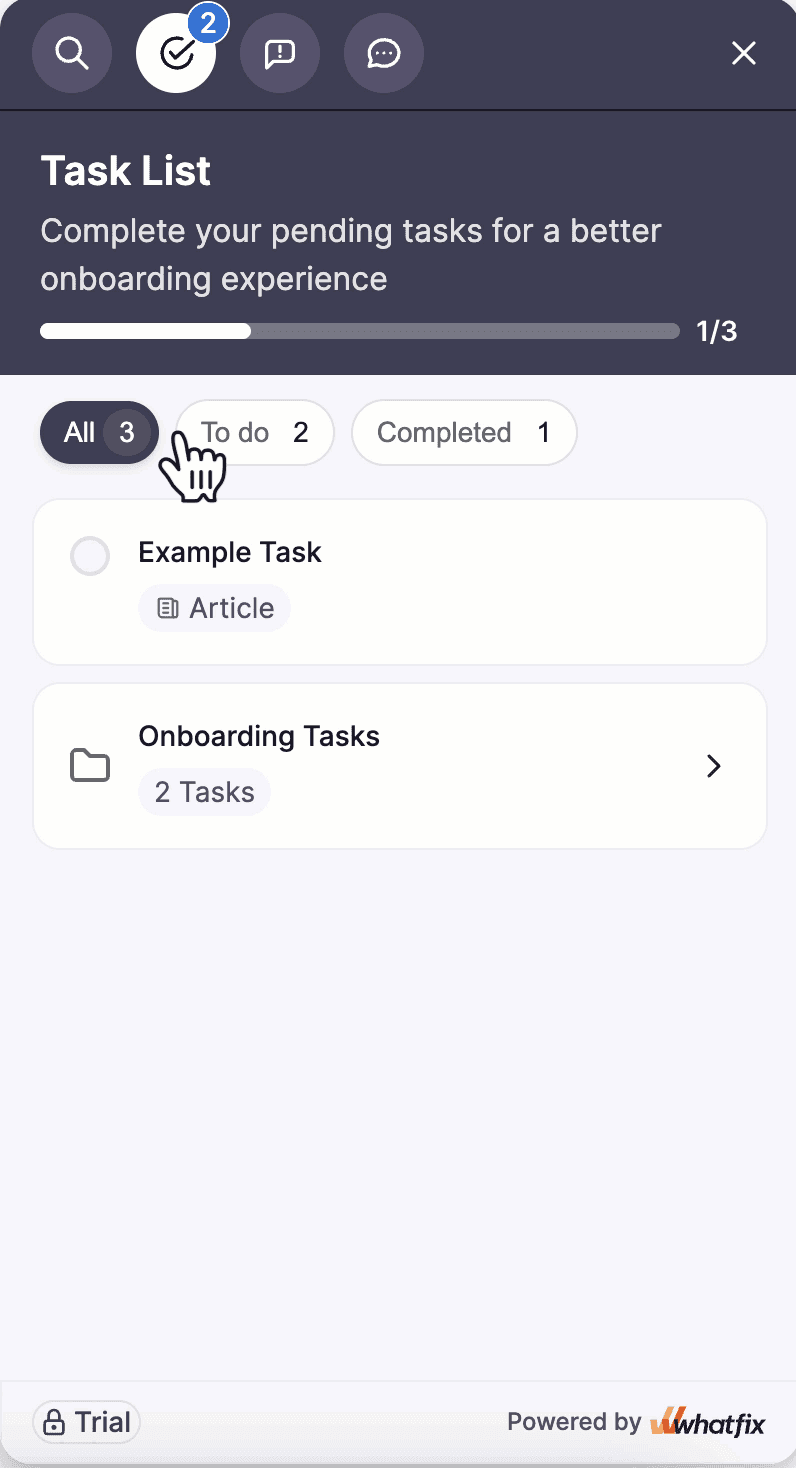
Task List includes three Status Filters: All, To do, and Completed. These Status Filters enable users to view task counts in each state and help track progress across Tasks and Groups (folders). When users complete a task, its status instantly updates, and the task moves between filters. These filters apply to standalone Tasks and Tasks in Groups.
Hub is a Beta feature. To enable this feature for your account, contact support@whatfix.com.
Task List does not support nested Groups.
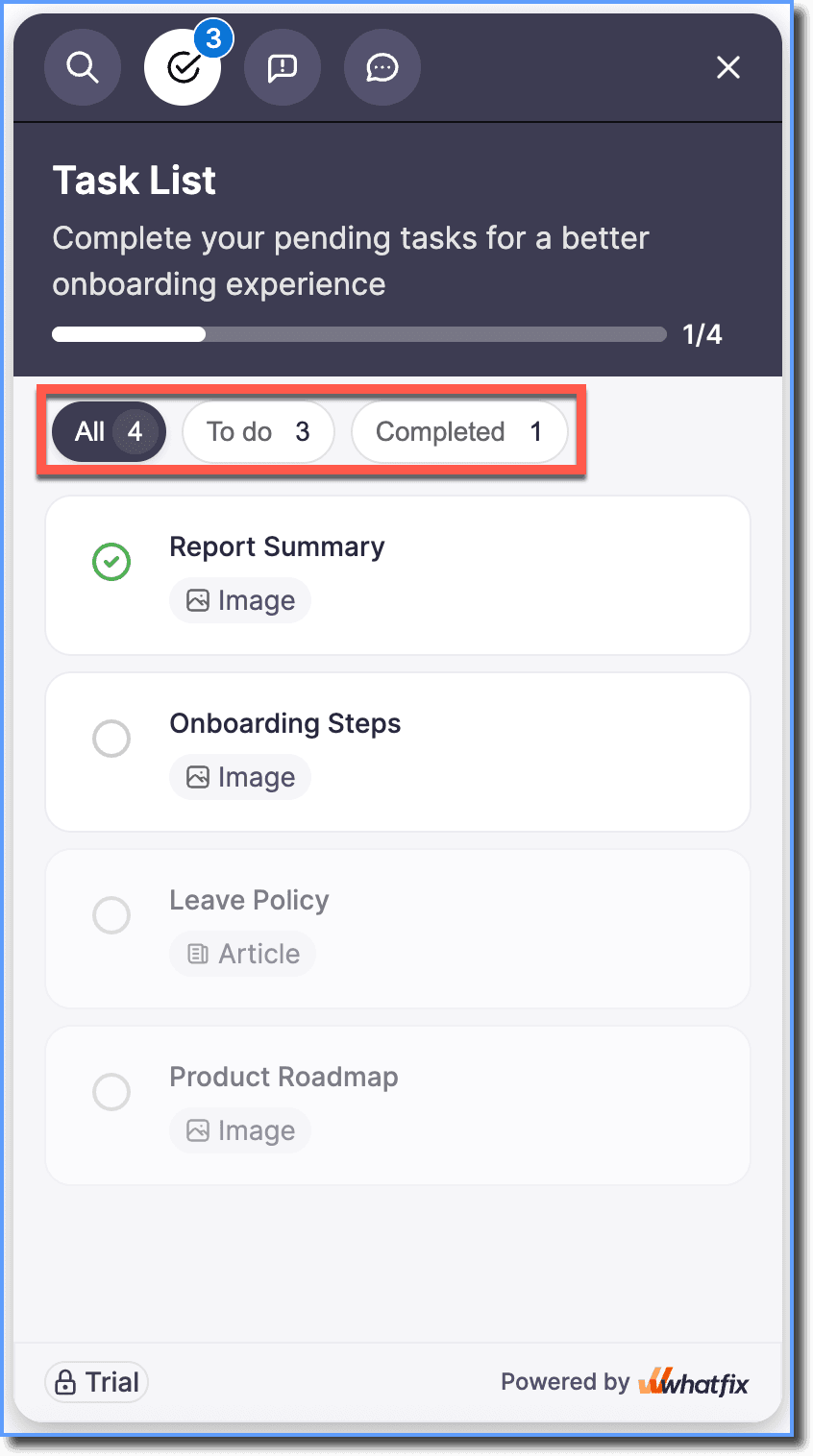
Use the following table to understand the Task List Status Filters:
| User filter Selection | Description | UI |
|---|---|---|
| All | Shows all standalone Tasks and Tasks within Groups assigned to users. | 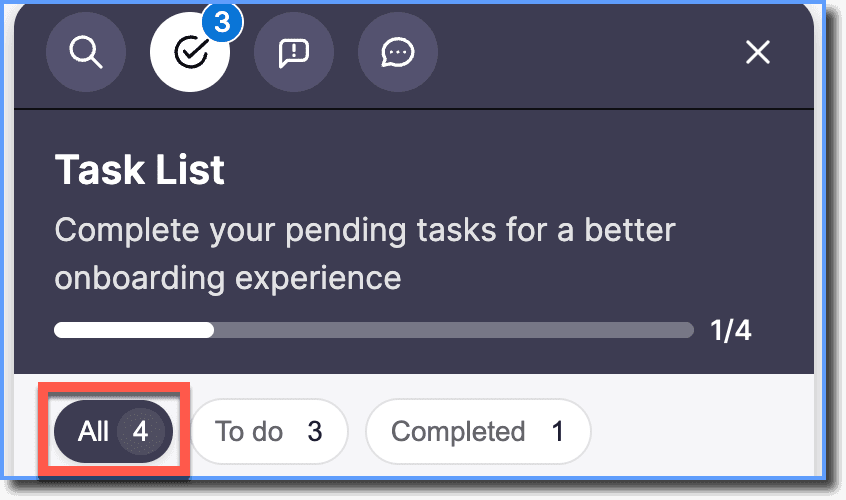 |
| To do | Shows only pending Tasks, including those inside Groups. When Tasks are completed, they disappear instantly from this filter. | 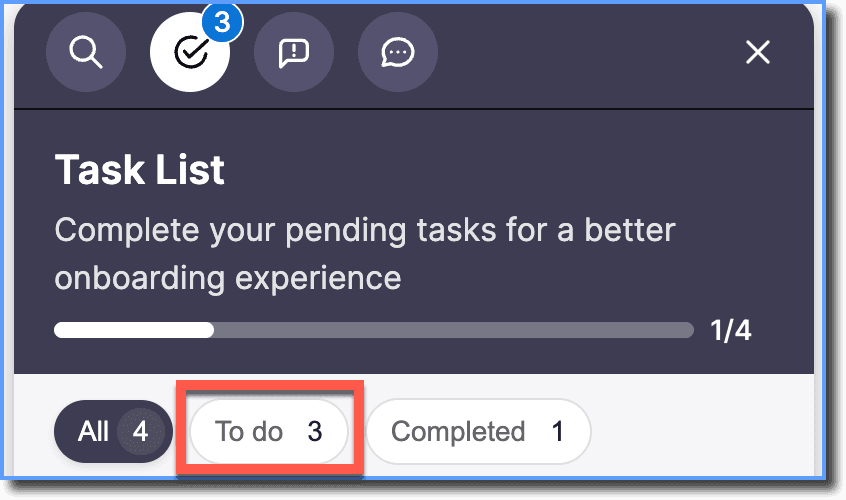 |
| Completed | Shows completed Tasks, including those completed within Groups. | 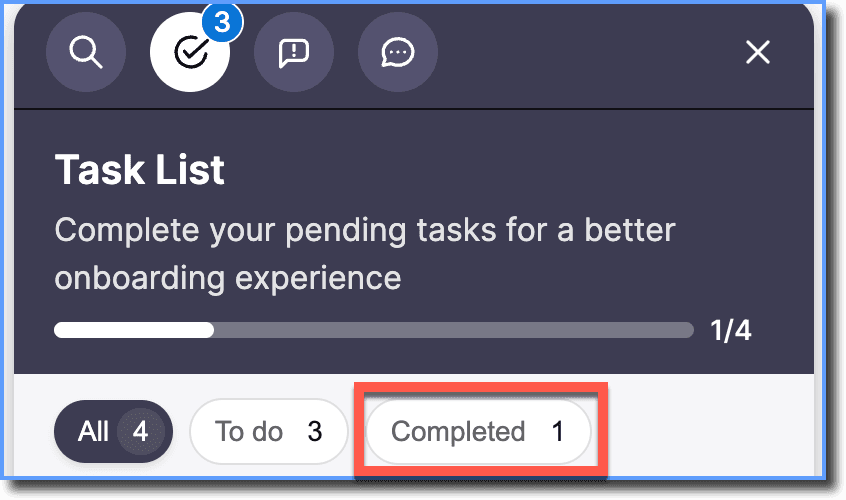 |
Task completion behavior
When users complete a task, the following updates appear in the Task List tab:
- All: A green check mark appears next to the completed task
- To Do: The completed task disappears
- Completed: The completed task appears
Once a task is marked as completed, you cannot unmark it.
When users complete tasks, the following updates appear instantly:
- Updated progress bar with count of completed and total tasks.
- Status of completed tasks in All, To do, and Completed filters.
- Task counts within Groups.
End users do not need to reopen Hub or refresh the application page.
Example: Notification Counts and Task Status Behavior
Consider a Task List shown to users with the following structure:
- **Group (folder): “**Onboarding Tasks”
- Task A
- Task B
- Standalone Task: Task C
Task Completion Walkthrough
The table below shows how the FAB, Task List tab, and Task status updates when the user completes the tasks one by one.
Initial Task States:
All: 3 To do: 3 Completed: 0
| Step | Action | FAB or Tab Count | All | To Do | Completed |
|---|---|---|---|---|---|
| 0 | Task List segment shown to user | 3 | A, B, C | A, B, C | No tasks |
| 1 | User completes Task A (in Group) | 2 | A, B, C | B, C | A |
| 2 | User completes Task C (standalone) | 1 | A, B ,C | B | A, C |
| 3 | User completes Task B (in Group) | 0 | A, B, C | — | A, B, C |
Final Tasks States:
All: 3 To do: 0 Completed: 3