Survey
Translate a Survey
- Survey translation is a Beta feature. To enable this experience, contact support@whatfix.com.
- Auto-translation of Surveys is accessible only under the Premium plan. For more information, see Whatfix Pricing.
Whatfix enables you to auto-translate Whatfix Survey in different languages using Whatfix UI. The experience reduces manual effort on translating content by a translator or using third-party tools and services. It also saves time, improving the translation quality and usability.
Use the following steps to translate Whatfix Survey:
- On the Whatfix Guidance dashboard, click Settings.
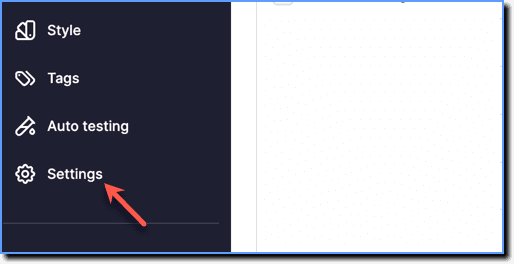
- Click Translations.

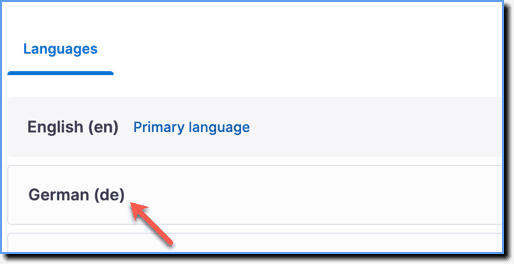
- In the Translations section, select the language.
- From the dropdown, select Surveys.
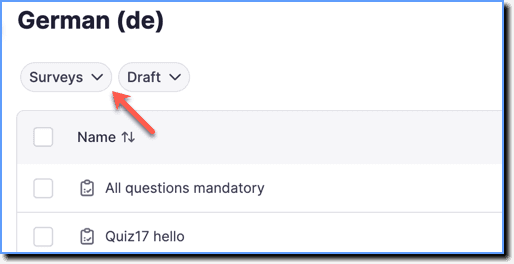
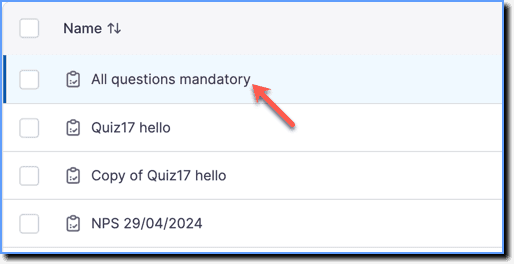
- Click the content that you want to translate.
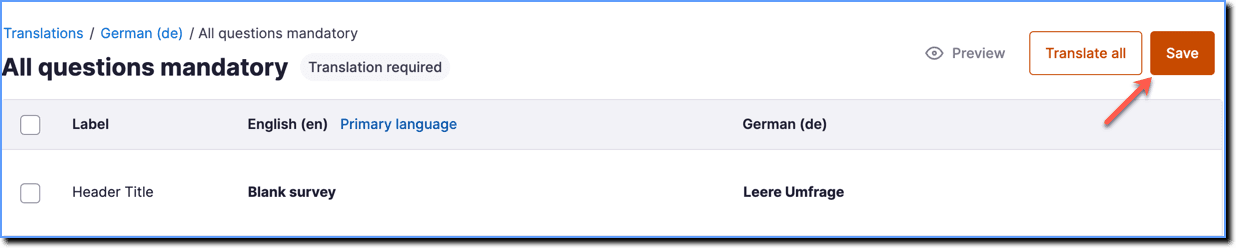
- Click Translate all.
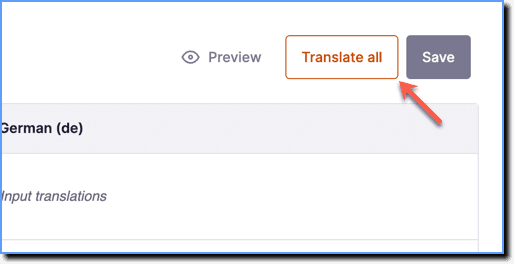
To translate specific labels, select the fields you want to translate, and then click Translate selected. 
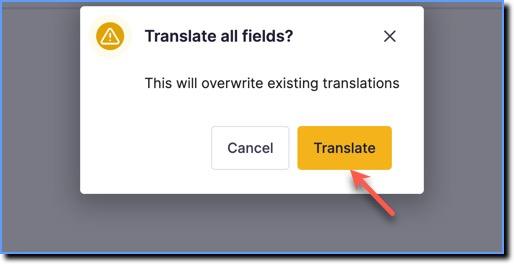
- In the confirmation dialog box, click Translate.
- Verify the translated content.

- Click Save.