Survey
Copy a Survey question
Whatfix enables copying a Survey question to create similar questions in your Survey, without re-creating from scratch. Doing so saves time and effort, enhancing the efficiency of Survey creation.
- Copy a Survey question only in the Draft and Ready stages.
- Create a copy of a question in the same Survey.
Use the following steps to delete a Survey question:
-
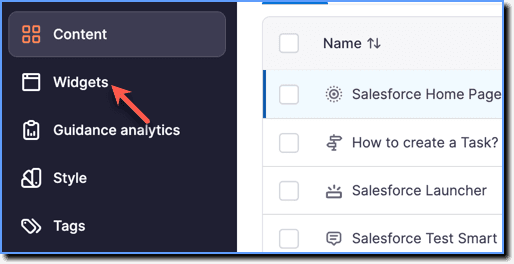
On the Whatfix Guidance dashboard, click Widgets.
-
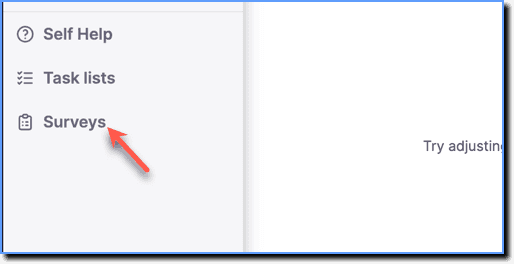
Click Surveys.
-
Hover your cursor over the required Survey, and then click the Edit icon.

-
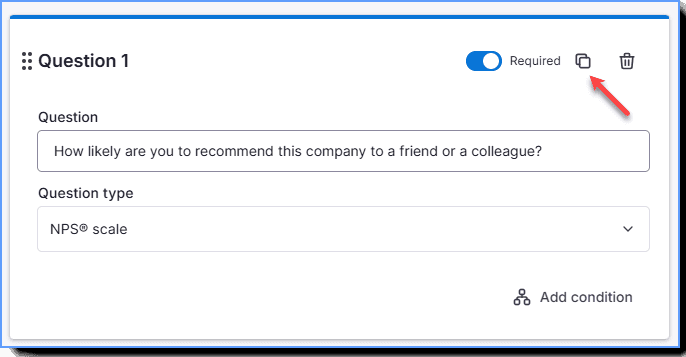
Hover your cursor over the required question and click the Copy icon.