Survey
Edit a Survey
Whatfix enables editing of Surveys on the Dashboard to modify or remove any question and/or make customization changes to the surveys such as background color, survey conditions, and more.
- Edit a Survey only in the Draft and Ready stages.
- As part of the Premium plan, you can edit, delete, add, and reorder questions in Surveys. For more information, see Whatfix Pricing.
Use the following steps to edit a Survey:
-
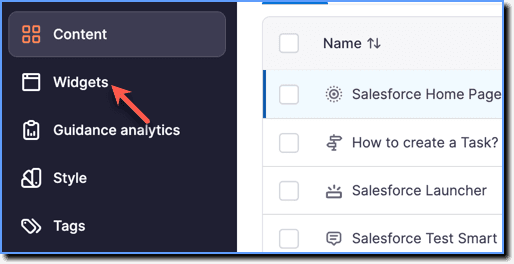
On the Whatfix Guidance dashboard, click Widgets.
-
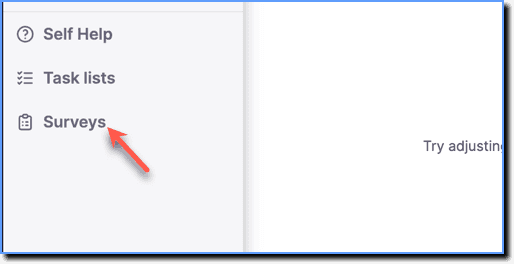
Click Surveys.
-
Hover your cursor over the required Survey, and then click the Edit icon.

-
Make the necessary changes.
- Change the Title and Subtitle of the Survey
- Change the Background and Text color of the Survey
- Edit the Questions
- Edit the Survey branching conditions
- Edit the End Message
- Change the Background and Text color of the Close button
- Change the Settings
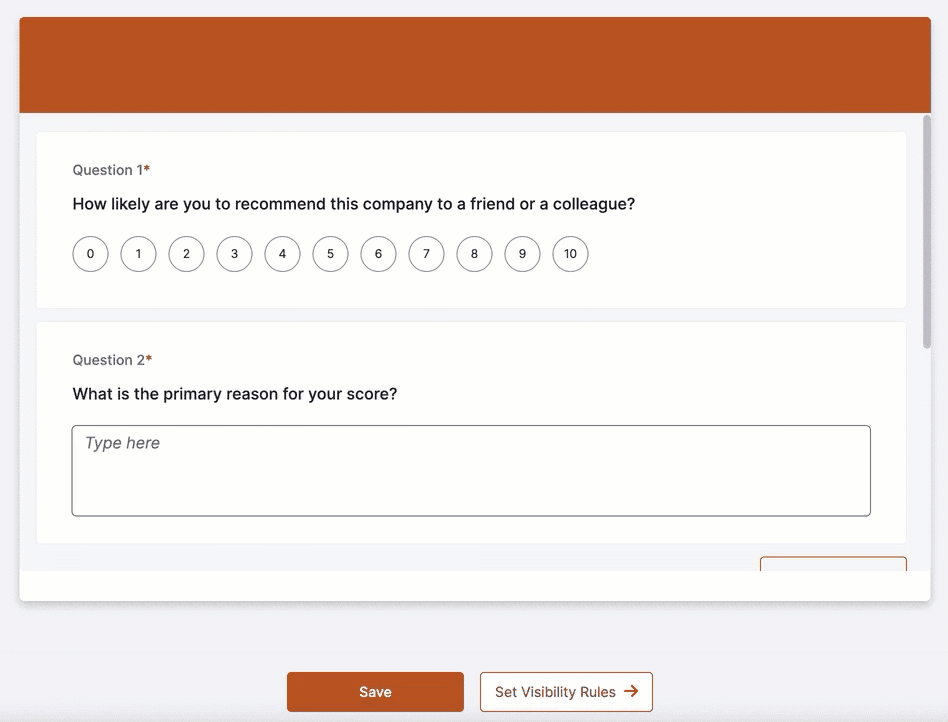
- When you rearrange a question with a condition, it deletes all the associated conditions.
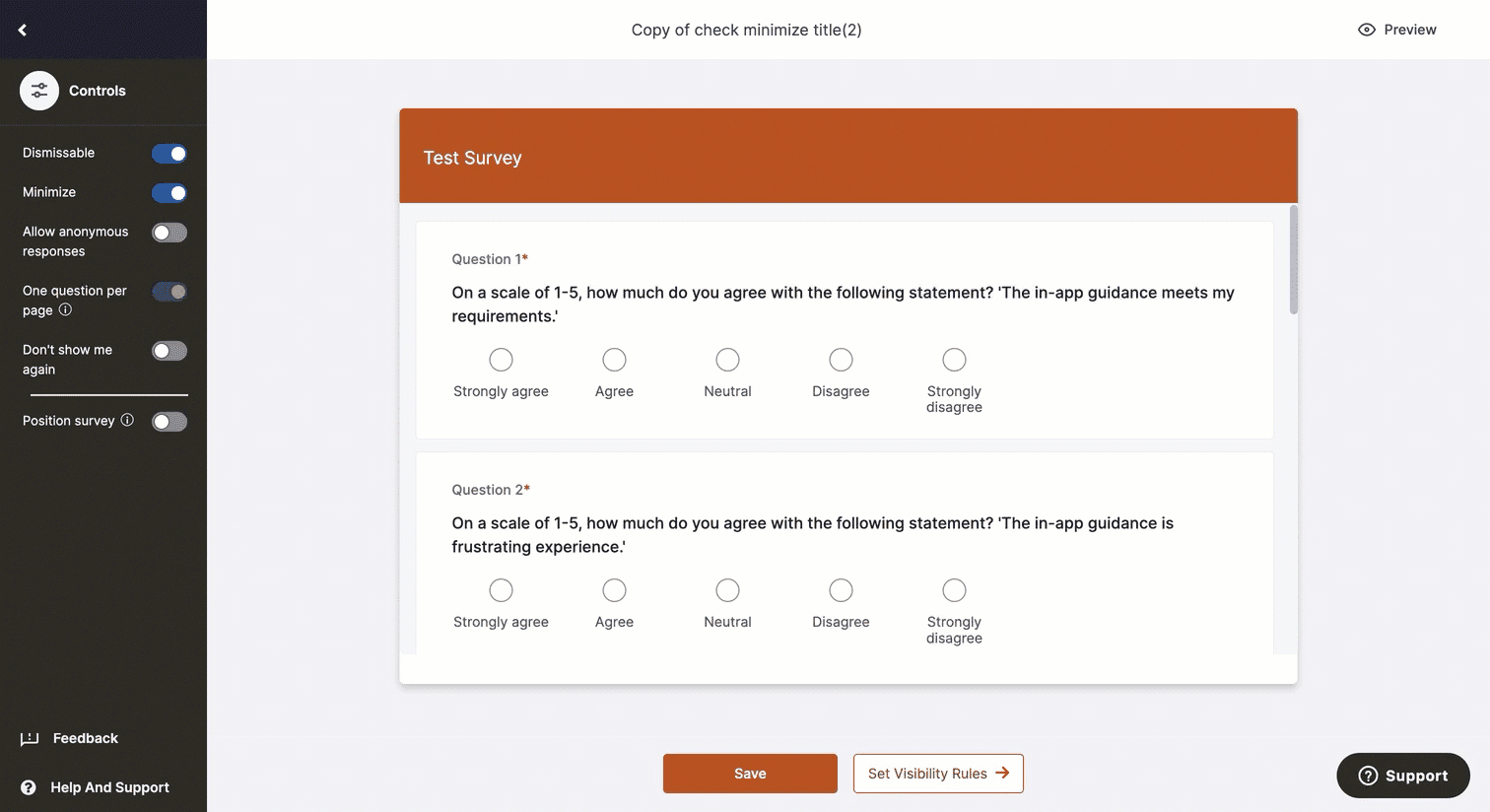
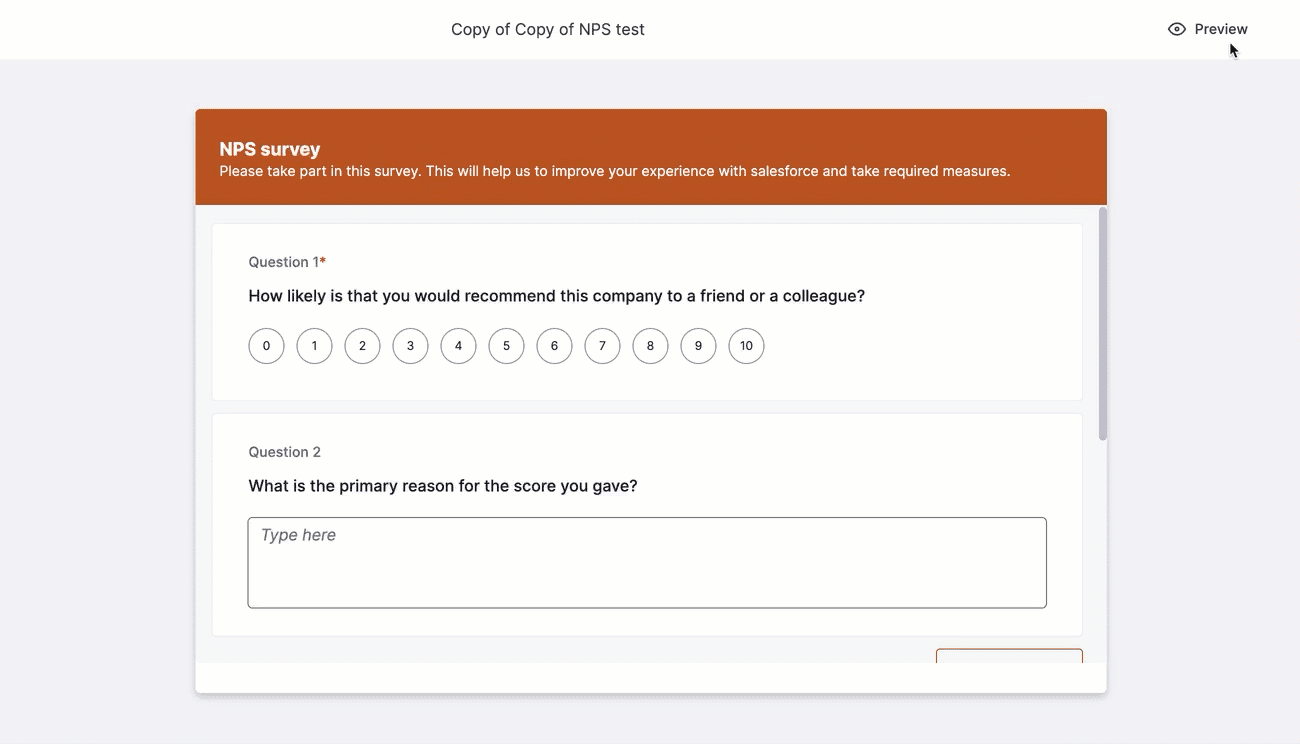
Preview the Survey using the Preview icon.
- Click Save.