Cues
Snooze a Cue
Snooze option in Cues enables end users to temporarily dismiss a Cue and view it again after a selected duration. This helps reduce interruptions while ensuring important guidance is accessible later.
This is an account-level configuration. When you make changes from the Style section, it applies to all the Cue collections.
Perform the following steps to enable snooze:
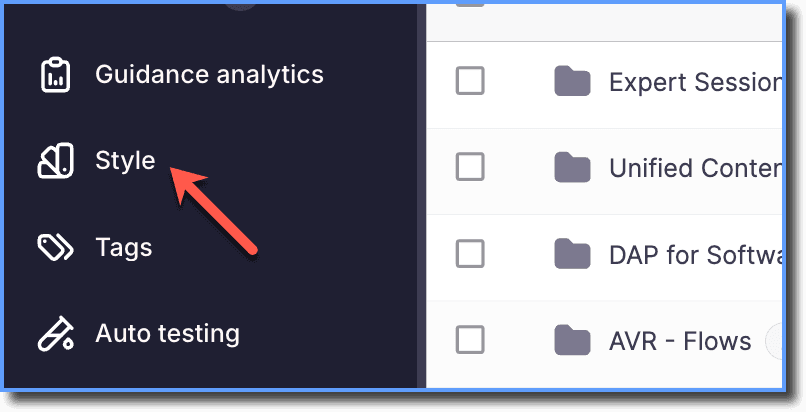
- On the Whatfix Guidance Dashboard, click Style.
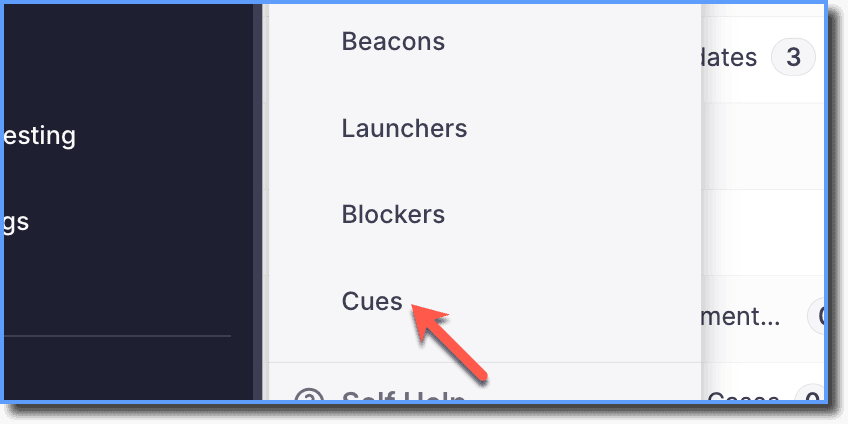
- Click Cues.
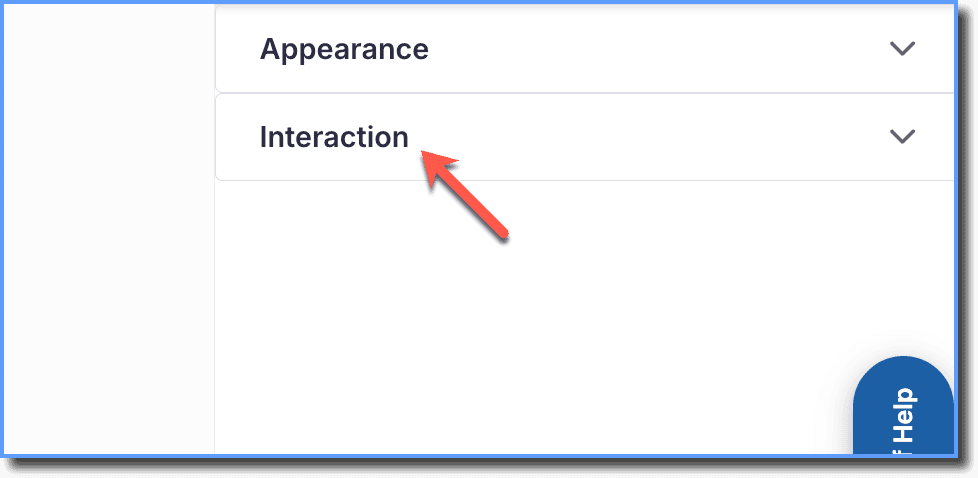
- Click Interaction.
- Enable Allow snooze.
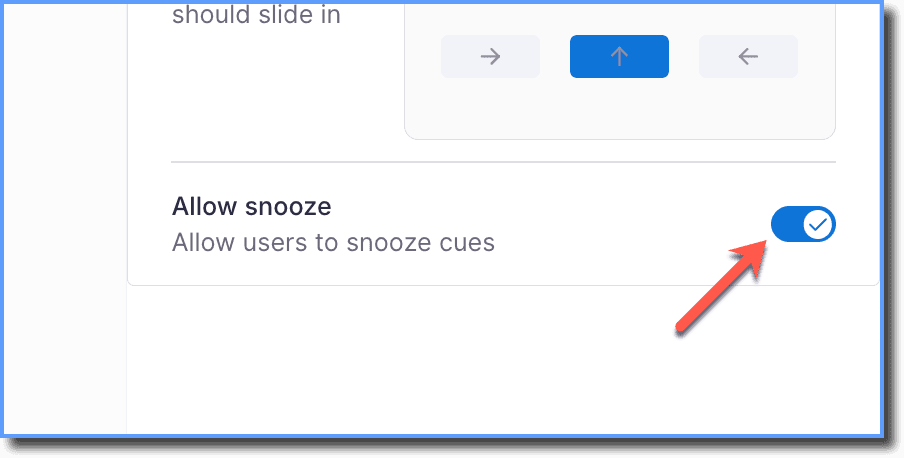
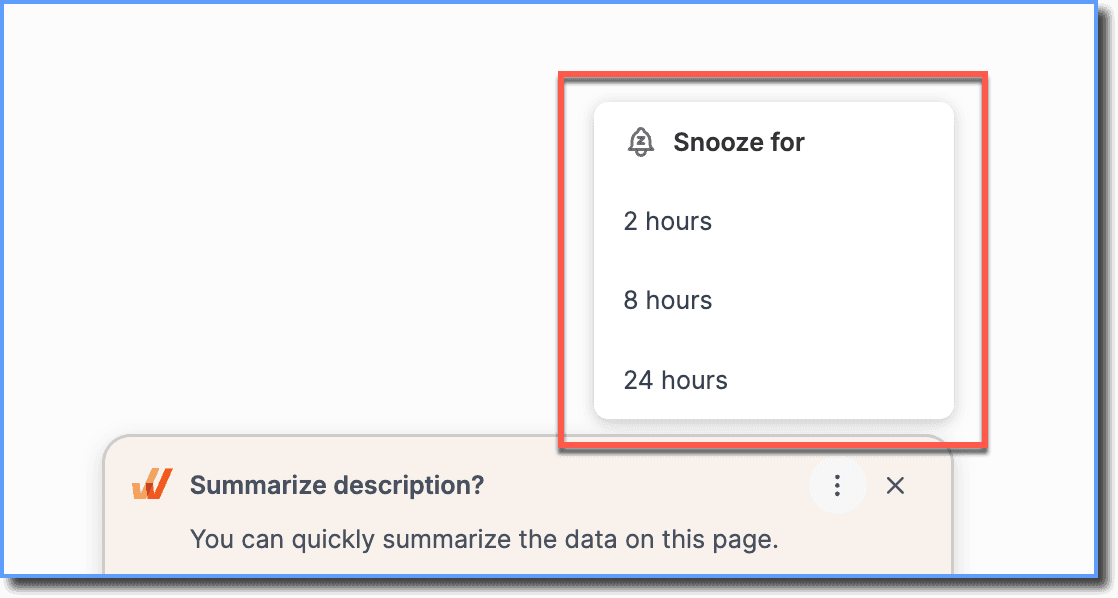
Once snooze is enabled, the following duration options are available for end users:
- 2 hours
- 8 hours
- 24 hours
- Click Save.
For these changes to reflect for your end users, you must publish your edited Cues to Production.