Cues
Enable End-user Feedback in Cues
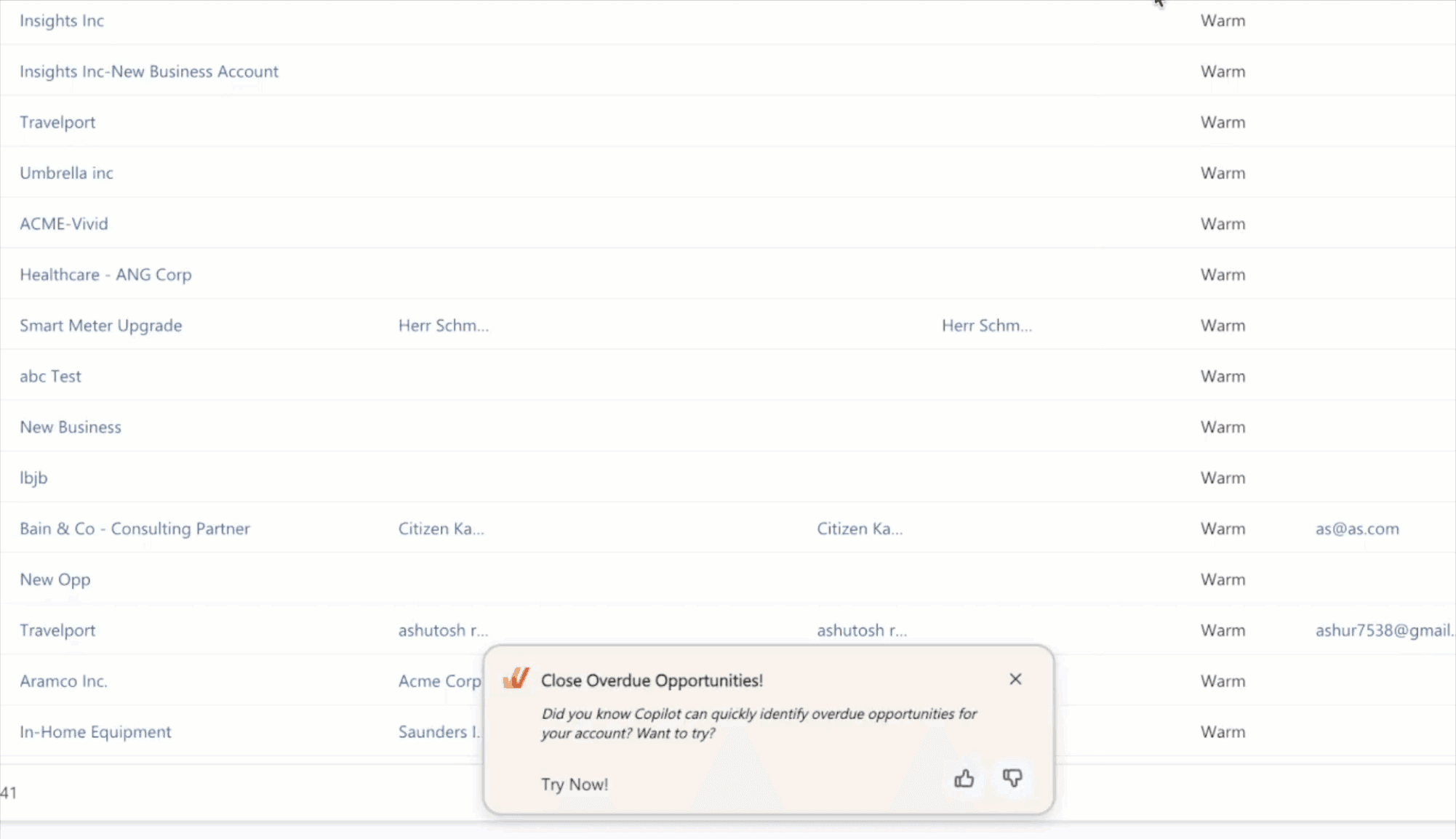
The feedback component in Cues enables your end users to share their thoughts on Cues that appear within their flow of work. This feedback serves as a valuable tool to gauge the usefulness of Cues.
This is an account-level configuration. When you make changes from the Style section, it applies to all the Cues collections.
Here is a GIF of how end-user feedback in Cues appears on an application:
Perform the following steps to enable End-user feedback in Cues:
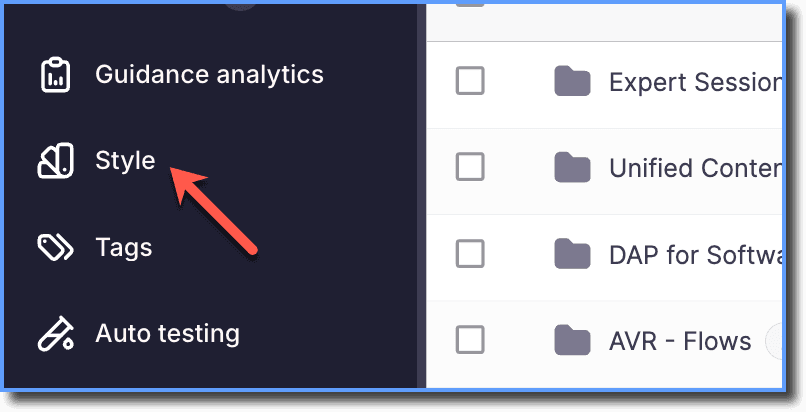
- On the Whatfix Guidance Dashboard, click Style.
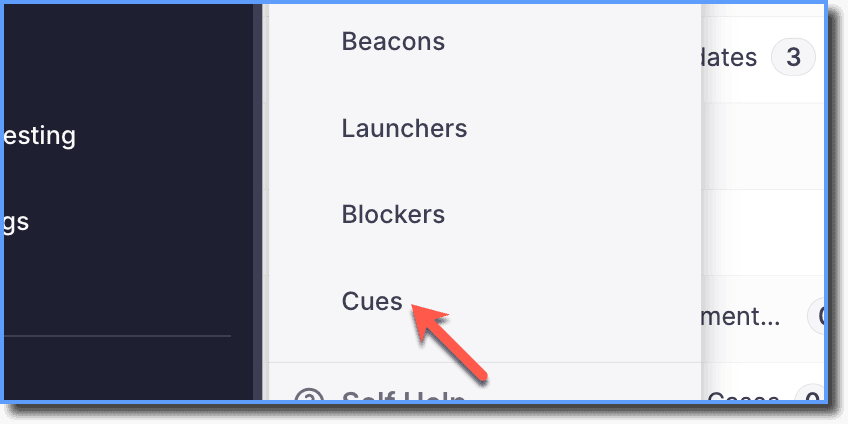
- Click Cues.
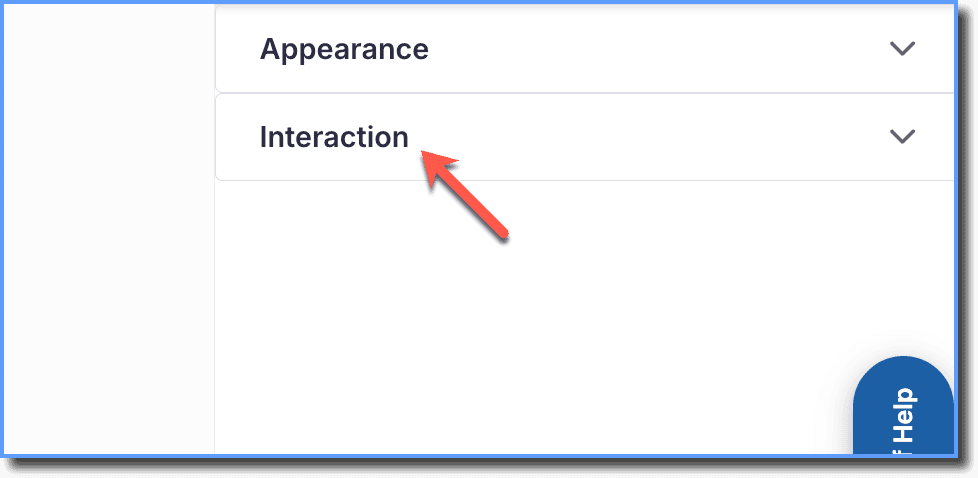
- Click Interaction.
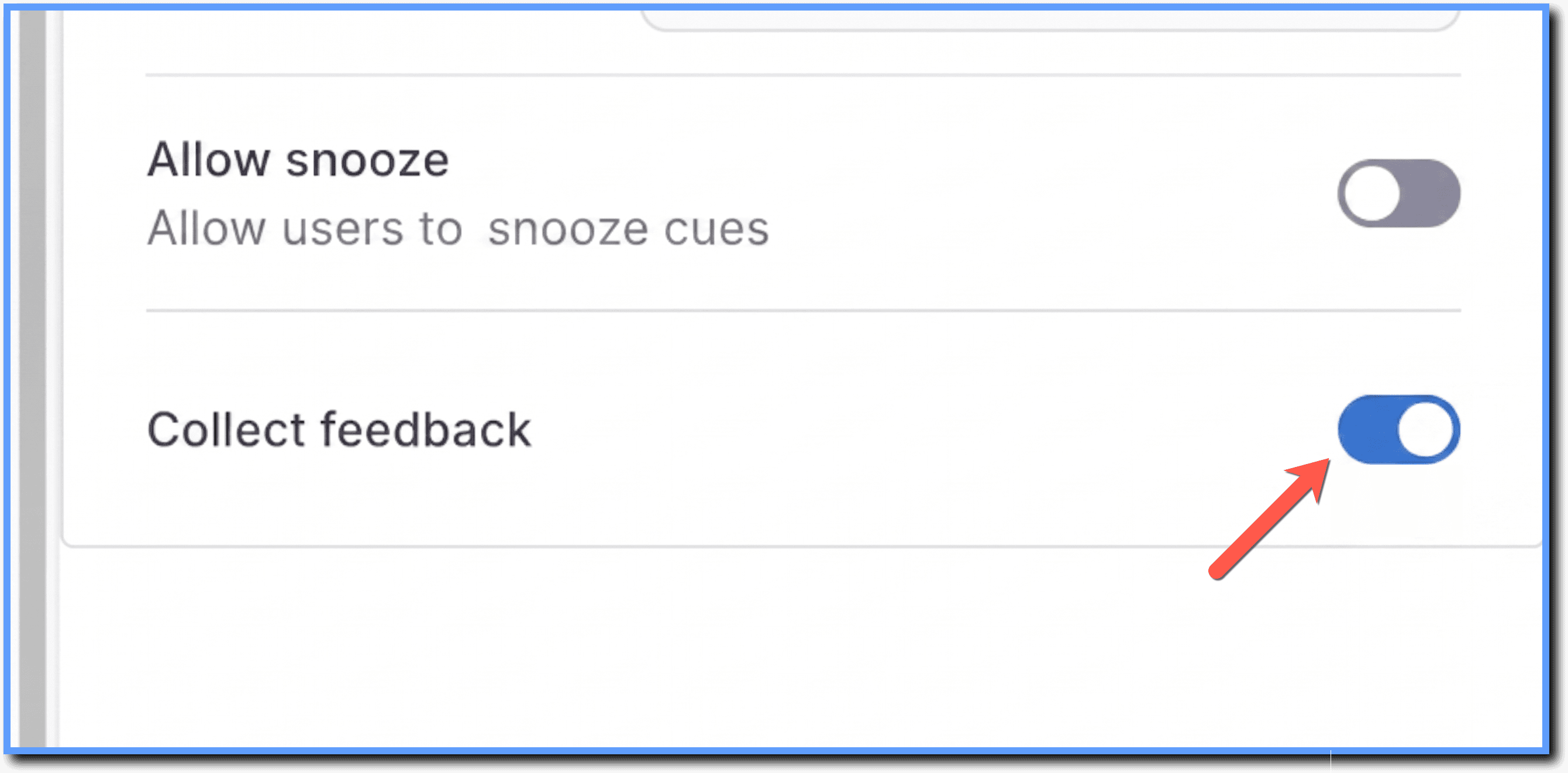
- Enable the Collect feedback toggle.
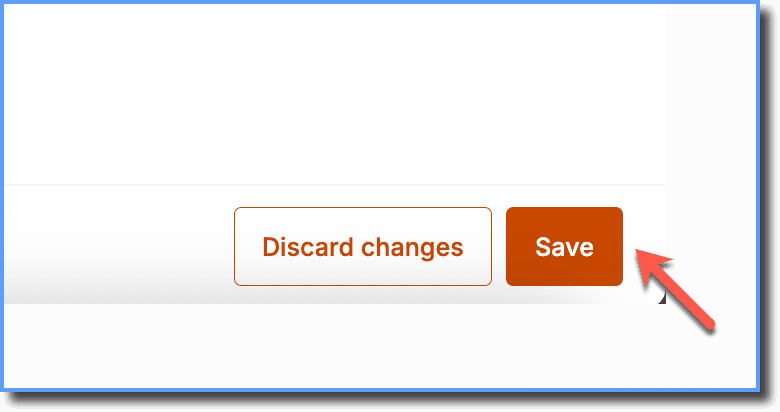
- Click Save.
For these changes to reflect for your end users, you must publish your edited Cues to Production.