Cues
Remove a Cue collection from Production
Whatfix enables you to stop showing Cues that are no longer relevant for your end users by moving the Cue collection from the Production stage to the Draft Stage.
Note:
Only an Account Manager can perform the following task. For more information about available roles, see Whatfix User Roles.
Use the following steps to unpublish a Cue collection:
- On the Whatfix Guidance dashboard, click Content.
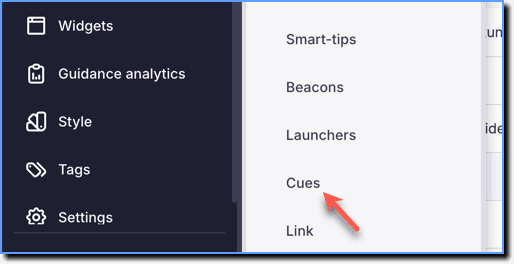
 2. Click Cues.
- Click Production.
 2. Select the Cue collection that you want to unpublish using the checkbox.
 3. Click Unpublish.
 4. In the confirmation dialog box, click Unpublish.
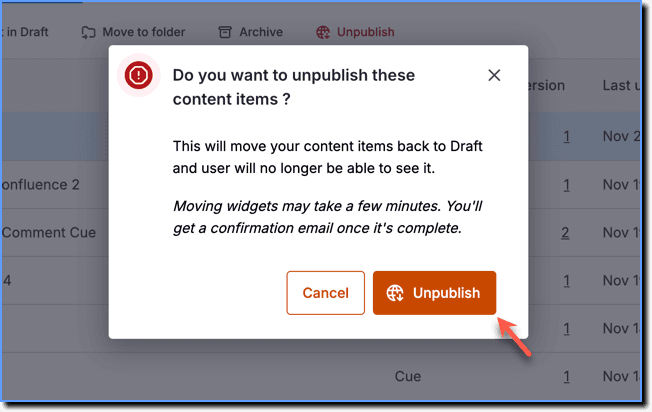
- When the process is complete, you receive a notification email.
- Whatfix also enables you to edit a Cue collection, while a version of it is in Production. For more information, see Edit Whatfix content or widget in Production stage.
Cues are contextual, just-in-time nudges that appear within your end users’ flow of work to guide them toward helpful next steps.