Debugging
Debug Pop-up issues
Whatfix provides debug logs for your Pop-ups.
The following scenarios may need you to debug Pop-up issues:
Use the following steps to get the Pop-up debug logs:
- Go to the page in your application where you are facing Pop-up issues.
- Open your browser's Developer Tools.

- Go to the Console tab.
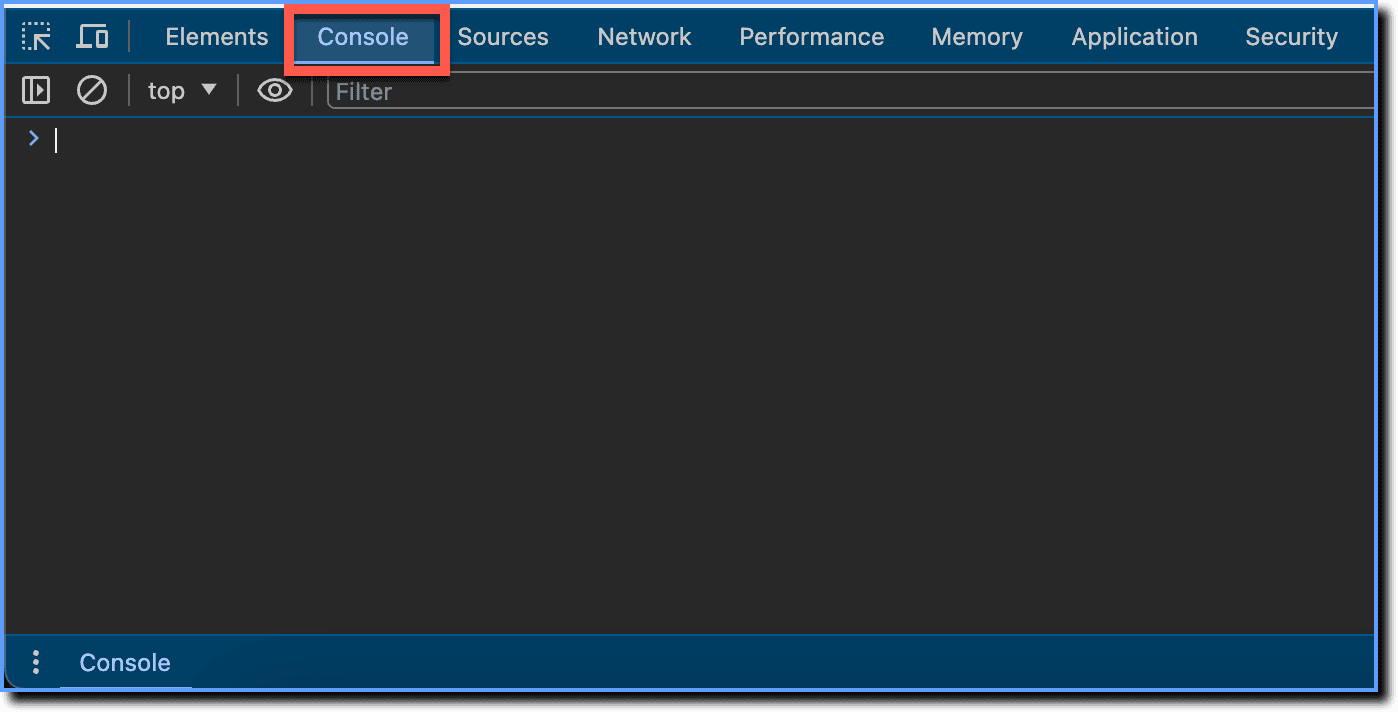
- Type _wfx_settings.debug_mode=true; and press Enter.

Info:
Here, you are setting the _wfx_settings.debug_mode variable to a true value, which instructs Whatfix to provide debug logs for Whatfix widgets whenever they load on a page.
- Type _wfx_refresh(); and press Enter.

Info:
The _wfx_refresh(); command reloads all Whatfix content and widgets that are supposed to load on the page.
- Click Popup to expand its output.
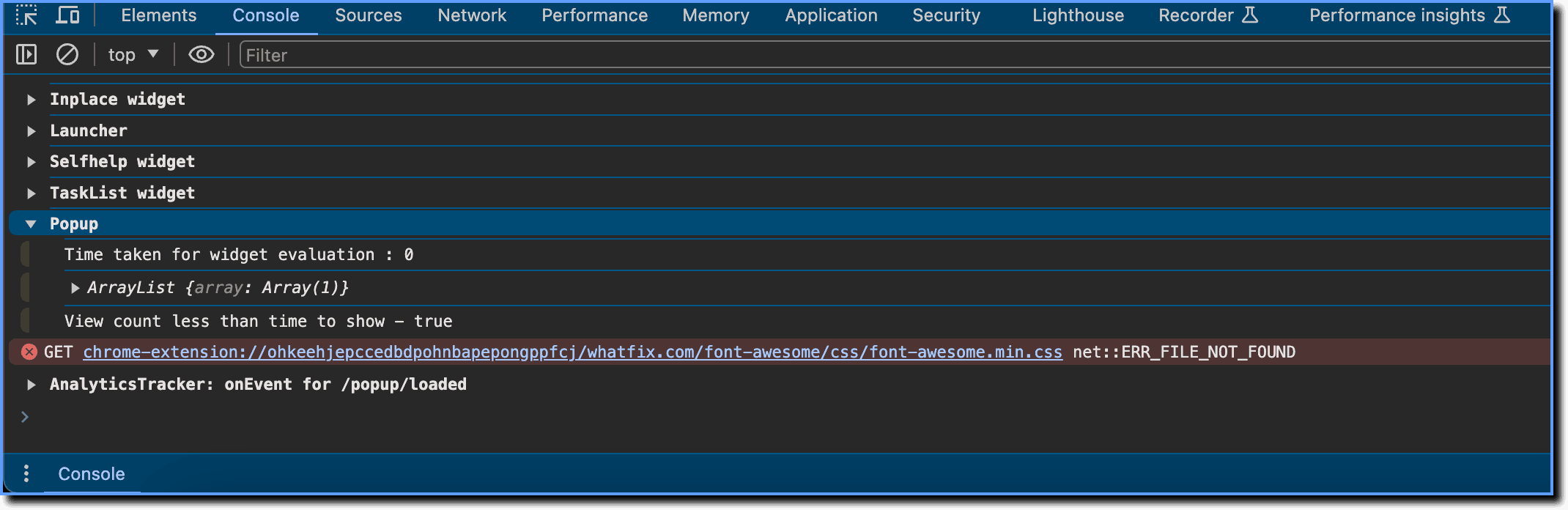
The ArrayList object contains all the Pop-ups evaluated on that page. Expand each index (0, 1, 2, etc.) to see the details of each Pop-up. 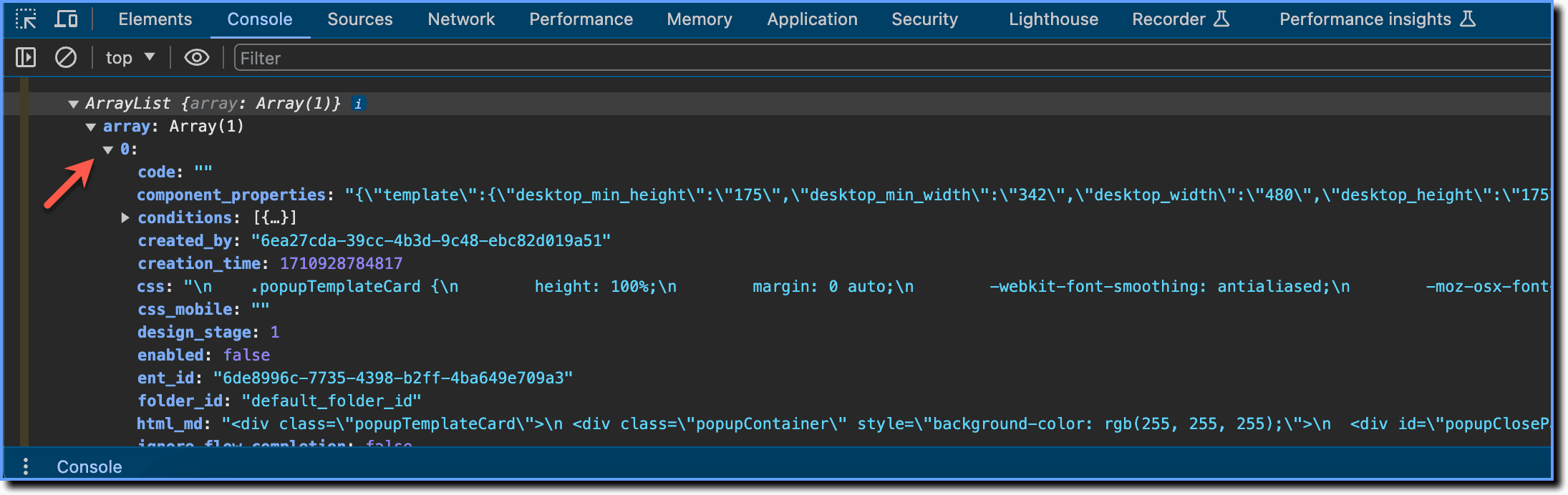
The following are some fields that help you identify problems with your Pop-up:
- name: The name of the Pop-up.
- times_to_show: The number of times your Pop-up is set to show.
- popup_view_count: The number of times you have viewed the Pop-up.
- conditions: The Visibility Rules configured for your Pop-up to show.
Note:
If your Pop-up wasn't configured to show on the page you are on, it will not be part of the debug logs.