Debugging
Verify URL Visibility Rules
Whatfix enables you to use various URL properties as Visibility Rules. Your browser’s Developer Tools enables you to get the value of each URL property.
Use the following steps to find the value of various URL properties in a browser:
- Open the page whose URL properties you want to find out.
- Open your browser’s Developer Tools.
 3. Go to the Console tab.
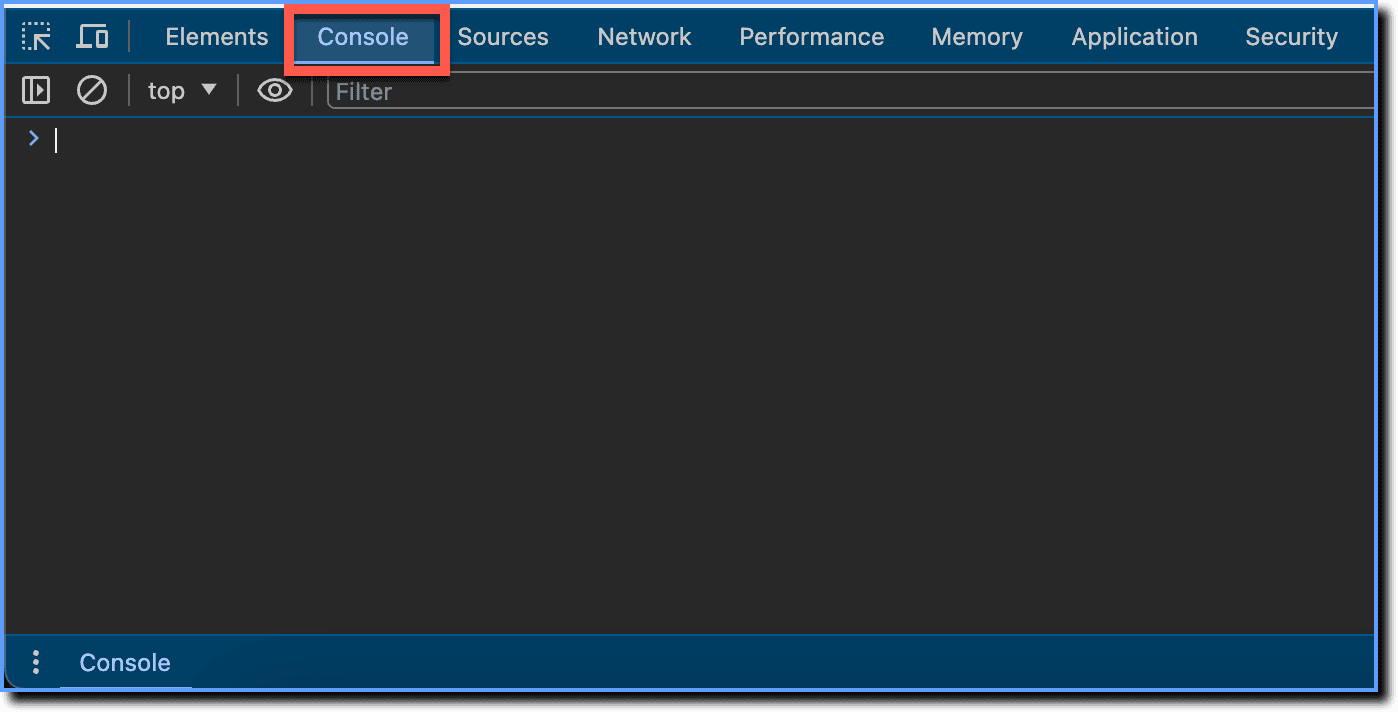
The following table shows the commands to get each URL property. Type the command in the Console and then press Enter to get the URL property.
| URL Property | Console Command |
|---|---|
| URL | location.href |
| URL Hostname | location.hostname |
| URL Path | location.pathname |
| URL Hash | location.hash |