Debugging
Get tags loaded on a page
Use Whatfix's debug logs to find out which Whatfix tags are being loaded on a page in your application.
The following scenarios may need you to find out which tags load on your page:
- Content not showing up in Self Help
- Static content does not show up in Self Help
- Content not showing up in Task List
- Content not appearing in Self Help when searching
- Repository content does not show in Self Help
Use the following steps to get the debug logs:
- Go to the page in your application where you want to get the loaded tags.
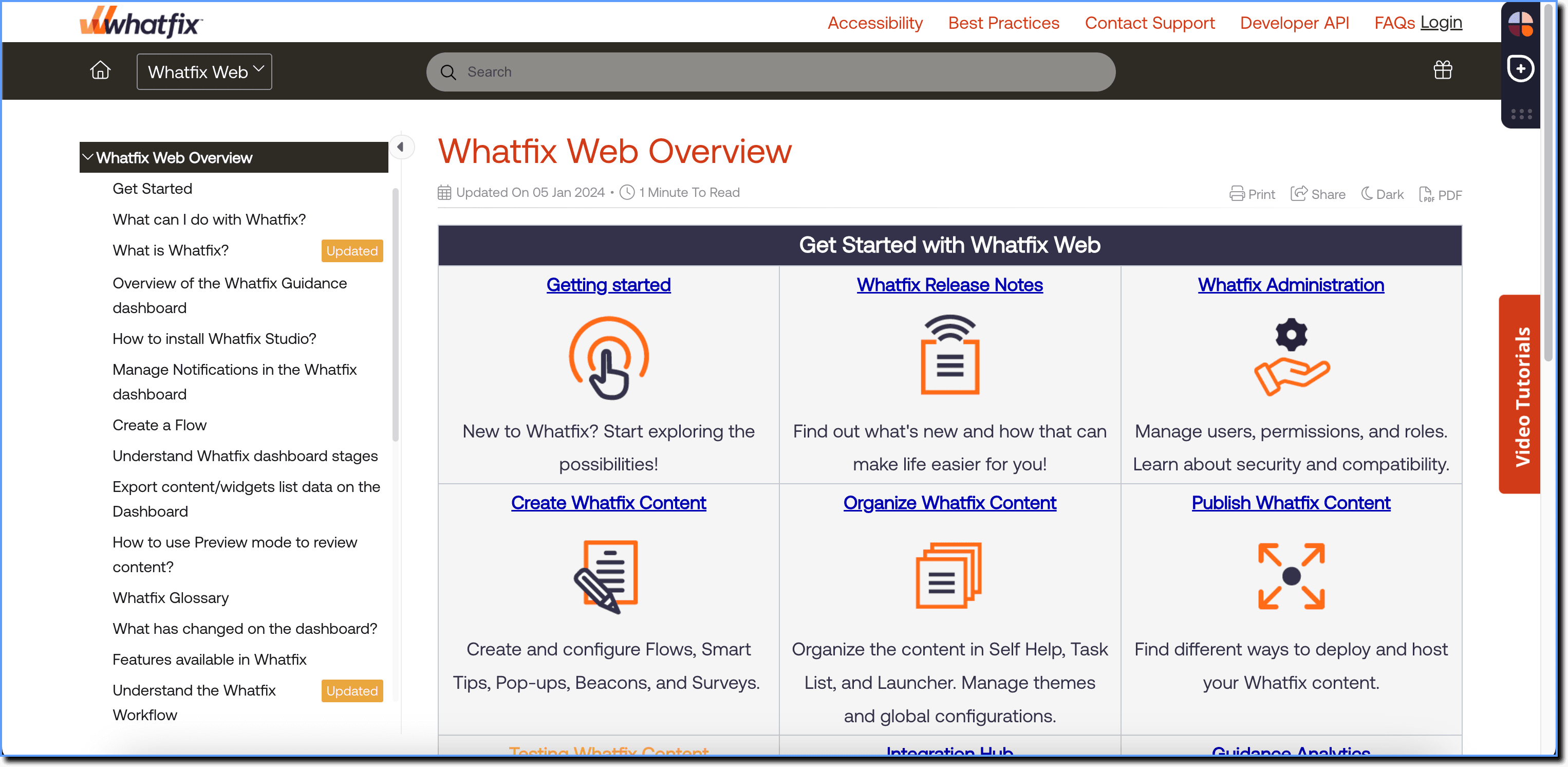
- Open your browser's Developer Tools.
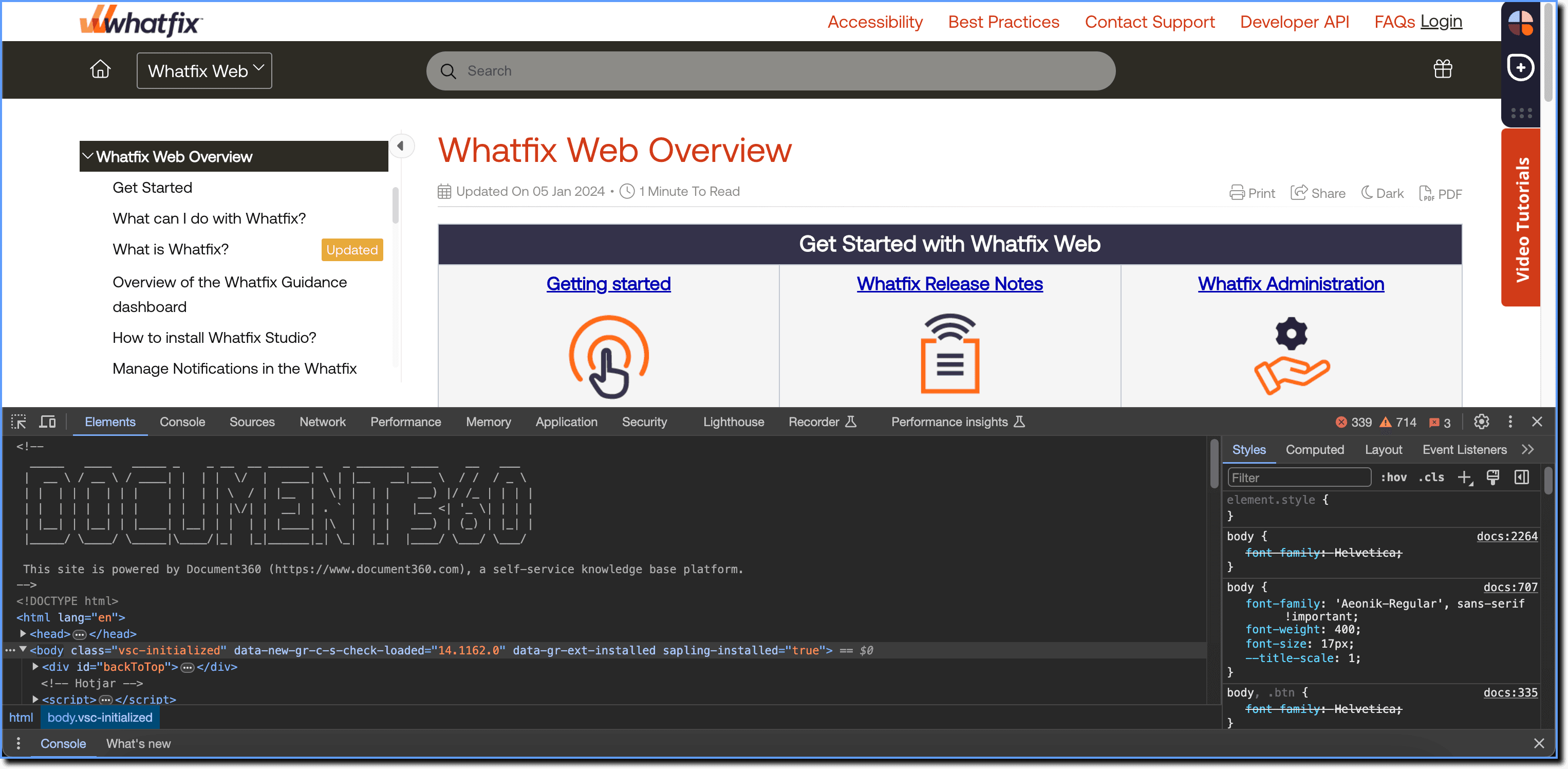
- Go to the Console tab.
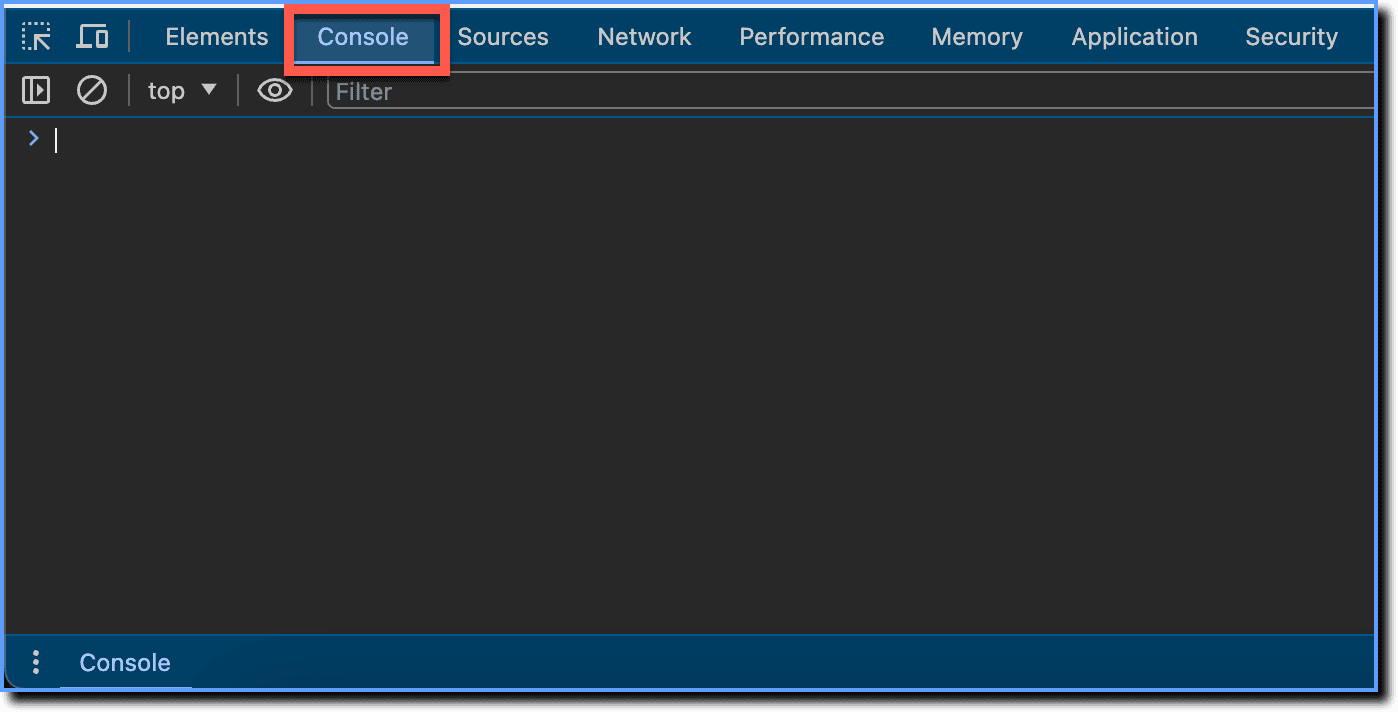
- Type _wfx_settings.debug_mode=true; and press Enter.

Info:
Here, you are setting the _wfx_settings.debug_mode variable to a true value, which instructs Whatfix to provide debug logs for Whatfix widgets whenever they load on a page.
- Type _wfx_refresh(); and press Enter.

Info:
The _wfx_refresh(); command reloads all Whatfix content and widgets that are supposed to load on the page.
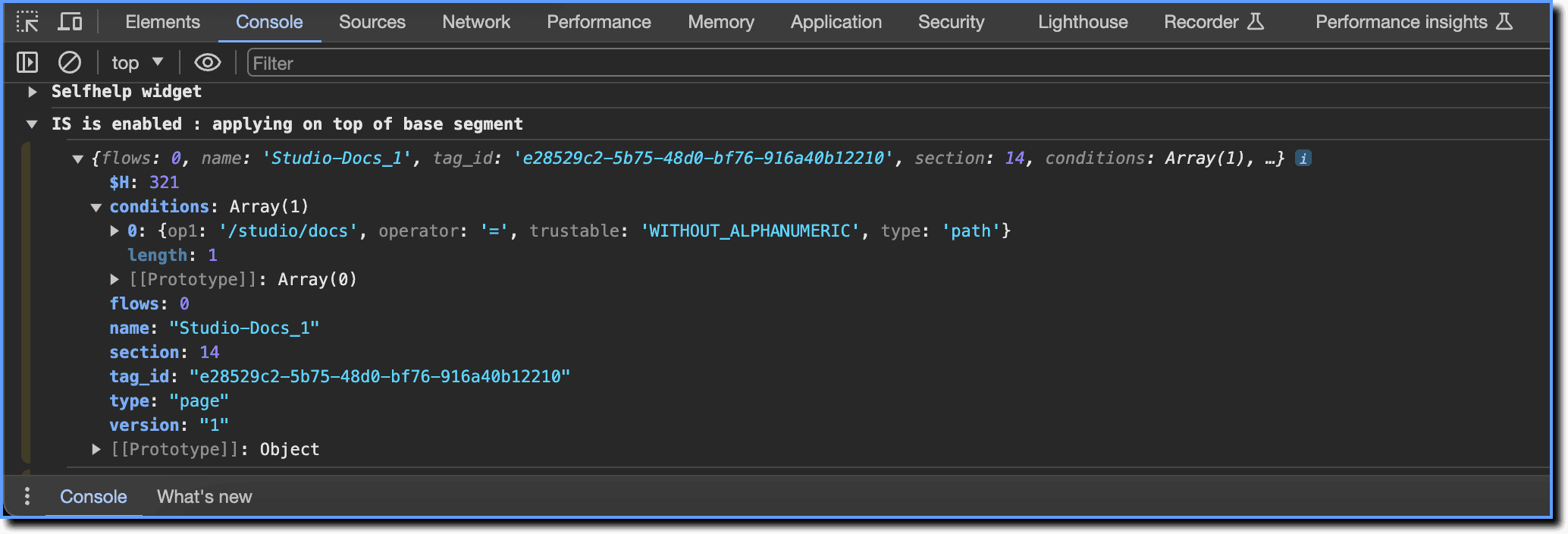
After getting the debug logs, click IS is enabled : applying on top of base segment to expand its output. 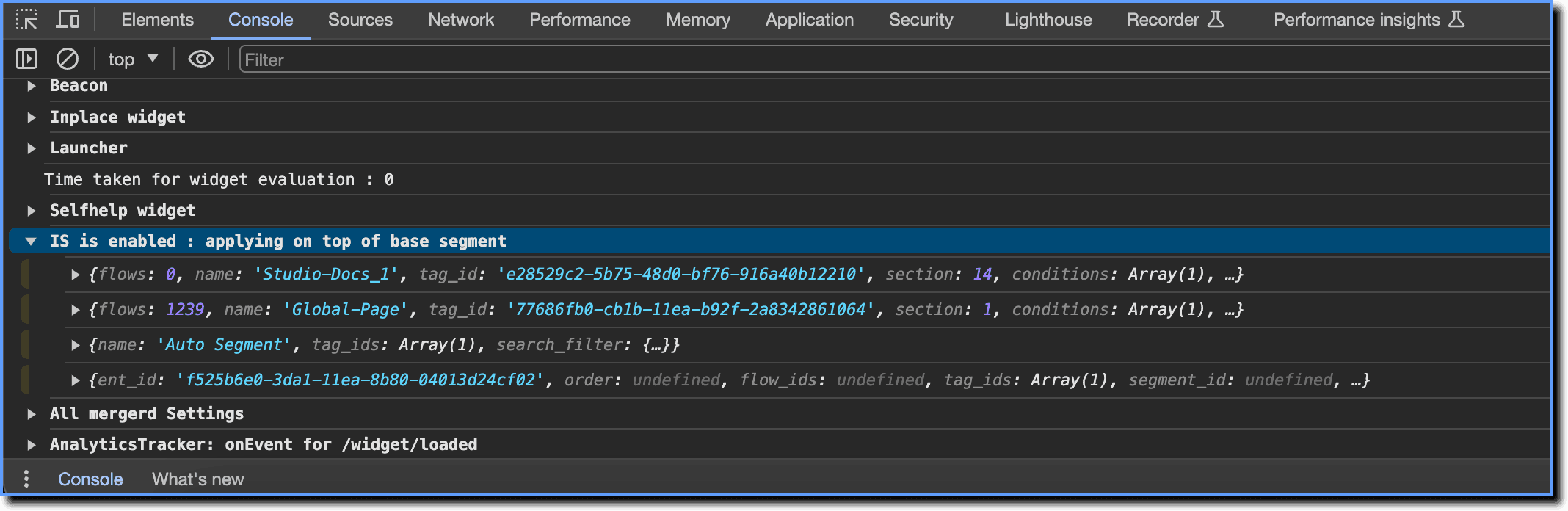
Inside, you can find objects containing the names of the tags evaluated on that particular page. 
Each object contains the following information:
- conditions: The conditions required for that tag to load.
- flows: The count of content this tag is attached to.
- name: The name of the tag.
- type: The type of the tag, that is, Page, Role, or Other tag.