Pop-up
Unable to preview Pop-up
Issue
You are unable to view a Pop-up using the Preview mode.
Probable Causes
The Pop-up might not be displayed due to any of the following reasons:
- The Pop-up you wish to preview is present in the Draft stage.
For more information about Dashboard stages, see Understanding Whatfix stages.
- If the Pop-up's occurrence count has been exhausted. For example, if the occurrence count has been set to 2 and you have already previewed the Pop-up twice.

For more information, see Do Widget occurrences get exhausted if you preview them?
- The Preview extension is not installed.
If your account relies on Advanced Customization (AC) code for certain features, those specific capabilities aren't visible in Preview Mode using Whatfix Studio. For example, if the Styles section, Window Variables, or Role Tags are configured using AC code, Preview Mode does not display these changes. The Preview extension is required to view AC code changes or any content affected by them. For more information, see Use Preview extension to test Whatfix Content.
Suggested Solutions
Use the following methods to preview a Pop-up:
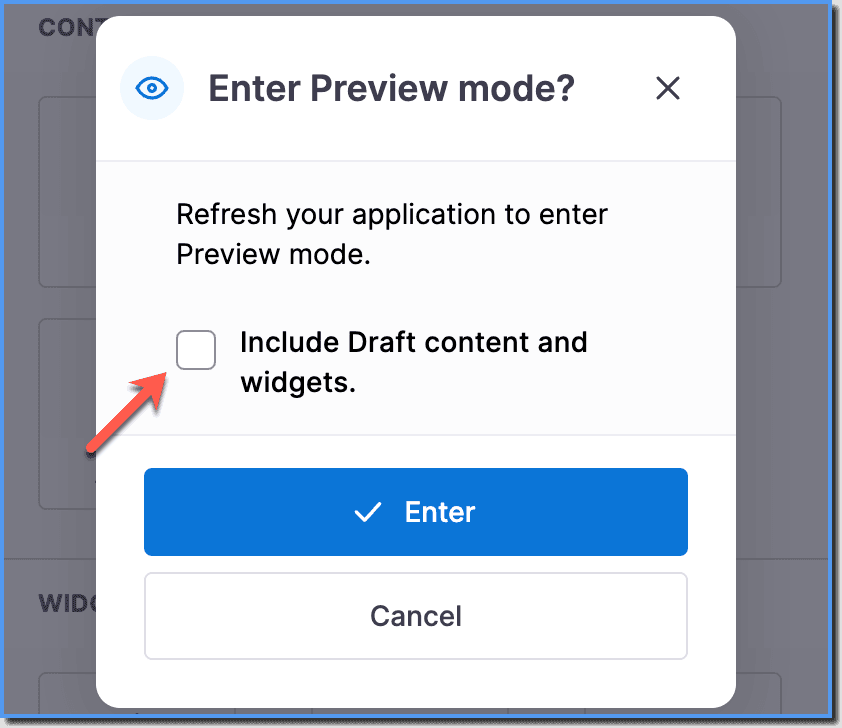
- Enable the Include Draft content and widgets checkbox while enabling the Preview mode.
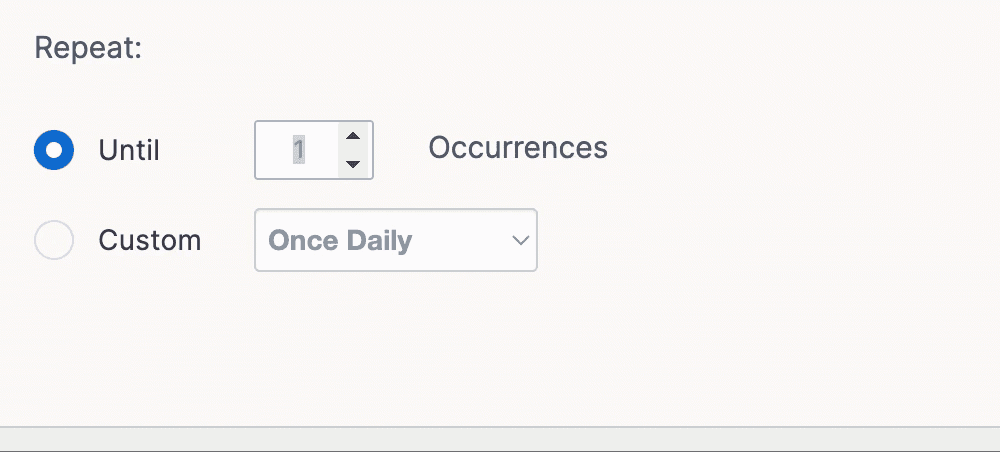
- All your views of the content including those that you view in preview mode are counted. So increase the occurrence of the Pop-up so that you can preview it. For more information on how to increase this limit, see Schedule a Pop-up. You can decrease it to a lower number just before you publish the content so that it doesn't appear too many times to your users.
- If your widget relies on AC code, install the Preview extension to ensure that all content, including those affected by AC code, is visible in Preview mode. For more information on installing the Preview extension, see,
If the issue persists, contact support@whatfix.com.