Pop-up
Unable to remove Whatfix logo from a pop-up
Issue
While creating a Pop-up, you are unable to remove the Whatfix logo. 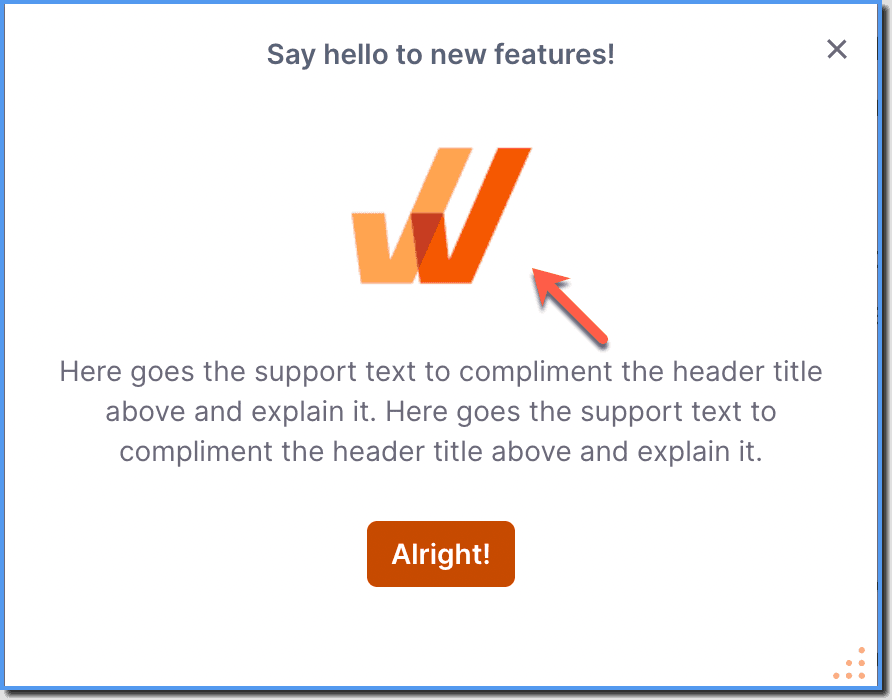
Probable Cause
By default, Whatfix Pop-ups has the organization logo as a place holder in locations where images and videos can be included.
Suggested Solutions
- Add images or videos to your Pop-up. For more information, see Insert an Image in a Pop-up.
- In case you don't have any image or video to add, use the following steps to remove the Whatfix logo from your Pop-up,
- Go to the Pop-up for which you want to remove the logo.
- Click the Whatfix logo.

- On the Image Froala Toolbar, click the Remove Component icon.
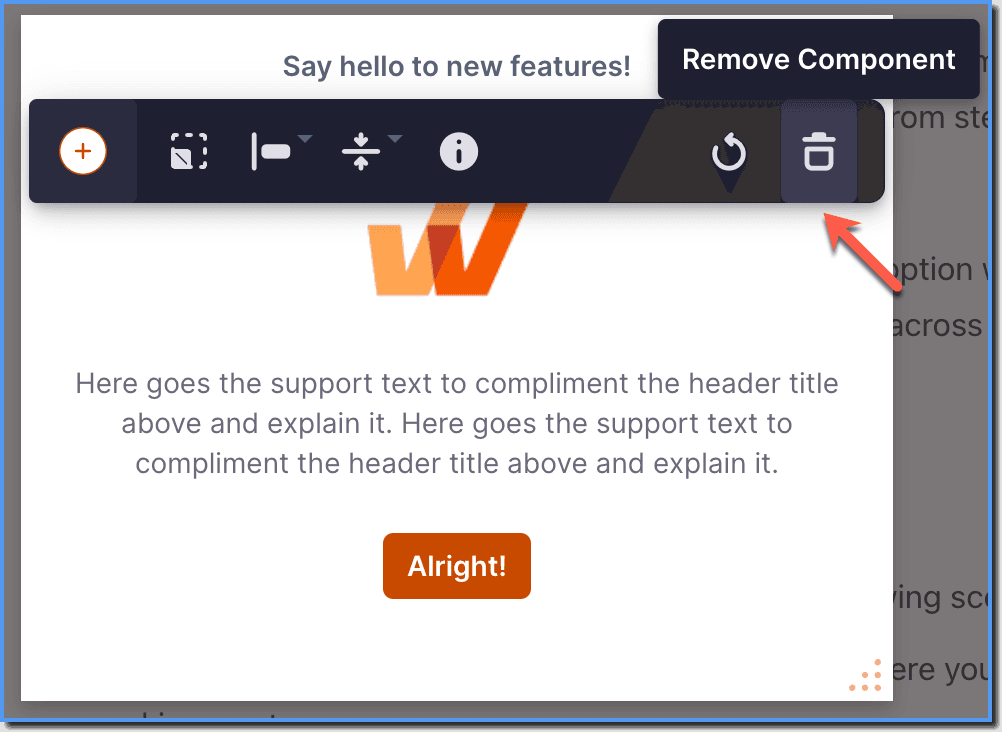
- The Whatfix logo gets removed.