Create Whatfix Mirror
Preview a Mirror Workflow
Whatfix Mirror enables you to preview a Mirror Workflow before you publish it. Preview a Workflow to verify the learner experience and confirm that each Mirror Screen appears as expected.
If the Workflow has Language Variants, preview each variant to ensure that the translated content displays correctly. For more information, see Multi-Language Support in Mirror and Create Language Variants in Mirror.
Use preview to verify the following:
- The Workflow starts on the correct landing screen.
- Each Mirror Screen appears in the same sequence as your application.
- No Personally Identifiable Information (PII) appears on any Mirror Screen.
Mirror does not capture data or record activity for Workflows in the Draft and Ready stages, and this data does not appear in the Mirror Analytics dashboard. For more information, see Workflow Analytics.
Expand the following accordions for more details:
Whatfix Studio
Use the following steps to preview a Mirror Workflow from Whatfix Studio:
-
Launch Whatfix Studio on your application.
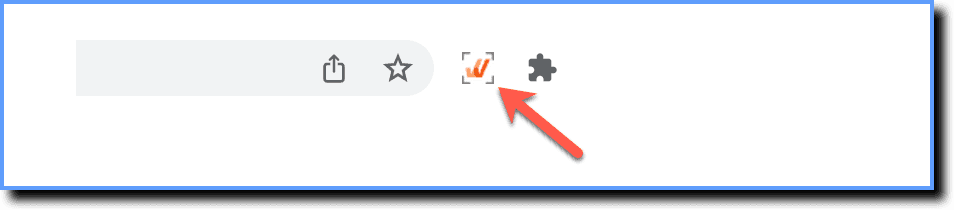
-
Click Mirror.
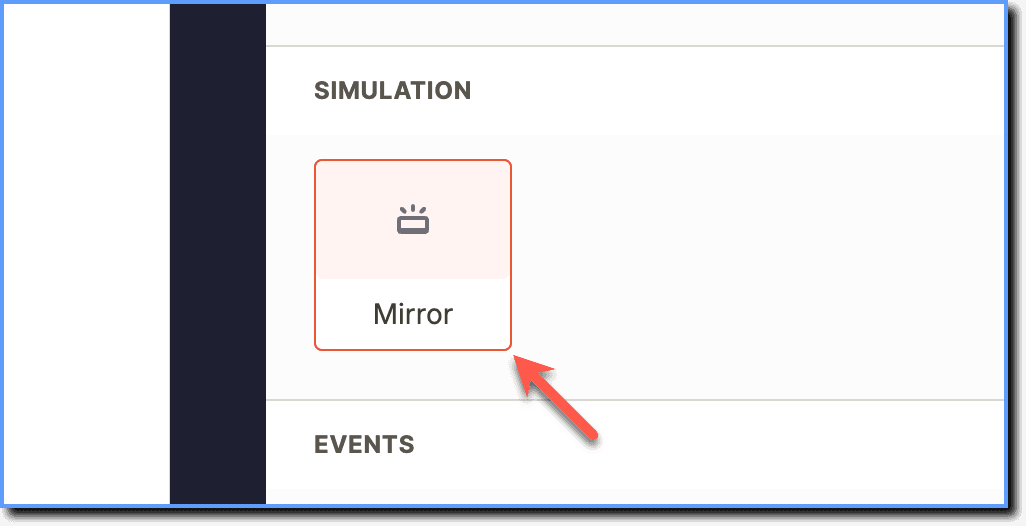
-
Click the required Workflow you want to preview.
 2. Click Preview.
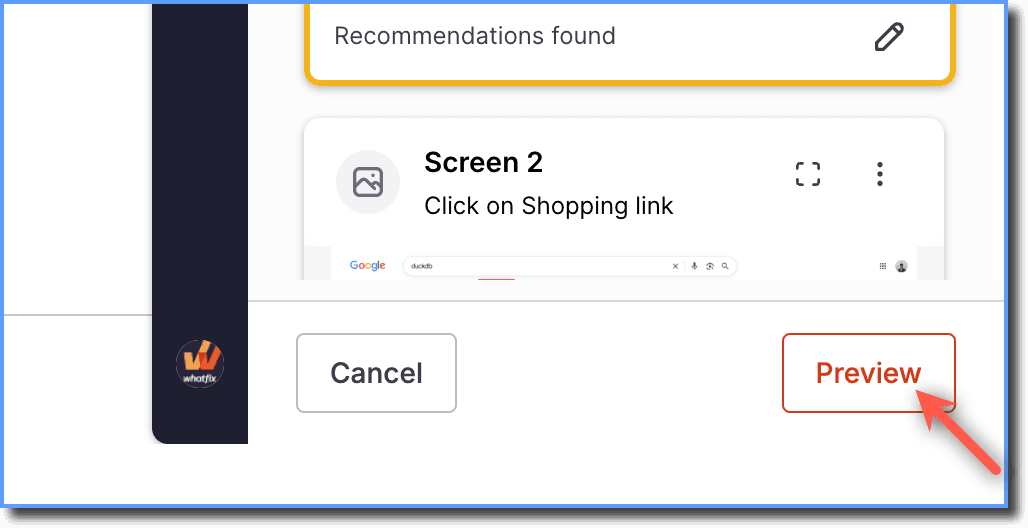
When you preview a Workflow, Whatfix opens it in a new browser tab. This enables you to test the Workflow. Confirm that all steps appear correctly, check that interactive elements respond as expected, and ensure the Workflow matches your intended design and content. Close the preview tab manually when finished.
Whatfix Mirror Dashboard
Use the following steps to preview a Mirror Workflow from the Mirror Dashboard:
- On the Whatfix Mirror Dashboard, click the Mirror Workflow you want to preview.
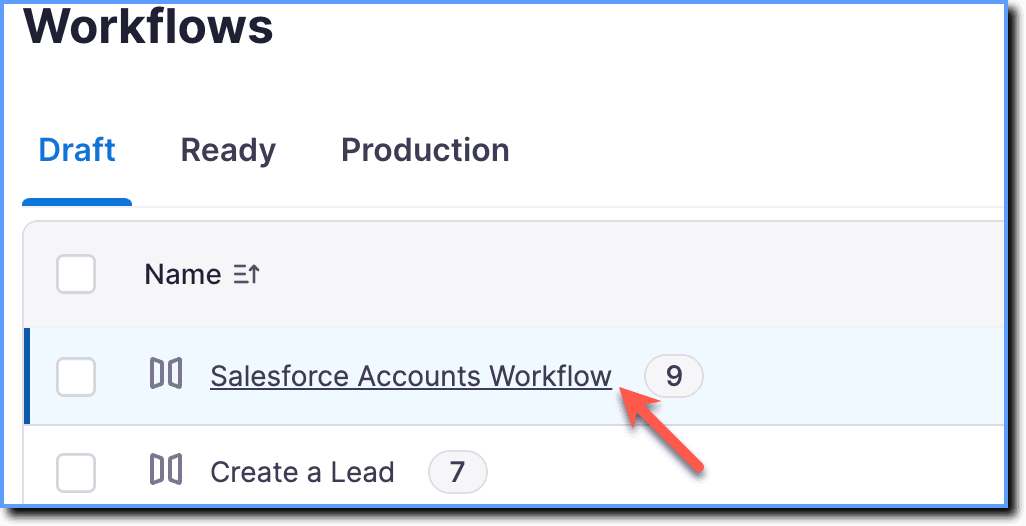
- Click the Preview icon.
 3. Select the required Language Variant you want to preview. For more information, see Create Language Variants in Mirror.

When you preview a Workflow, Whatfix opens it in a new browser tab. This enables you to test the Workflow. Confirm that all steps appear correctly, check that interactive elements respond as expected, and ensure the Workflow matches your intended design and content. Close the preview tab manually when finished.
- Edit the Mirror Workflow to add or recapture Mirror Screens, update text or images, and remove any PII you identify during preview. For more information, see Add a Mirror Screen to a Mirror Workflow, Recapture a Mirror Screen, and Edit and Manage Mirror Screens.
- Share the Workflow with your team or other users to gather feedback or extend training coverage before you publish the Workflow. For more information, see Share Whatfix Mirror.
- Publish the Workflow and share it with learners once you verify the intended learner experience. For more information, see Publish Whatfix Mirror.
Whatfix Mirror is an application simulation software that provides an immersive and interactive simulation of any web application.
A sequence of captured mirror screens representing a specific user journey or process (e.g., "How to create a Lead in Salesforce?").
A replica of an application screen captured based on a UI element.
A version of the default language variant captured in a different language. Language variants are stored within the same workflow and share the same stage.
Personally Identifiable Information (PII) is any information that can be used to identify an individual, such as:
Names, addresses, social security numbers, telephone numbers, email addresses, bills, receipts, birth certificates, and lease information.