FAQs
Where can I find the Mirror Workflow ID?
Every Mirror Workflow you create has a unique Workflow ID, which can be located within the Mirror’s URL.
Use the following steps to get the Workflow ID:
- Launch Whatfix Studio.
 2. Click Mirror.
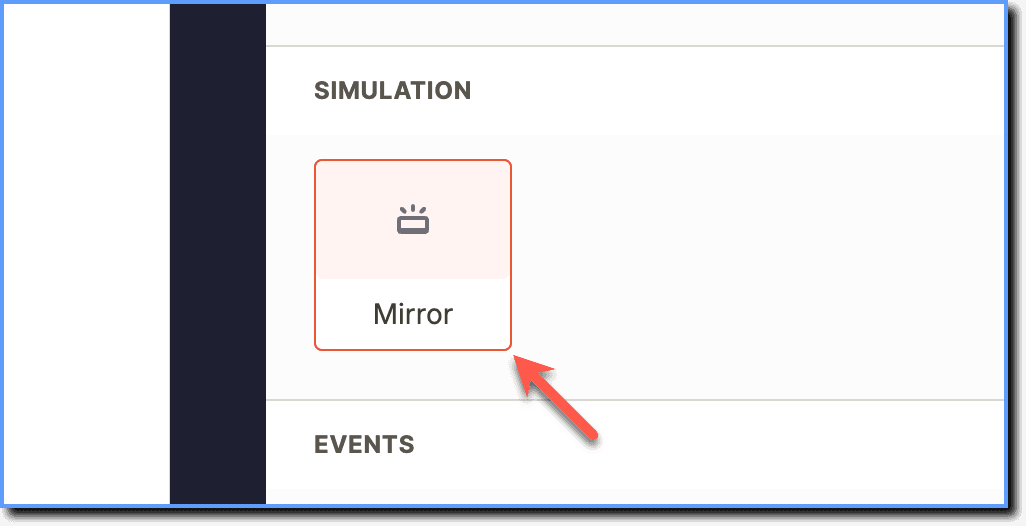 3. Click the Workflow whose ID you want to copy.
 4. Click Preview.
 5. The Workflow ID appears as follows in the URL. Copy the shown segment.

For instance, in this case, the Workflow ID appears after the whatfix.com/service/mirror/server/ segment of the URL and is 1****f452205-1e16-4ea1-9ad3-c3ae1713f04a.
