Task List
Preview Task List
Use Preview Mode to preview a Task List segment before publishing it to your end users. Previewing Task List enables you to test as your users experience it.
Use the following steps to preview a Task List segment:
-
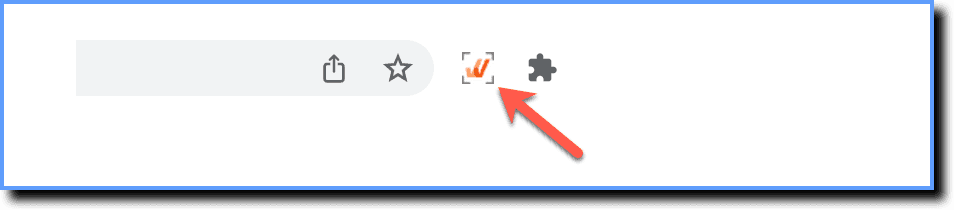
Log in to your application and then launch the Whatfix Studio.
-
Enable the Preview Mode toggle.

-
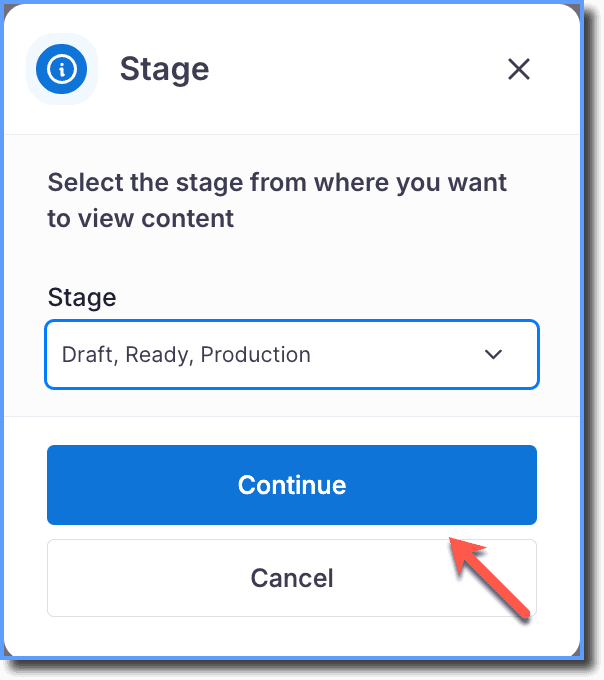
Select the Stage you want to Preview from the dropdown.

-
Click Continue.
Note:
If the content you want to preview is in the Draft stage, then select Draft, Ready, Production from the dropdown. 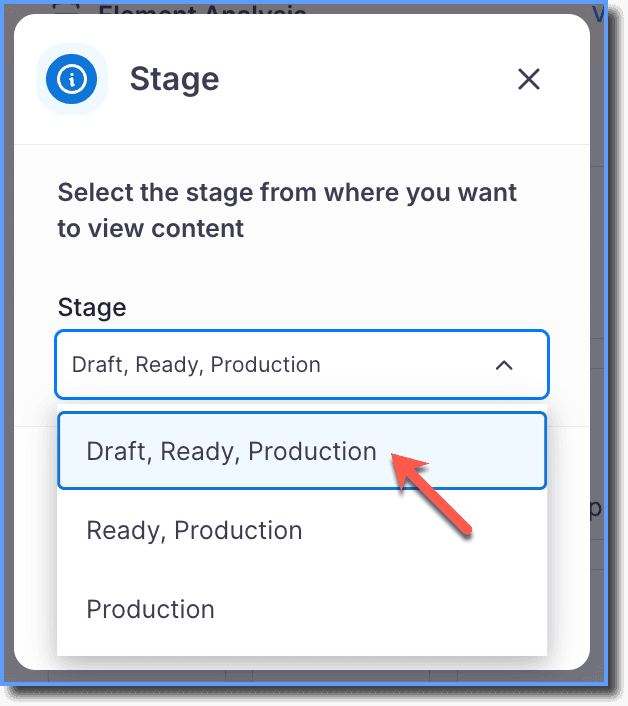
Note:
- When you complete a task from the Task List in the Preview mode, check marks don't appear against the task.
- The task does not appear as completed in Analytics. For more information, see Task List Analytics.
- You cannot use the Preview mode to test the Sequential Task List.
- Refresh the page to Preview the Task List widget on your application.
Note:
After you preview the widget and disable the preview mode, ensure you refresh the page to reflect the changes.