Guidance Analytics dashboard experience
Guidance Analytics Summary Dashboards on Product Analytics
Add additional breakdowns or visualizations while exporting and scheduling reports. Achieve this use-case by re-creating summary Guidance Analytics Dashboard on Product Analytics.
Here’s how you can re-create the New Guidance Analytics Summary Dashboards on Product Analytics Dashboard.
Example Trend Insight
For more information on Trend Insights and how to create them, see Create Trend Insights.
Here’s a sample trend insight that you can re-create on your Product Analytics Dashboard from the Guidance Analytics Dashboard
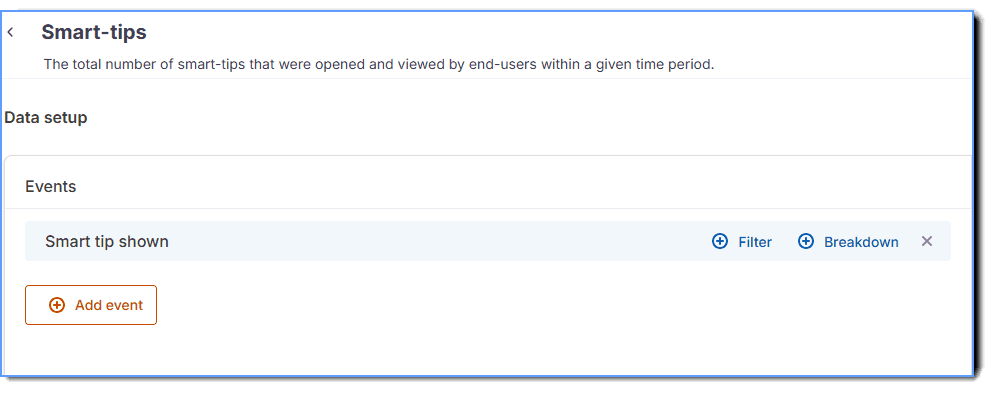
- Insight: Smart-tips
- Insight event: Smart-tip shown
- Event components: Smart-tip shown
| Insights | Insight event | Description | Event type | Event components | Filters | Breakdown |
|---|---|---|---|---|---|---|
Unique users reached  | Unique users reached | Unique users who were shown at least one Whatfix content (Self Help, beacon, launcher, Task list, Flow, Pop-up, survey or embed) in the selected data range. Each user is counted once, however often content appeared. | Event group. For more information on Event Grouping, see Event grouping. | - Self help shown - Beacon shown - Launcher loaded - Task list shown - URL Triggered via Pop-up - Pop-up closed by close button - Pop-up closed by “X” icon - Pop-up skipped - Flow launched from Pop-up - Flow slideshow started - Flow step viewed in slideshow - Flow loaded as pop-up - Survey Shown - Task list shown after nudge - Whatfix for Web Loaded | NA | NA |
Unique users engaged  | Unique users engaged | Unique users who performed at least one action with Whatfix content, such as clicking a beacon or launcher, starting a Flow, opening Self Help content or using a Pop-up button, and includes a Smart-tip that opens automatically. Each user is counted once. | Event Group | - Attached flow started - Beacon clicked - User transitioned to another flow - Launcher clicked - Link opened in new format - Notification Clicked - PDF Viewed - Self help Opened - Flow started - Pop-up closed by close button - Pop-up skipped - Smart tip shown - User interacted with task list - Article viewed - Video link clicked - URL Triggered via pop-up - Flow launched from pop-up - Flow slideshow started - Flow slideshow restarted - New content notification badge selected - Flow step completed - Flow Feedback - Notification Hovered - QuickRead response - Validation tip error shown | NA | NA |
Total Whatfix engagement  | Total engagement events | Total number of engagement actions on Whatfix content in the selected period, including repeats by the same user. The actions include Flow starts, content opens, Smart-tip opens, beacon clicks and hovers, launcher clicks, Pop-up actions and Task list loads. | Event Group | - Article viewed - Flow started - Flow slideshow started - Flow slideshow restarted - Link opened - Link opened in new format - Video link clicked - Pop-up closed by close button - Flow launched from pop-up - URL Triggered via pop-up - Task list shown - User interacted with task list - Smart tip shown - Beacon clicked - Beacon Hovered - Launcher Clicked | NA | NA |
Engagement with Whatfix 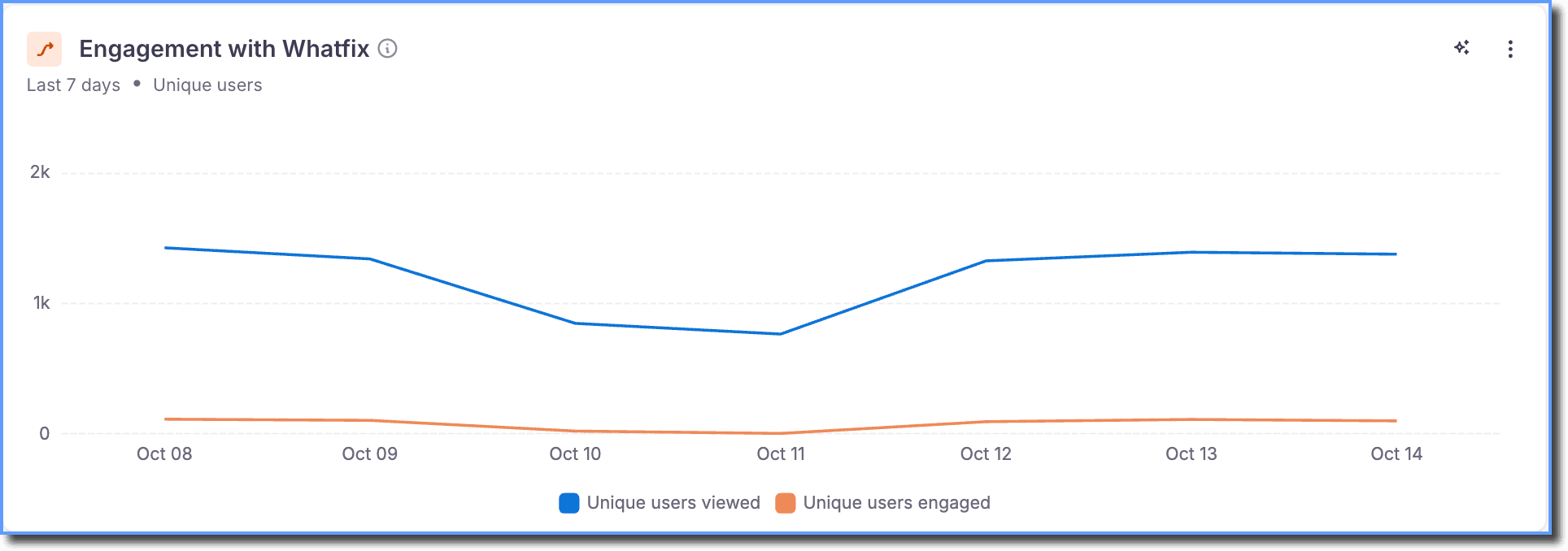 | Users reached vs. engaged | For each day, shows how many unique users were reached and how many engaged. A user active on several days appears on each of those days, and daily values are excluded from the total period. | Event Group | Unique users viewed - Self help shown - Beacon shown - Launcher Loaded - Task list shown - Pop-up shown - Flow slideshow started - Flow step viewed in slideshow - Flow loaded as pop-up - Survey Shown - Task list shown after nudge - Whatfix for Web Loaded Unique users engaged - Attached flow started - Beacon clicked - User transitioned to another flow - Launcher Clicked - Link opened in new format - Notification Clicked - Pdf Viewed - Self help Opened - Flow started - Pop-up closed - Pop-up closed by “X” icon - Pop-up skipped - Smart tip shown - User interacted with task list - Article viewed - Video link clicked - URL Triggered via Pop-up - Flow launched from Pop-up - Flow slideshow started - Flow slideshow restarted - New content notification badge selected - Flow step completed - Flow Feedback - Notification Hovered - QuickRead response - Validation tip error shown | NA | NA |
| Widget metrics | ||||||
Self Help 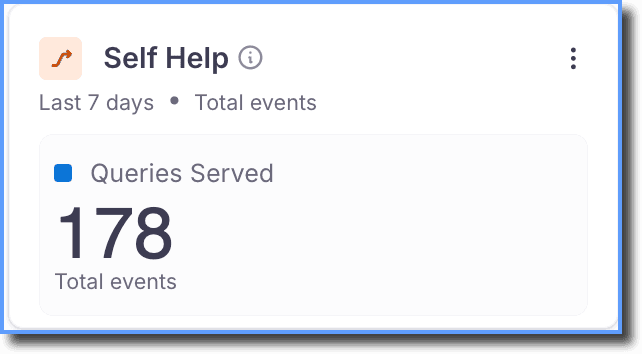 | Content Served | Total number of content items opened through Self Help in the selected period (Flows, article, video, PDF, image and link content, including the new Self Help Explorer). The preceding actions count as content opened, and excludes searches or questions asked. | Event Group | - Flow started - Article viewed - Video link clicked - Pdf Viewed - Link opened in new format | NA | NA |
Pop-ups 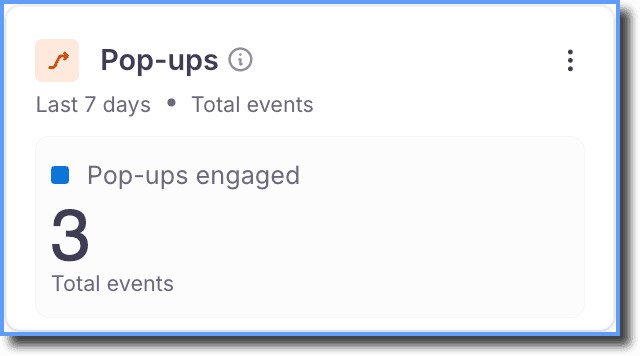 | Pop-ups engaged | Total number of times users acted on a Pop-up in the selected period: opening the link, starting a Flow, or closing the Flow from the close button. Every repeated interaction also counts. | Event Group | - URL Triggered via Pop-up - Flow launched from pop-up - Pop-up closed by close button | NA | NA |
Task list 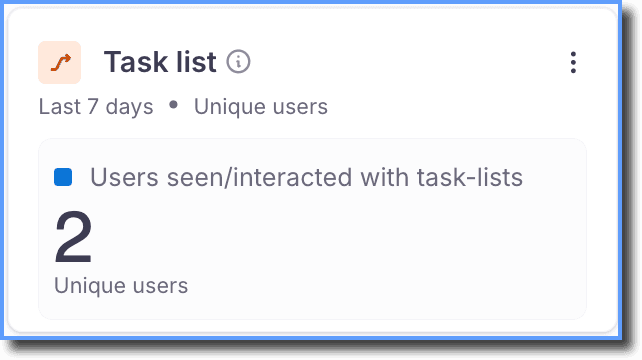 | Task list users | Unique users who viewed a Task list or interacted with it in the selected period. Each user is counted once. | Event Group | - User interacted with task list - Task list shown | NA | NA |
Flows 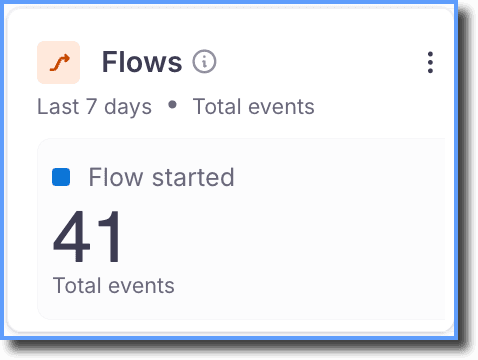 | Flow started | Total number of times users started a Flow in the selected period. Repeated interactions are counted and excludes moving from one Flow to another. | Event | - Flow started | NA | NA |
Smart-tips 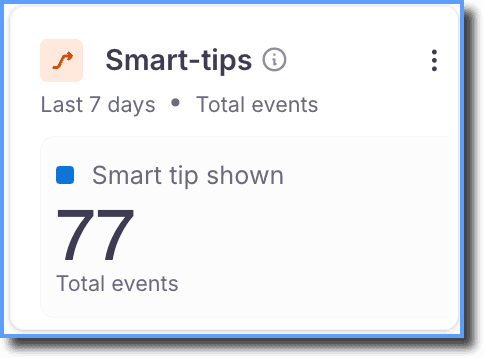 | Smart tip opened | Total number of times a Smart-tip was opened in the selected period, and includes opened automatically, or a user clicked, or hovered. Repeated interactions are counted. | Event | - Smart tip shown | NA | NA |
Beacons 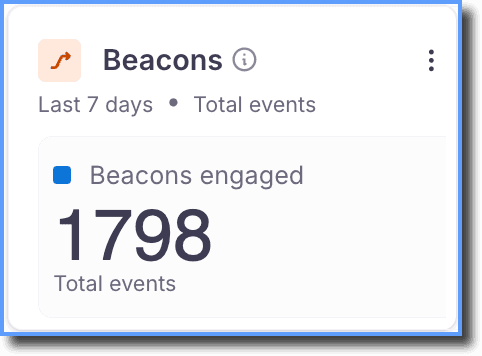 | Beacons engaged | Total number of times users clicked or hovered over a beacon in the selected period. Repeats are counted. | Event Group | - Beacon clicked - Beacon Hovered | NA | NA |
Launcher 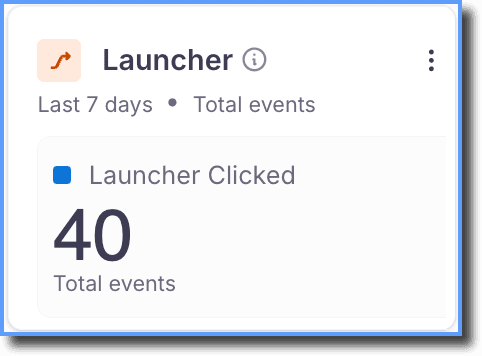 | Total Launchers Clicked | Total number of times users clicked a launcher in the selected period. Repeats are counted. | Event | - Launcher Clicked | NA | NA |
Most popular content 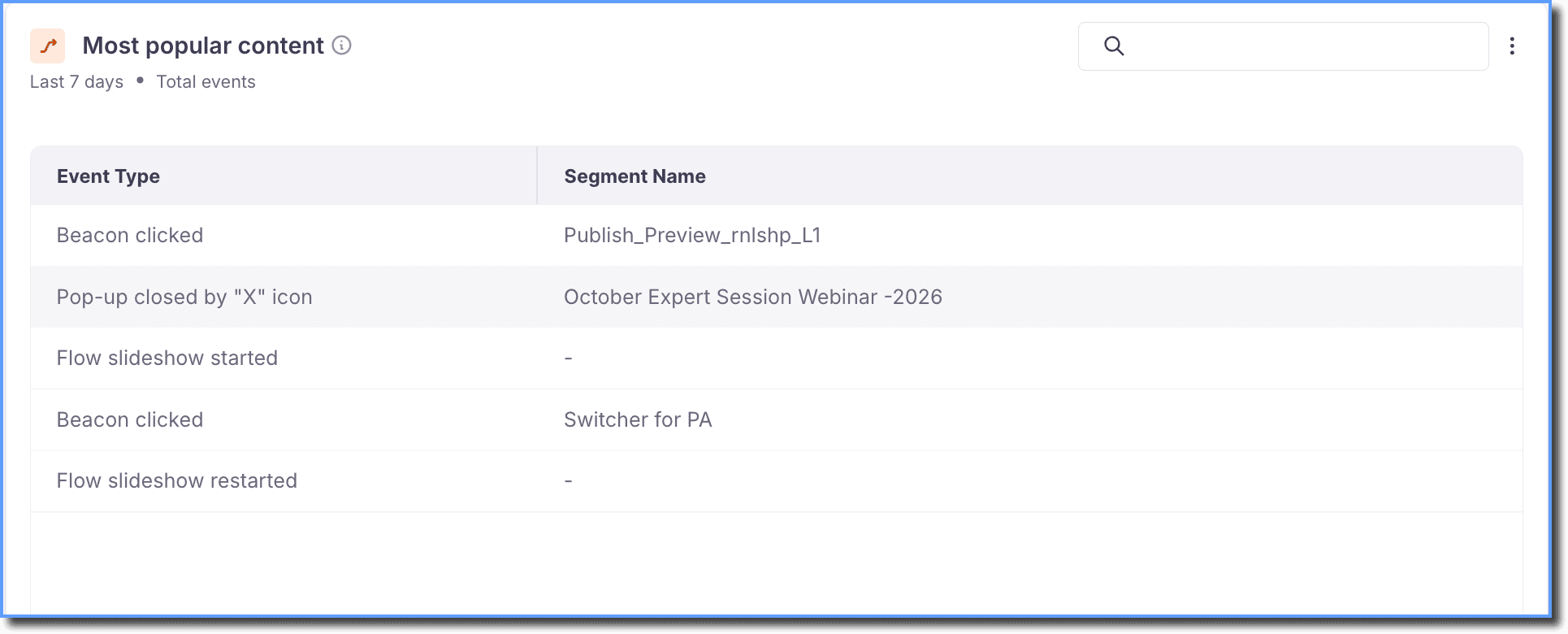 | - Most popular content - Pop-up shown | Shows which Whatfix content users engaged with most in the selected period, ranked by number of events. Content is identified by its type and ID. | Event Group | Most popular content - Flow started - Smart tip shown - Beacon clicked - Launcher Clicked - Link opened in new format - Pdf Viewed - Flow slideshow started - Flow slideshow restarted - Self help Opened - User interacted with task list - Survey Submit - Validation tip error shown - Video link clicked - Article viewed Pop-up shown - Pop-up skipped - URL Triggered via Pop-up - Flow launched from Pop-up - Pop-up closed by “X” icon - Pop-up closed by close button | Most popular content - Event Type ≠ Pop-up shown | - Event Type - Segment Name |
| Engagement metrics | ||||||
Most active users 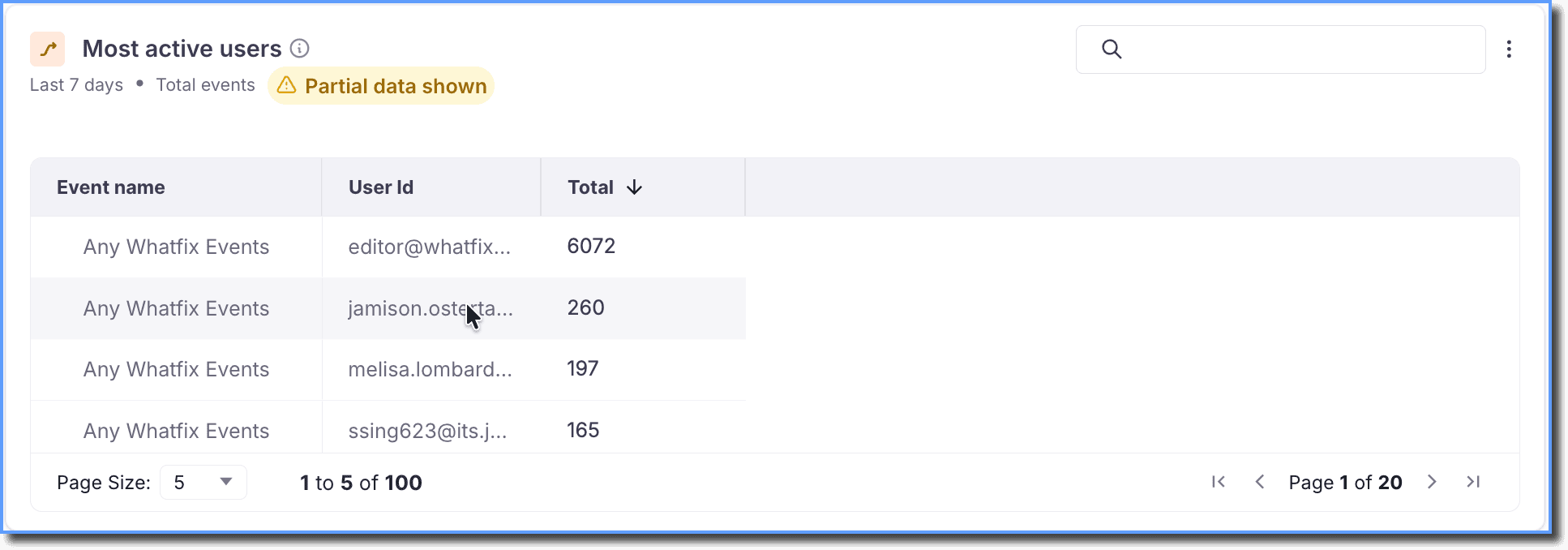 | Any Whatfix Events | Users ranked by how many Whatfix actions they performed in the selected period. Counts every action including repeats. Content that was only shown is not counted. | Event | Any Whatfix Events | - Event Type ≠ Extension check - Event Type ≠ Extension installed - Event Type ≠ EXTENSION_UPDATE_FAILURE - Event Type ≠ Whatfix for Web Loaded - Event Type ≠ Launcher Loaded - Event Type ≠ NUDGE_LOADED - Event Type ≠ Smart-tip loaded for page - Event Type ≠ Beacon shown - Event Type ≠ Flow step shown - Event Type ≠ Self help shown - Event Type ≠ SELF_HELP_SEARCH_HISTORY_SHOWN_WITHOUT_CONTENT - Event Type ≠ SELF_HELP_SEARCH_HISTORY_SHOWN_WITH_CONTENT - Event Type ≠ Task list shown - Event Type ≠ ELEMENT_PRESENCE_LIVE - Event Type ≠ ELEMENT PRESENCE MISS - Event Type ≠ Task list shown after nudge | - User Id |
10 most active countries (by total events 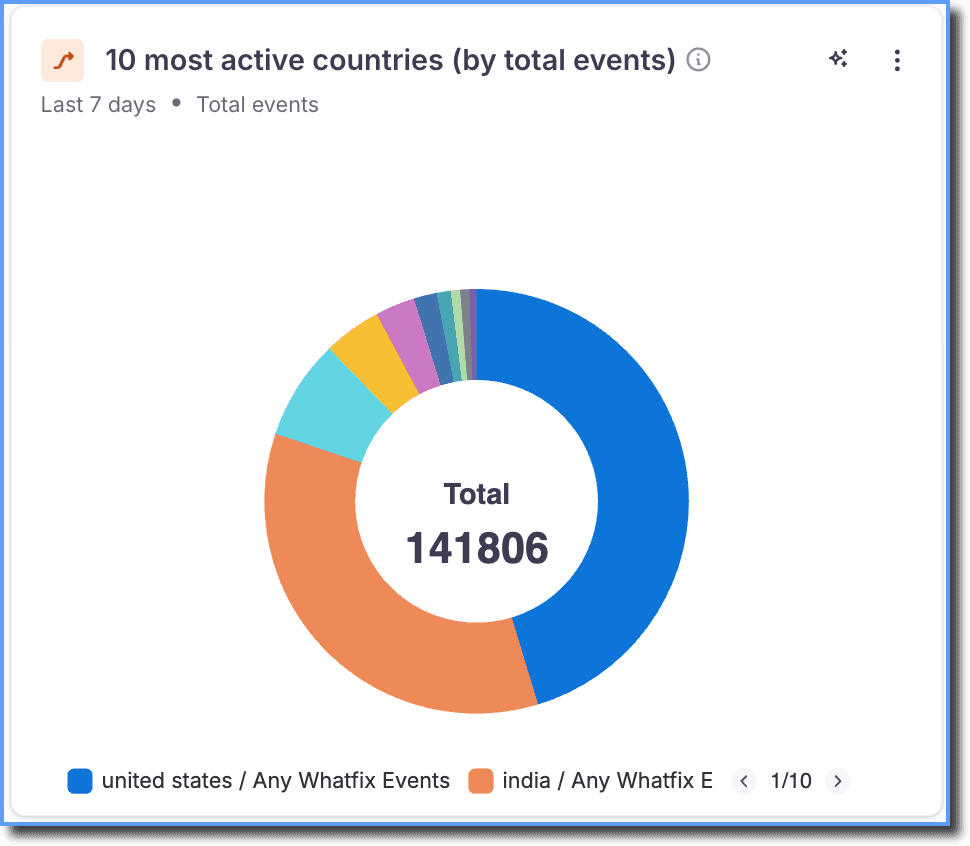 | Any Whatfix Events | Top 10 countries by total Whatfix events in the selected period, based on user location. Includes both content shown and user actions. | Event | Any Whatfix Events | - Event Type ≠ Extension check - Event Type ≠ Extension installed - Event Type ≠ EXTENSION_UPDATE_FAILURE - Event Type ≠ Whatfix for Web Loaded | - Country |
10 most active countries (by unique users) 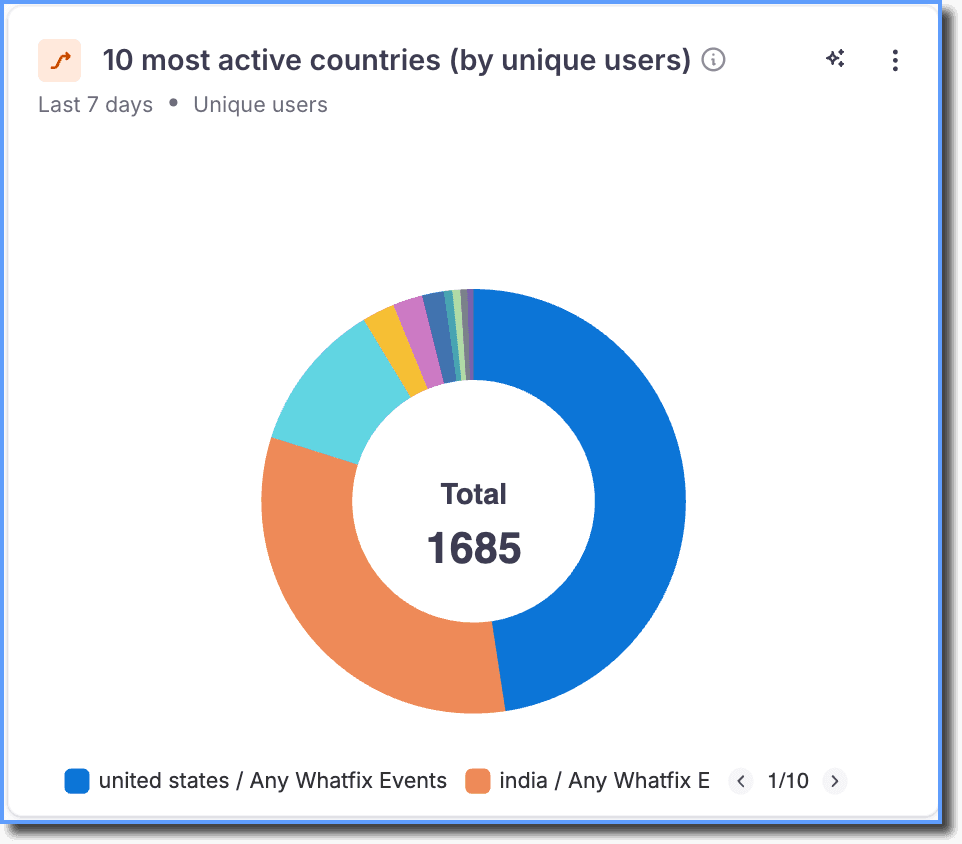 | Any Whatfix Events | Top 10 countries by number of unique users with Whatfix activity in the selected period. Each user is counted once per country. | Event | Any Whatfix Events | - Event Type ≠ Extension check - Event Type ≠ Extension installed - Event Type ≠ EXTENSION_UPDATE_FAILURE - Event Type ≠ Whatfix for Web Loaded | - Country |
Trend Insights turns your engagement-related queries, such as the number of users who have completed Flows or the number of users who have clicked the button on your Pop-up, into actionable insights.
An event group combines two or more individual events into a single grouped-event. It enables you to see the total number of users who performed any of the events in the group.
An event is usually a single event, which is triggered every time a user interacts with any Whatfix content.