Whatfix Analytics
Download Analytics Summary Report
Download the Summary report for all Whatfix content, including Self Help, Task List, Pop-up, Flows, Smart Tips, and Beacons, as a PDF.
The following is a sample Summary report: 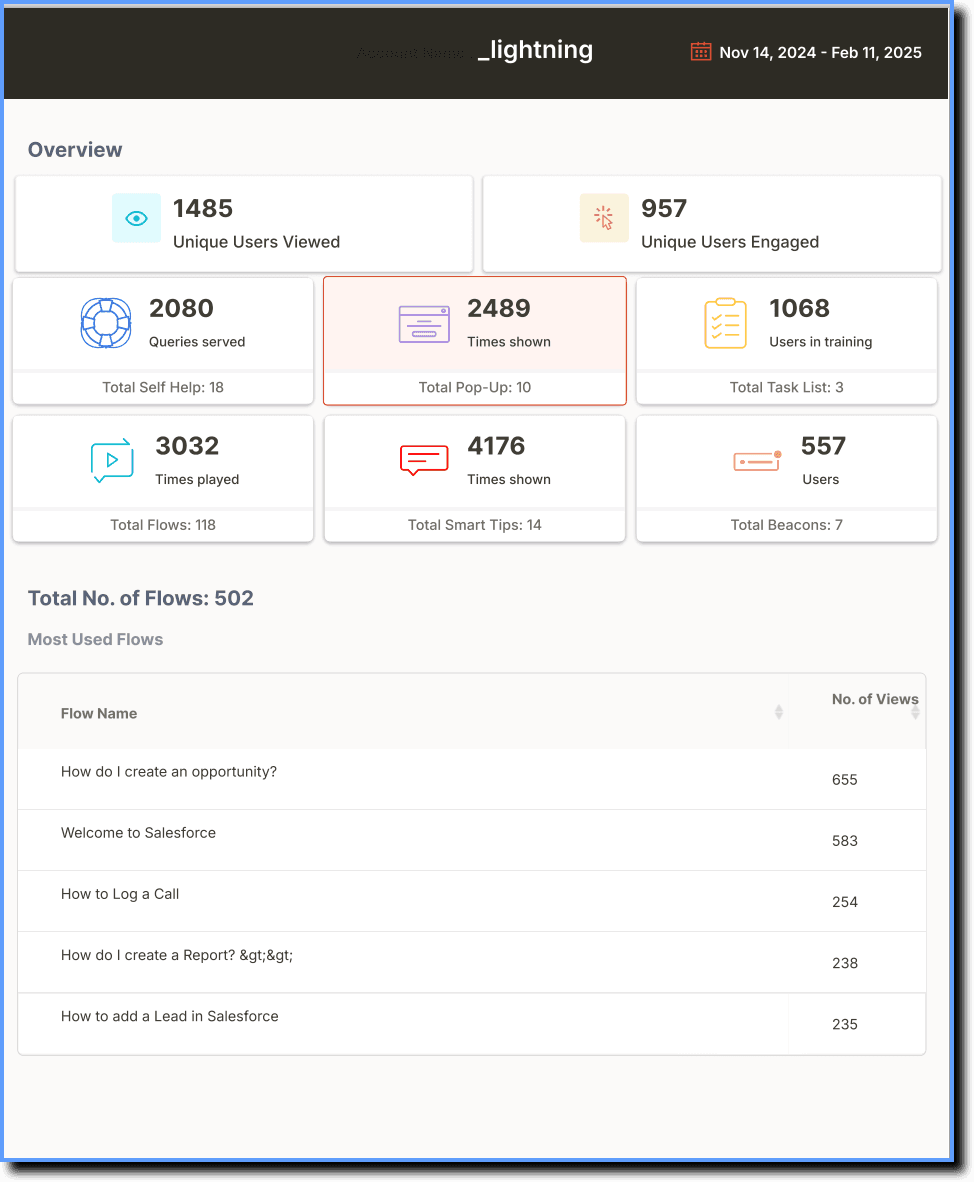
Use the following steps to download the summary report:
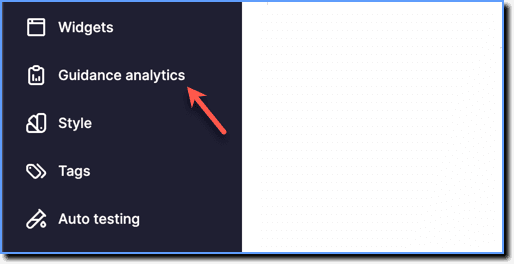
- On the Whatfix Guidance dashboard, click Guidance analytics.
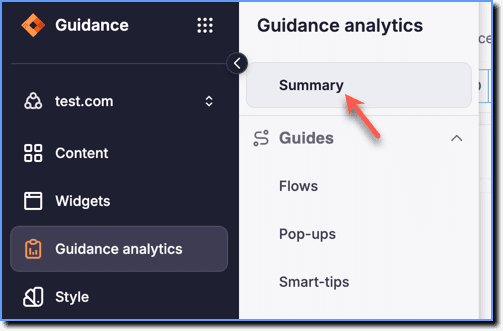
 2. Click Summary.
- Click Export PDF to download the report.

NoteDownload up to six months of Analytics data at any time.