Flows
What are the maximum character limits for Whatfix content?
The character limit varies for a Text field of a Whatfix Content. To increase the limit, contact support@whatfix.com. The following table lists the character limit for each field in Whatfix content and widgets.
| Content or Widget | Field | Default Limit | Maximum Limit |
|---|---|---|---|
| Article | Title 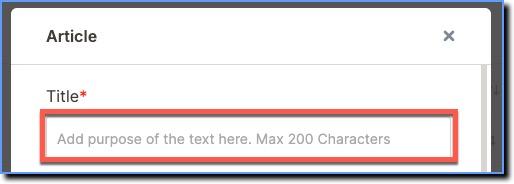 | 200 | 2000 |
Description  | 3000 | 3000 | |
| Flow | Title 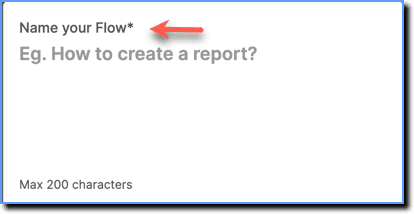 | 200 | 1000 |
Description  | 400 | 2000 | |
Flow End message pop-up 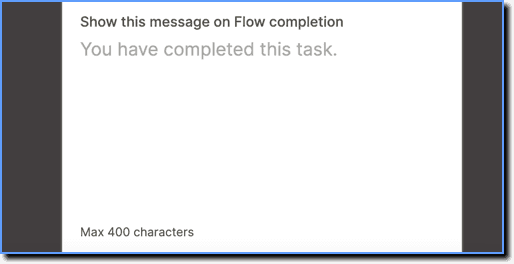 | 400 | 2000 | |
Purpose of the tip  | 200 | 2000 | |
Describe the action step 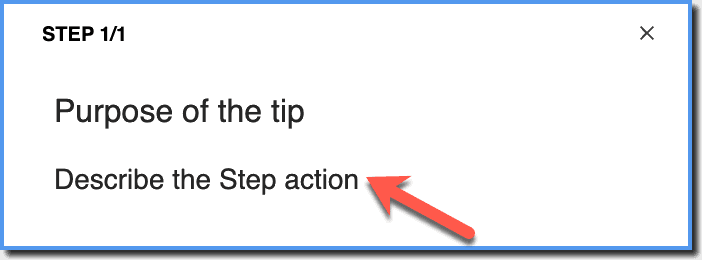 | 400 | 1000 | |
| Pop-up | Pop-up button  | 50 | Not configurable |
| Beacon | Description 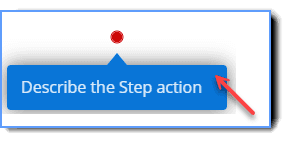 | 500 | 1000 |
| Smart-tip | Title 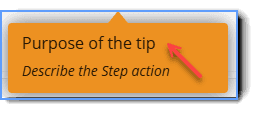 | 200 | 1000 |
Description 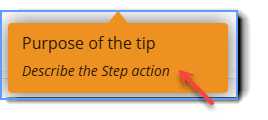 | 400 | 2000 | |
| Survey | Title and Description 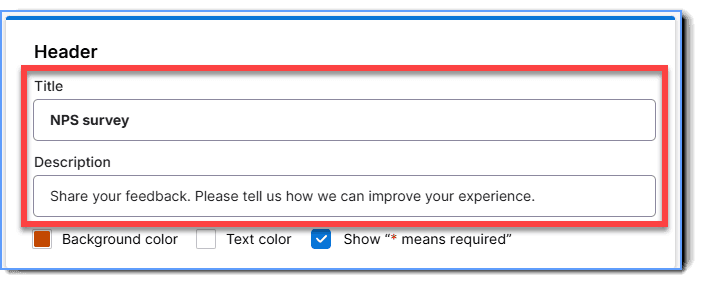 | 255 | Not configurable |
Questions 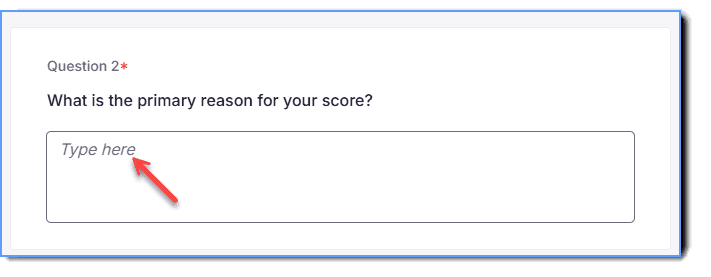 | 255 | Not configurable | |
**End message (**includes Message, Subtext, and Close button text) 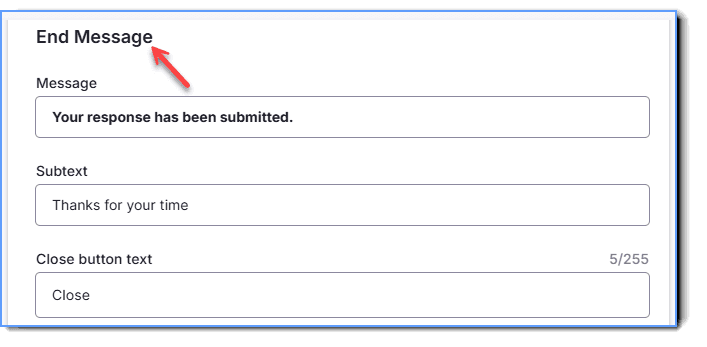 | 255 | Not configurable | |
| Launcher | Launcher Text 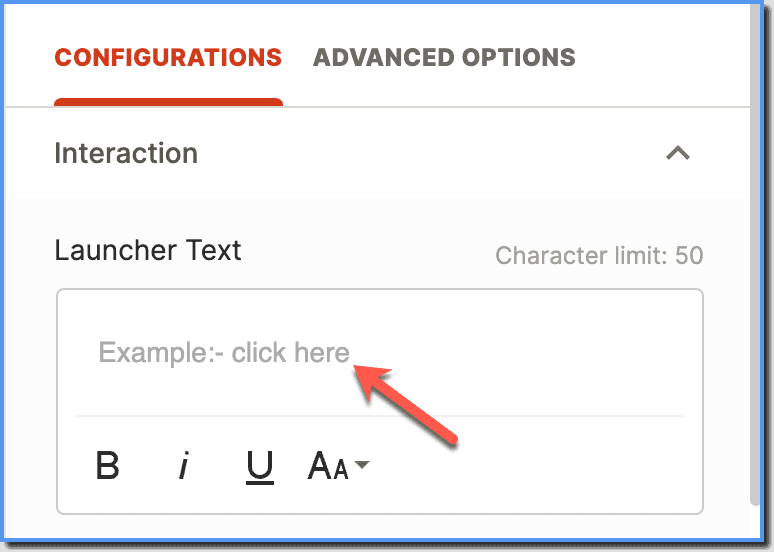 | 50 | 250 |
Text buttons are represented as text links and are used for less important actions than Primary and Secondary buttons. It has no background color or outline, just the text itself.
Whatfix Content includes Flows, Images, Videos, PDFs, Articles and Links.