Flows
How to remove See Live in a slideshow?
The See Live feature in the slideshow enables users to launch the slideshow as a Flow.
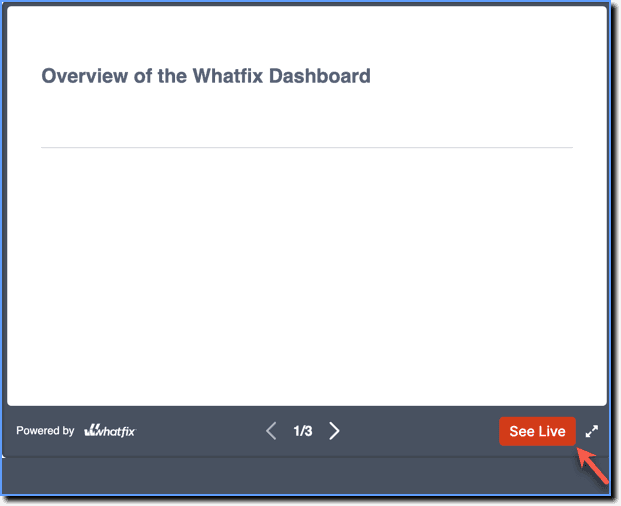
In scenarios where users lack access to the application where the Flow is created, disable See Live when embedding the slideshow on a web page.
Use the following steps to disable See Live:
Note:
The Embed option is available only in the Production stage.
- Copy the iframe embed code for the Flow. For more information, see Embed Whatfix Slideshows.
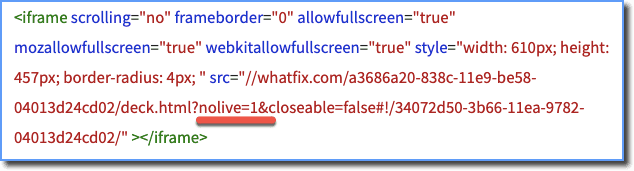
- Before embedding, add the parameter nolive and set its value to 1 after the URL.
Note:
- Make sure to add & after adding the nolive parameter.
- This works only for iframe embedding, and not for HTML.
Example: Copied iframe code: 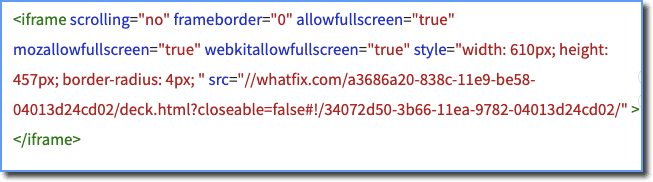
Edited iframe code: