Flows: Flow Level Configuration
Trigger a Flow using User Actions
Whatfix enables you to configure a Flow to play automatically based on an action that your end users perform on the application.
In this process, a Flow is linked with User Action. The User Action acts as a trigger and starts the Flow once the identified action is completed by the user.
Link User Action to a Flow
Prerequisites
- Create a User Action for the element that acts as a trigger. For more information, see Create a User Action.
- Create a Flow that you want to run when the User Action is triggered.
Use the following steps to link a User Action to a Flow:
-
On the Whatfix Guidance dashboard, click Content.

-
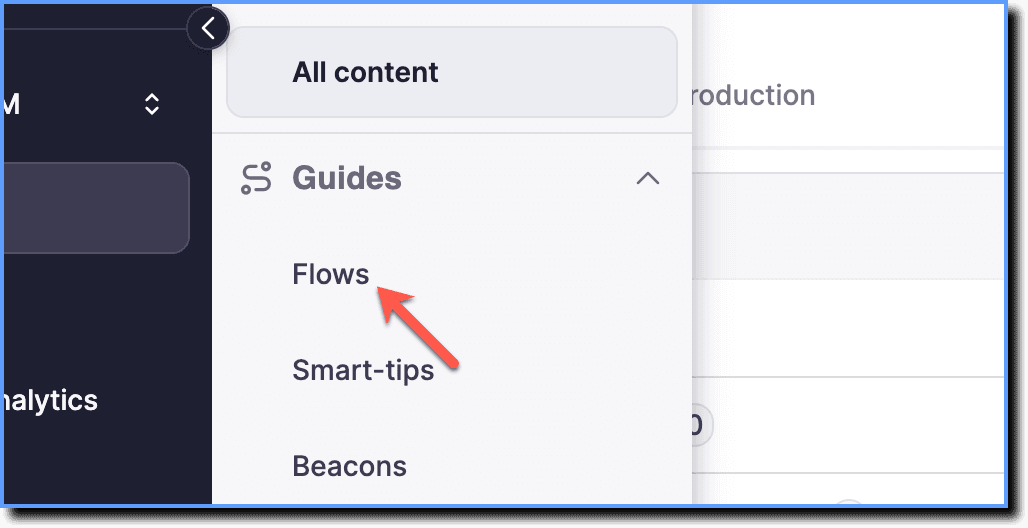
Click Flows.
-
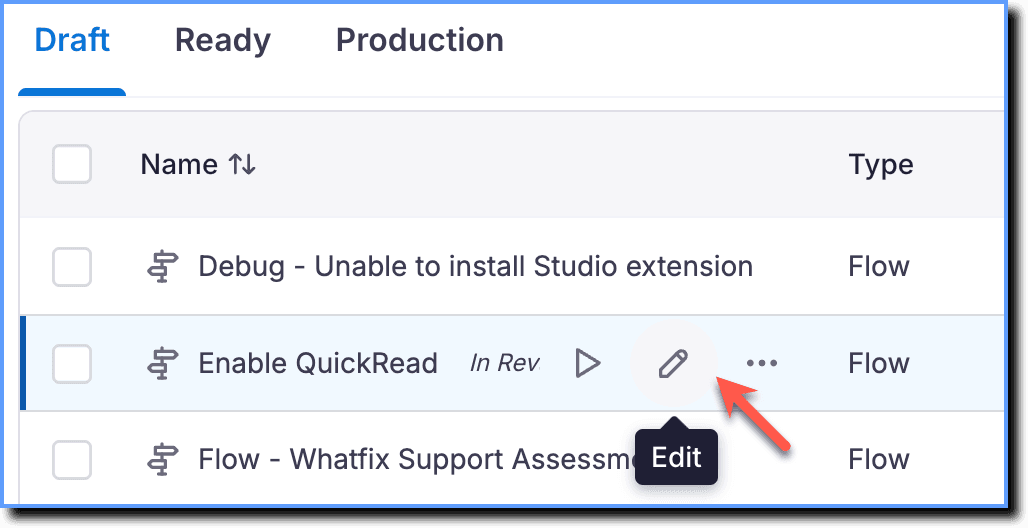
Hover your cursor over the required Flow, and then click the Edit icon.
Info
Whatfix Content and Widgets can be edited in the Draft and Ready Stages.
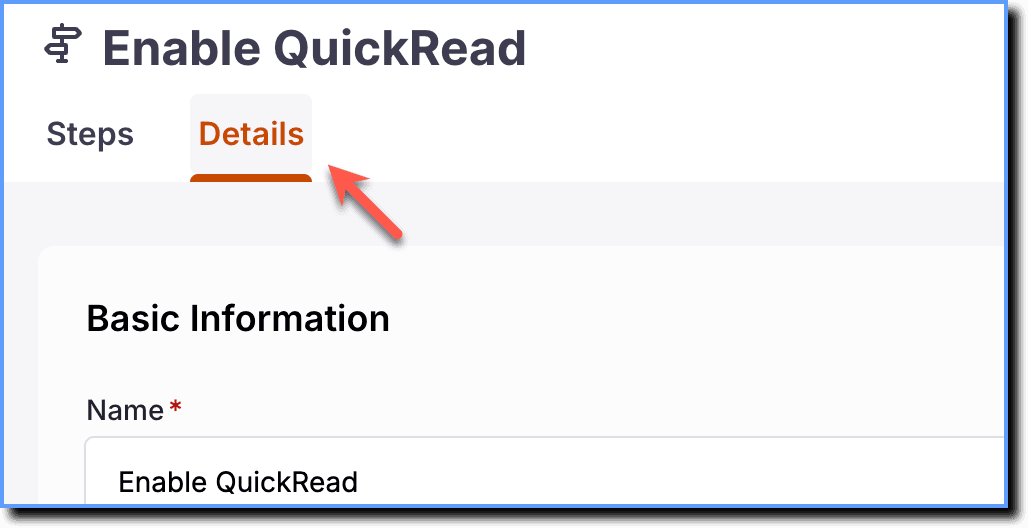
- Click Details.
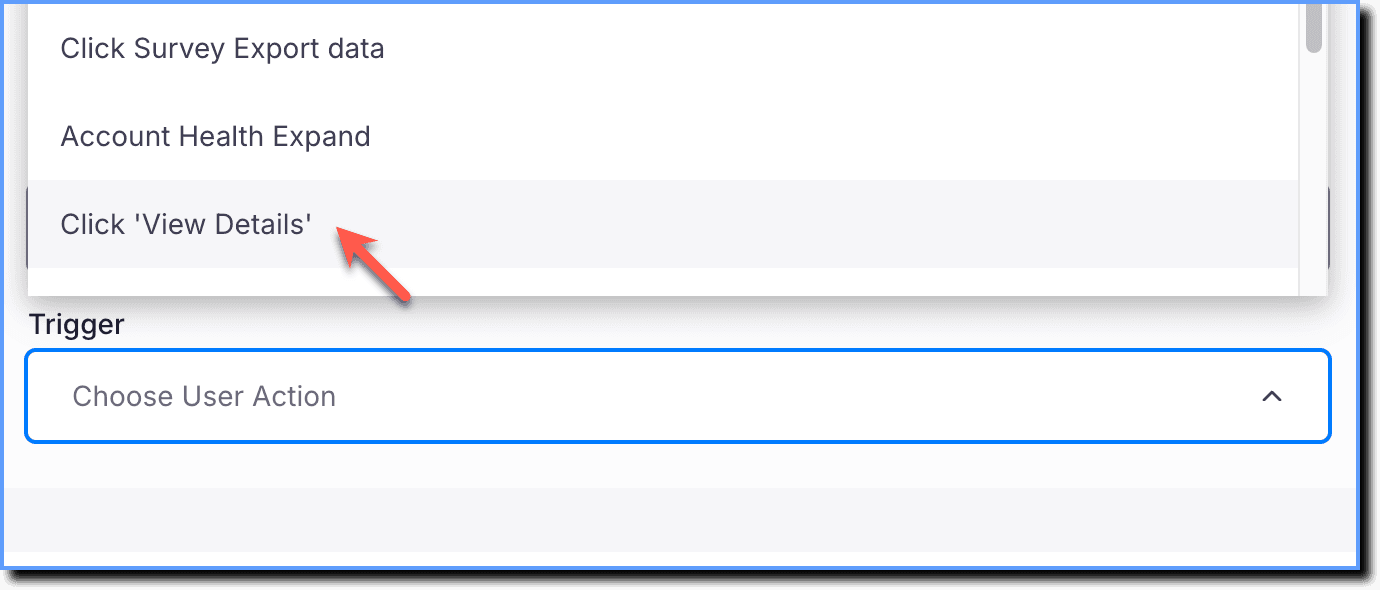
- Under Options, expand the Trigger dropdown.
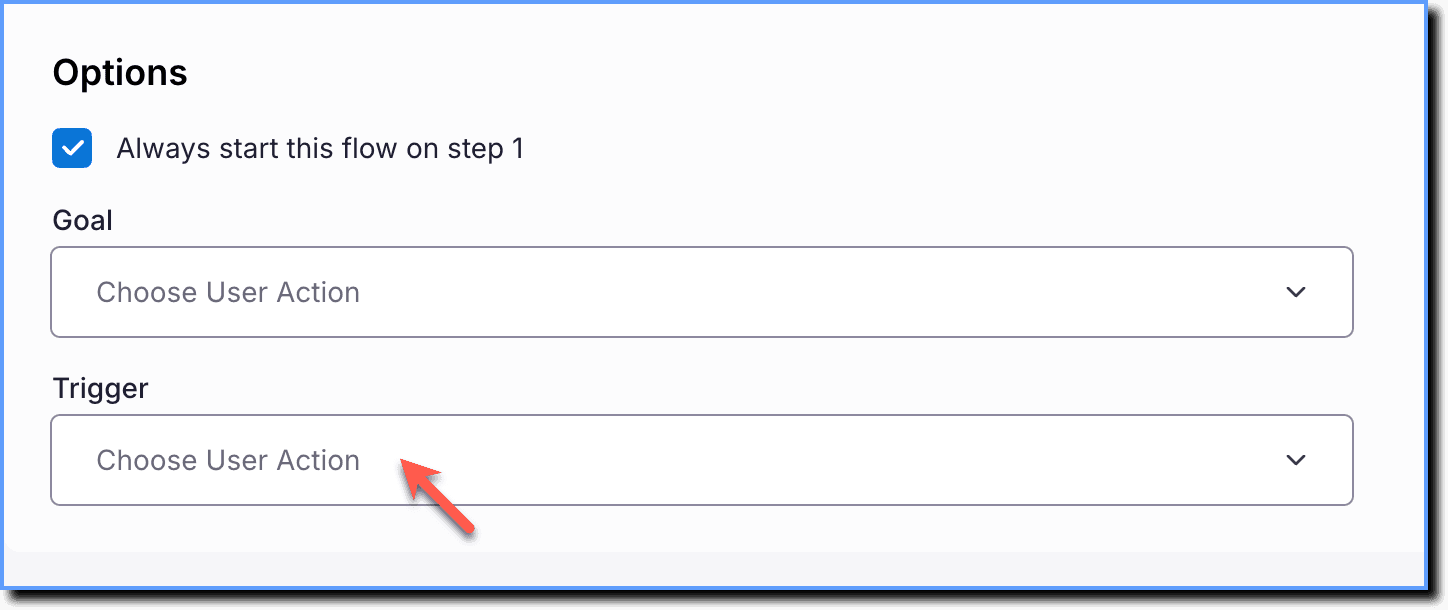
- Select the User Action that starts the Flow.
- Click Save.

Remove a Trigger from a Flow
To remove a Trigger, click the Clear Data icon in the Trigger dropdown. 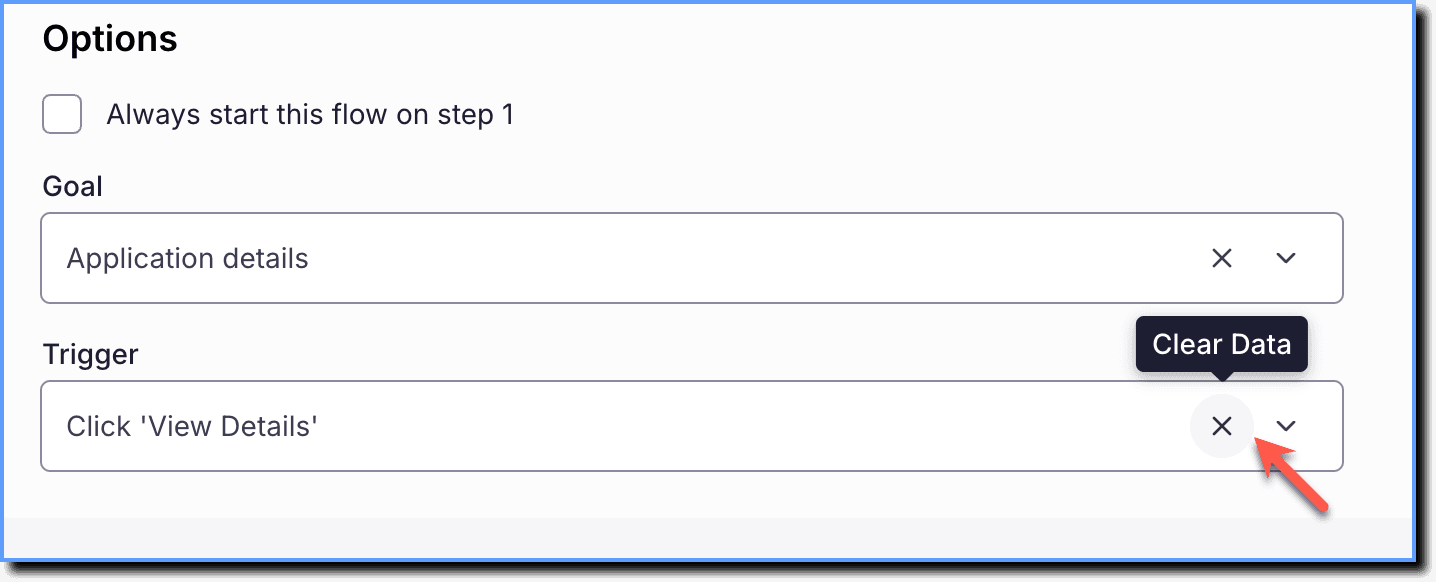
Whatfix User Actions enable you to track your end users' actions and behavior on your application