Flows: Flow Level Configuration
Resume a Flow after closing it
Whatfix enables the display of a Resume Flow option every time your end users manually close the Flow using the close icon. A toast message appears to prompt users to resume the Flow if they close it by mistake.
To enable the Flow Closure Resume feature, contact support@whatfix.com.
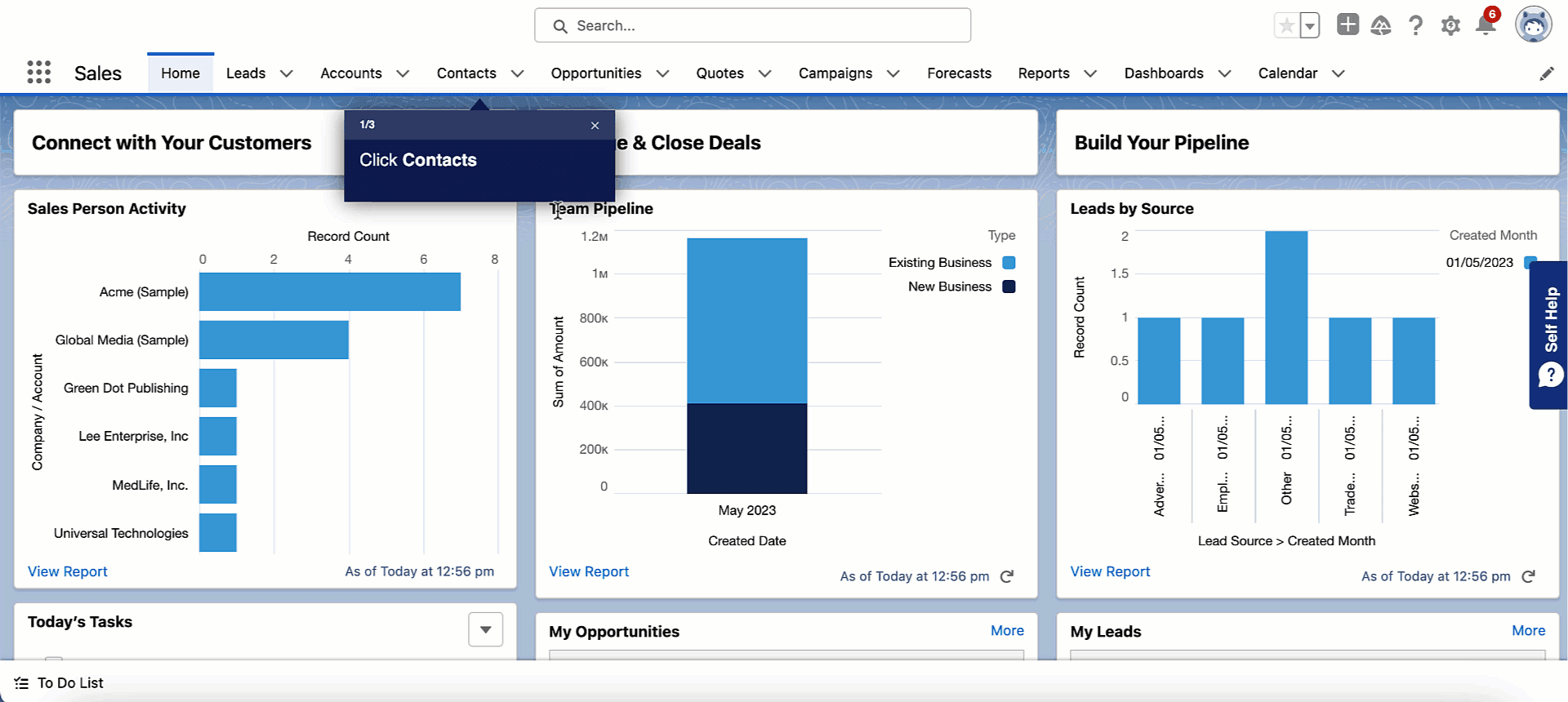
The toast message disappears after 5 seconds.
Configure the Flow Closure Resume pop-up
Whatfix enables configuration of the Flow Closure Resume pop-up at a Global level and Flow level.
Configure the Flow Closure Resume pop-up at a Global level
Use the following steps to configure the Flow Closure Resume pop-up at a Global level:
-
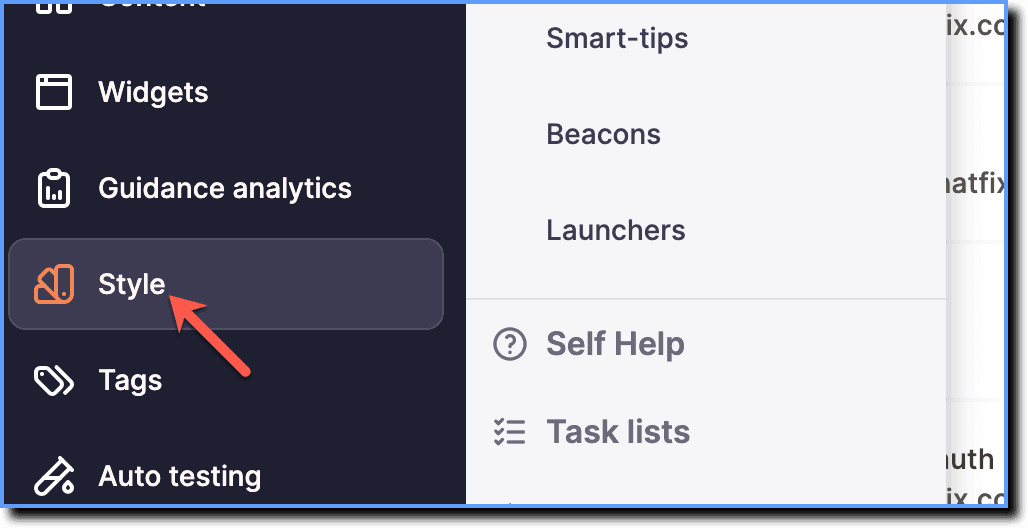
On the Whatfix Guidance dashboard, click Style.
-
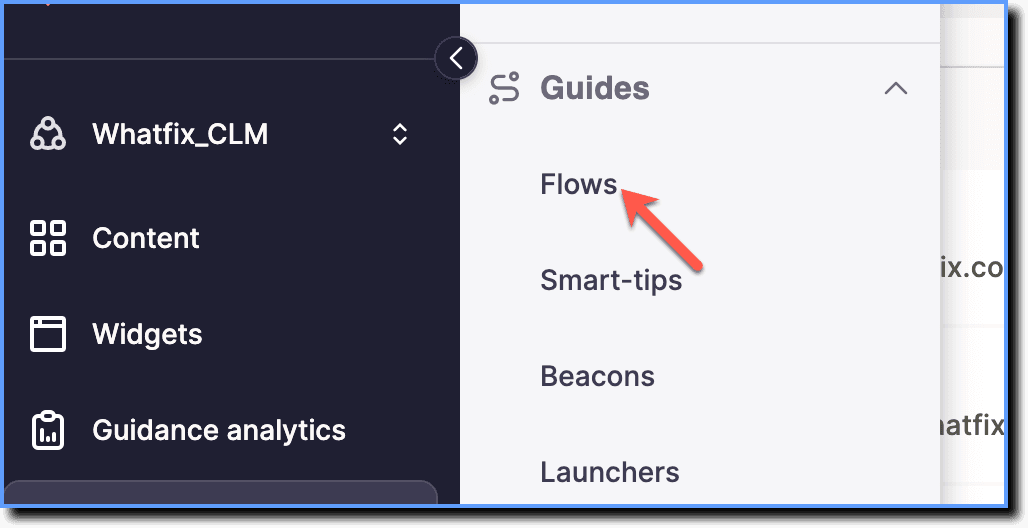
Click Flows.
-
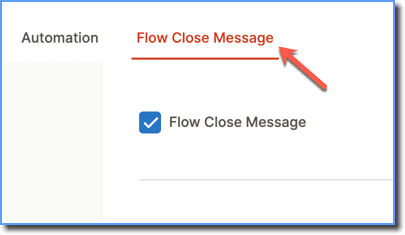
Go to the Flow Close Message tab.
-
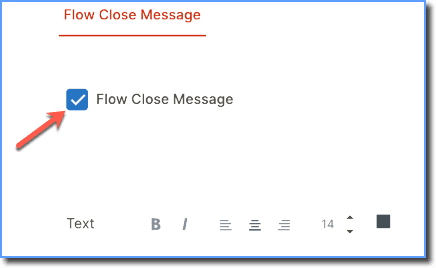
Select the Flow Close Message checkbox.
-
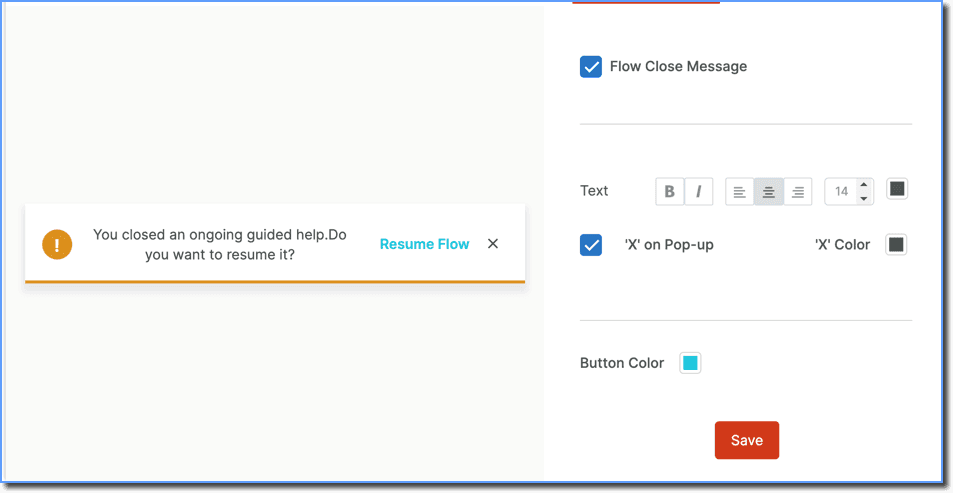
In the Flow Close Message, make the following configurations:
- Change the style, alignment, size, and color of the text in the Flow closure Resume pop-up
- Enable or disable the 'X' on the Pop-up
- Change the 'X' color
- Change the Button Color
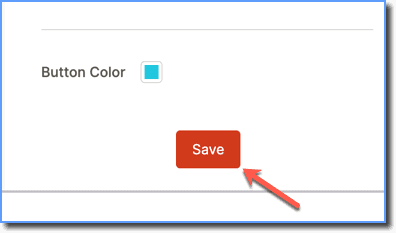
- Click Save.
Configure the Flow Closure Resume pop-up at a Flow level
Use the following steps to configure the Flow Close Message at a Flow level:
-
On the Whatfix Guidance dashboard, click Content.

-
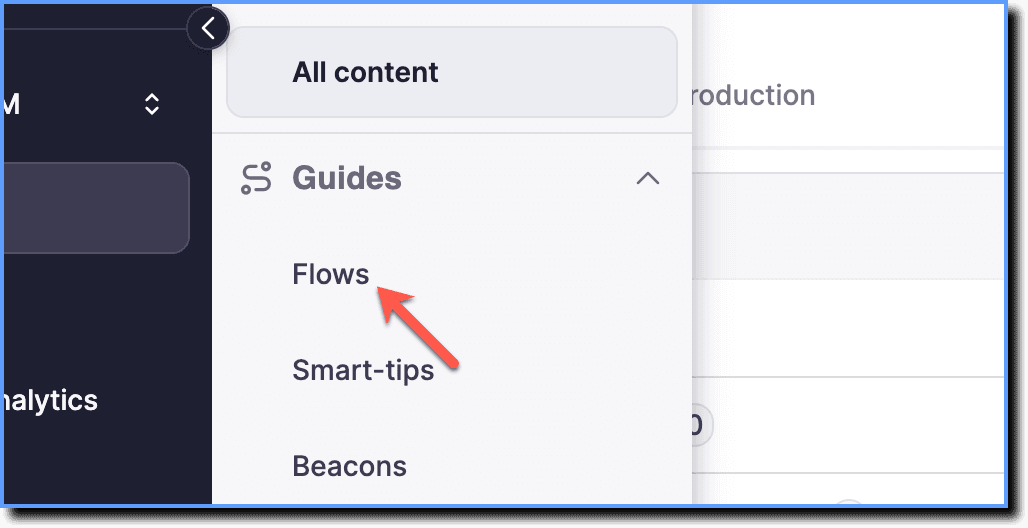
Click Flows.
-
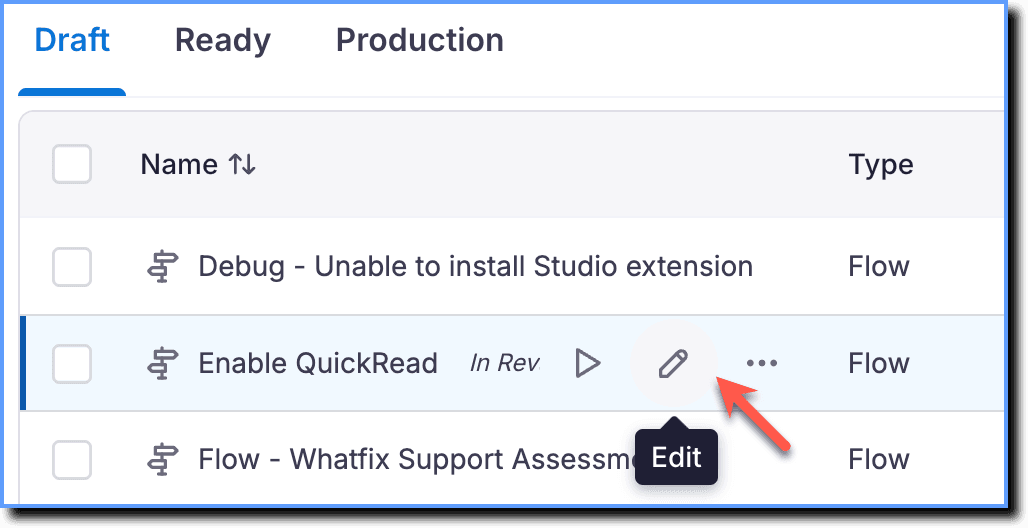
Hover your cursor over the required Flow, and then click the Edit icon.
-
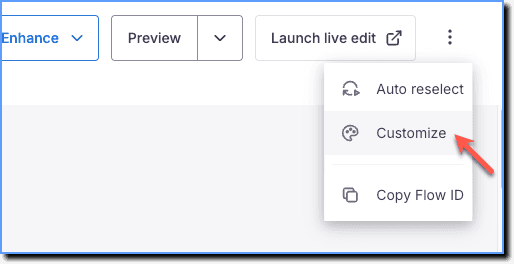
Click the More icon, and then select Customize.
-
Go to the Flow Close Message tab.
-
Select the Flow Close Message checkbox.
-
In the Flow Close Message, make the following configurations:
- Change the style, alignment, size, and color of the text in the Flow closure Resume pop-up.
- Enable or disable the 'X' on the Pop-up
- Change the 'X' color
- Change the Button Color
You cannot change the text of the Toast message.
- Click Save.