Dashboard
Error: Invalid/Expired session
Issue
- When you try to log in to the Whatfix Studio, you see the following error:
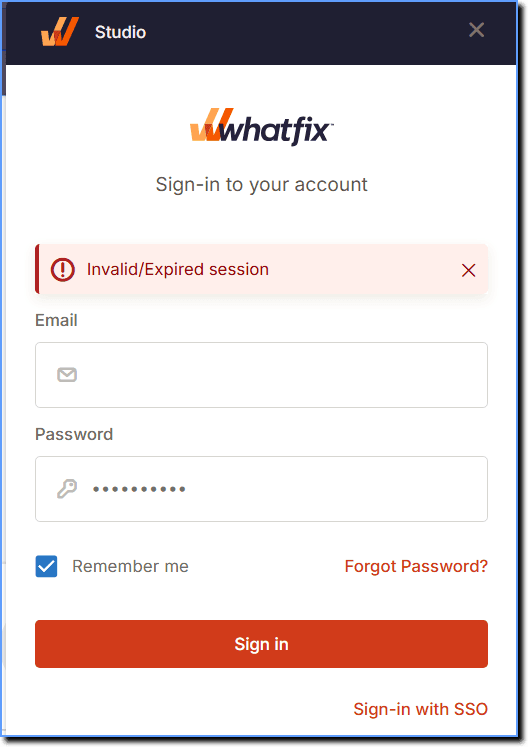
- When you to launch Preview mode and the Preview mode toggle does not appear on any page, Whatfix Studio displays an I****nvalid/Expired session error message. Consequently, viewing or testing any widgets is not possible.
Probable Cause
- Using an older studio extension.
- Attempting multiple login tries.
Suggested Solution
- Delete the cache and try to log in again.
- Remove the current Whatfix Studio extension from your browser and reinstall the latest version of the extension from the Chrome Web Store.
If the issue still persists, contact support@whatfix.com.