Dashboard
Error: Problem loading content. Check your internet connection and try again.
Issue
When you try to upload a PDF file to the Whatfix Dashboard, Whatfix displays the following error message: Problem loading content. Check your internet connection and try again. 
Probable Causes
You might see the error for the following scenarios:
- The PDF file is corrupt.
- You are trying to upload an incorrect format of the file.
- Your internet connection may be unstable or down.
Suggested Solution
- Regenerate the PDF file, and then upload it to the Dashboard.
- Whatfix accepts only PDF files. Ensure the PDF file has the .pdf file extension.

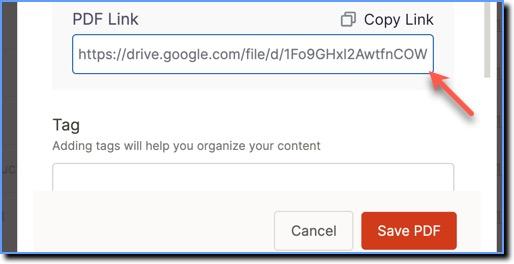
- Try uploading the PDF file to an external platform such as Google Drive or Dropbox, and then upload the file to the Whatfix dashboard as a link.
Info:
For more information, see Upload a PDF file to your dashboard.
- Check your internet connection and try again.
Note:
If the issue persists, contact support@whatfix.com.