Branching in a Flow
Remove a branch from Flow step
Use the following steps to remove a branch from an existing Flow:
-
On the Whatfix Guidance dashboard, click Content.

-
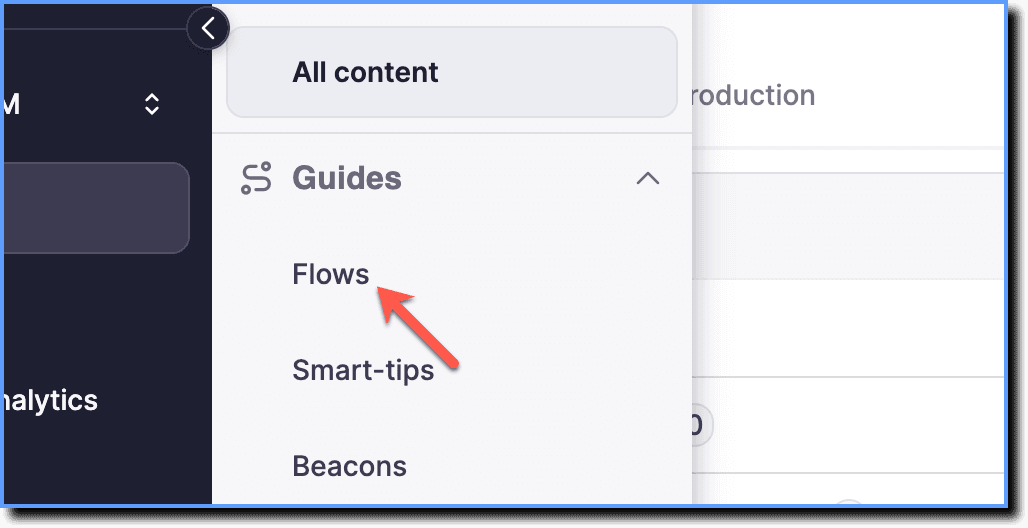
Click Flows.
-
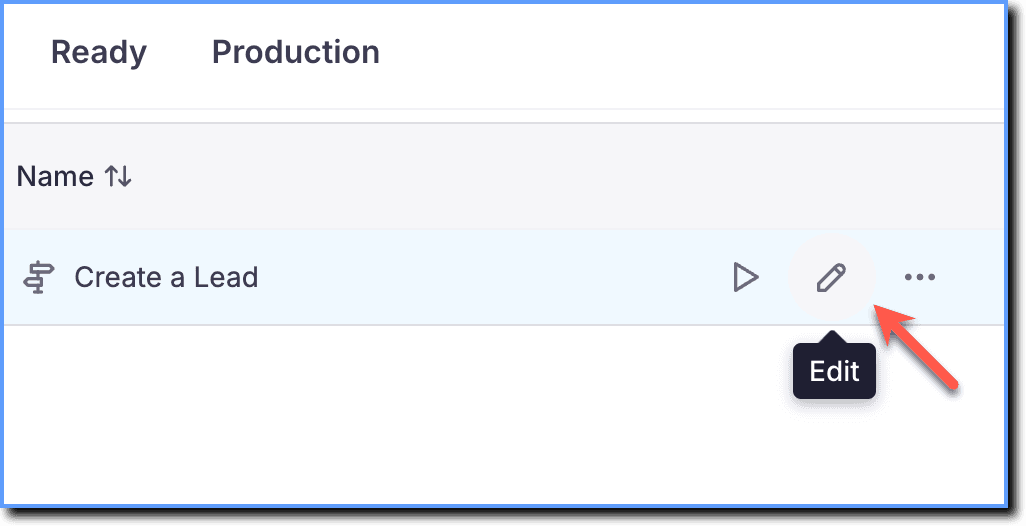
Hover your cursor over the Flow you want to update, and then click the Edit icon.
-
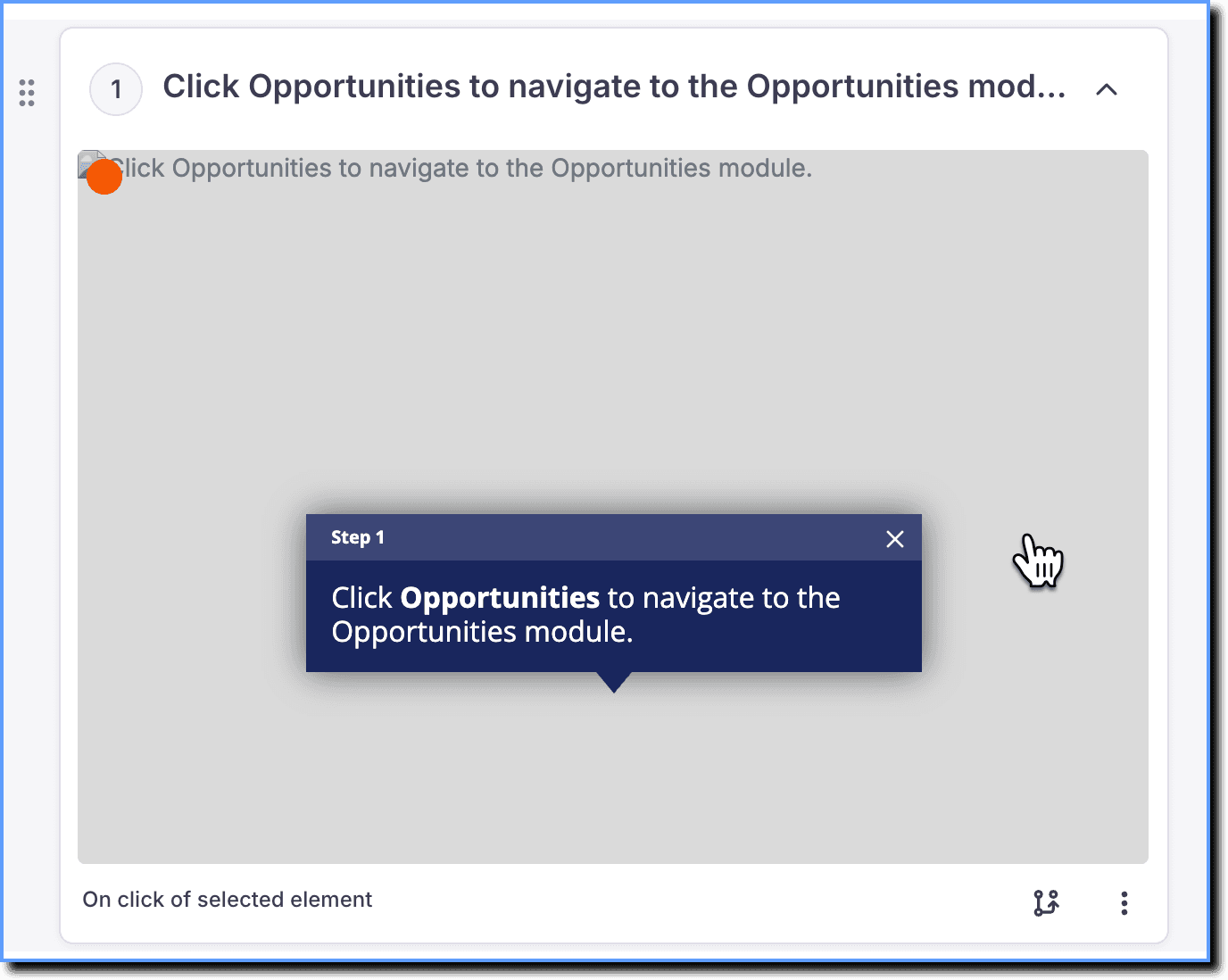
Go to the required step, and then click anywhere on the step card to edit it.
Info
Whatfix Content and Widgets can be edited in the Draft and Ready Stages.
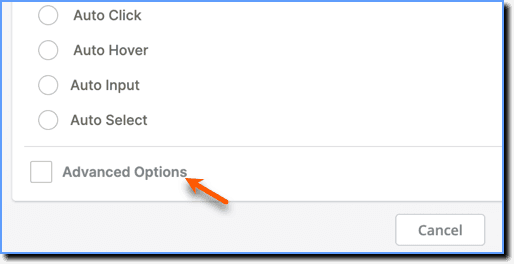
- Scroll down to Advanced Options.
If the Advanced Options is not displayed, click the checkbox to enable it.
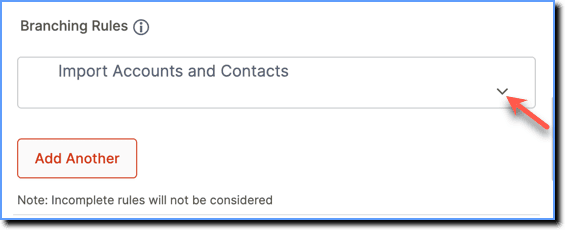
- Under Branching Rules, click the accordion of the branch you want to delete.
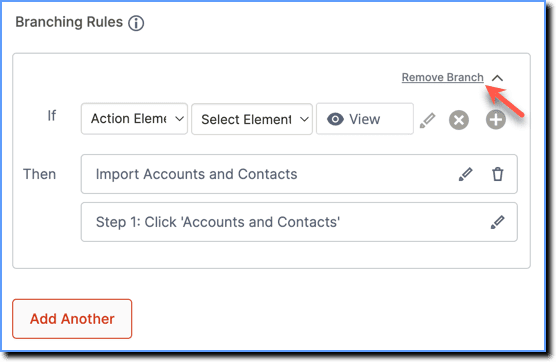
- Click Remove Branch.
- Click Save Step.