Quick Capture Flows
Preview a Flow
Whatfix enables you to preview any Flow that you create before publishing them. Use the See Live and Preview options to see how your Flow looks on the website or application before you publish it to your end users.
Use See Live after Flow creation
Use the following steps to use See Live after Flow creation:
-
On the Whatfix Guidance dashboard, click Content.

-
Click Flows.
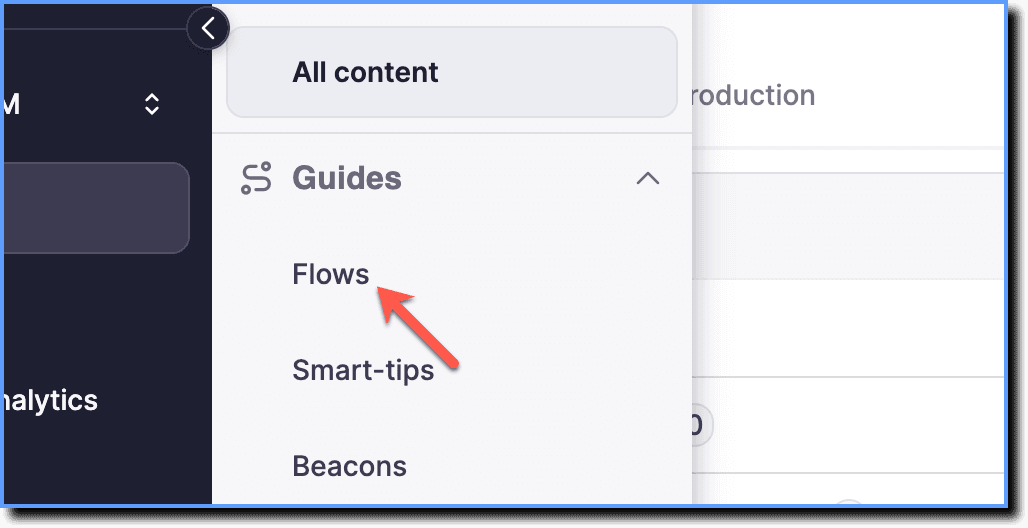
-
Hover your cursor over the Flow, and then click the See live icon.

The Flow opens in your application and shows how the content appears to your users.
Use Preview during Flow creation
-
On the Whatfix Guidance dashboard, click Content.
-
Click Flows.
-
Hover your cursor over the Flow, and then click the See live icon.
-
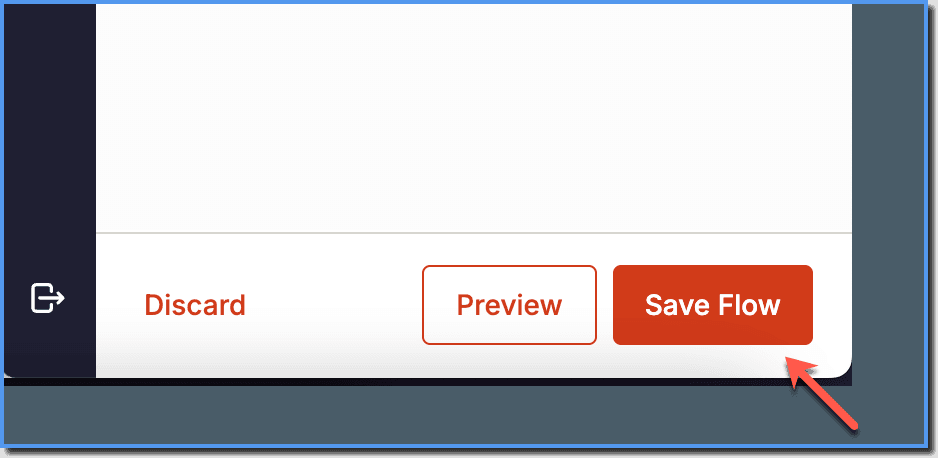
Once all the steps are captured, on the Whatfix Studio, click Save Flow.
Click Preview. 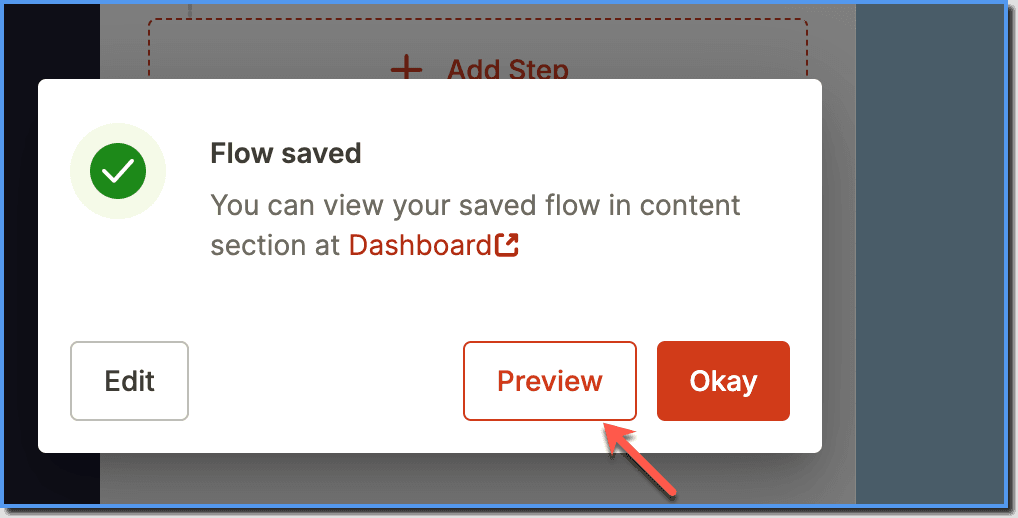
The Flow opens in your application and shows how the content appears to your users.