Set When your Content or Widget Appears with the new Visibility Rules
List of Events for Linked Content
Using the new Visibility Rules experience, Whatfix enables you to trigger a widget based on callbacks made by existing Whatfix content or widgets. For example, show a Survey right after the user completes an onboarding Flow to ask them for feedback.
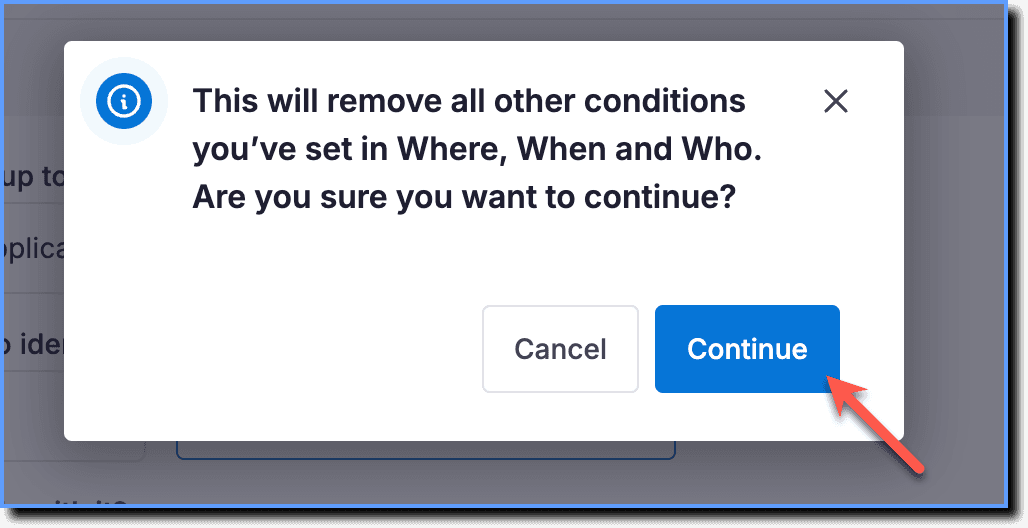
- If you’re using the Events related to Whatfix Content condition, all other Visibility Rules are cleared.
- Whatfix enables you to use this condition only for Popups and Surveys.
The following table lists all the events that can be used to show Whatfix widgets:
Flow
| Event | Description |
|---|---|
| Before the Flow starts | This event is shown on your widget just before the selected Flow starts. For example, use this event if you want to show a Pop-up right before an onboarding Flow starts. |
| User completes the step | This event shows your widget when the user completes a step in the Flow. For example, use this event to show a congratulatory Pop-up after a step is completed. |
| User closes the step | This event shows your widget when the user closes a step in the Flow. For example, use this event to show a Survey asking why they closed the step. |
| After the flow ends | This event shows your widget when the user closes the Flow feedback form. For example, use this event to show a Pop-up thanking the user for their feedback. |
Pop-up
| Event | Description |
|---|---|
| User closes the Pop-up | This event shows your widget when the user closes the Pop-up. For example, use this event to show a Beacon with more information related to the Pop-up. |
| User skips the Pop-up | This event shows your widget when the user skips the Pop-up. For example, use this event to show a Launcher prompting users to use it to view the Pop-up whenever they want. |
Survey
| Event | Description |
|---|---|
| User clicks on submit | This event shows your widget when the user clicks submit in a Survey. For example, use this event to show a Pop-up thanking the user for their input. |
| User clicks on close | This event shows your widget when the user clicks close in a Survey. For example, use this event to show a Beacon asking the user to complete the survey at a later time. |