New Visibility Rules for Widgets
Set what causes your Widget to stop appearing
Using the new Visibility Rules experience, Whatfix enables you to configure when you want to stop showing your widget.
Whatfix enables you to use this condition only for Smart Tips, Pop-ups, Surveys, and Beacons.
Use the following steps to configure when your widgets stops appearing:
- In the Visibility rules section for your widget, click When does the pop up start and stop appearing?
 2. Select How many times should the pop up show up? using the dropdown.
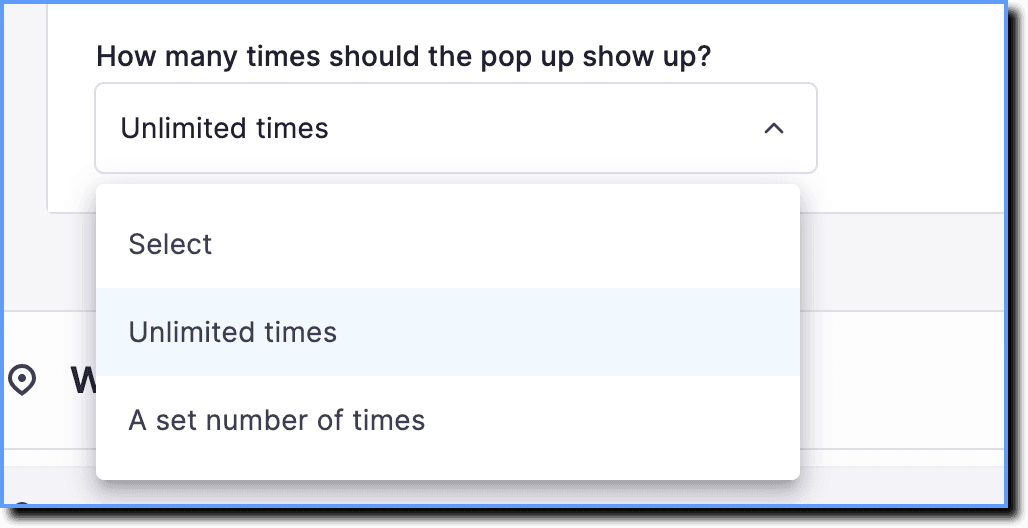
Whatfix enables you to configure the following stop conditions:
| End Condition | Description |
|---|---|
| Unlimited times | Use this condition when you want the widget to appear until it is manually removed from production. |
| A set number of times | Use this condition to stop showing the widget after a set number of times. 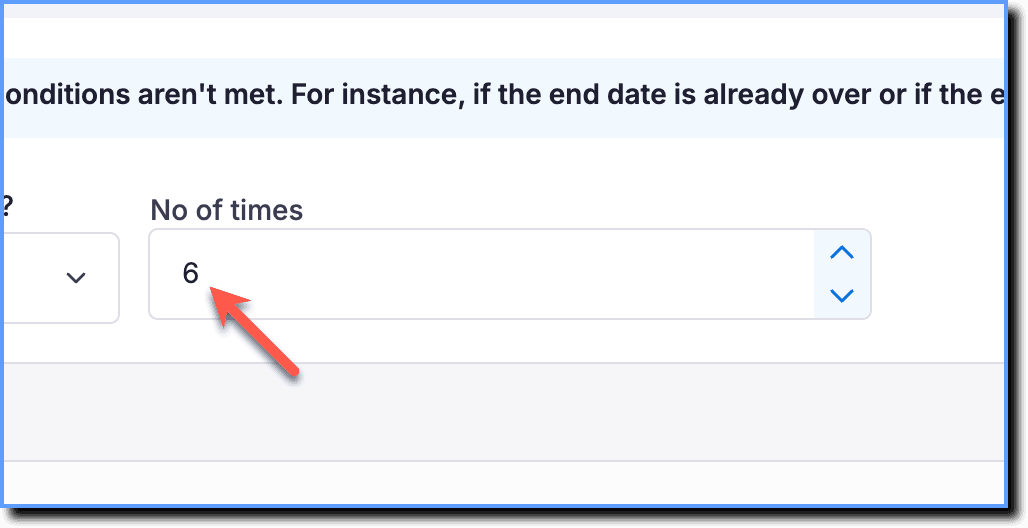 |
By default, the end condition for Smart Tips is set to unlimited times, while for Beacons, Pop-ups, and Surveys, it is set to 1.