General
How to remove tags from Whatfix content?
You might want to remove tags from certain content in the following scenarios:
- The content was added to Self Help using tags, and you no longer want it to appear in the segment.
- The tags have become obsolete.
Use the following steps to remove tags from a content:
-
On the Whatfix Guidance dashboard, click Content.

-
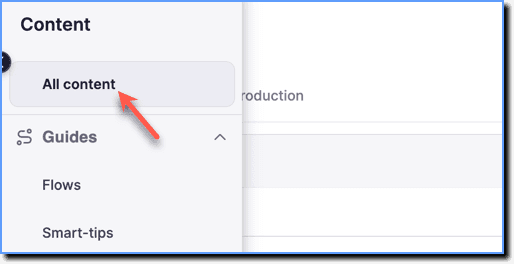
Click All content.
-
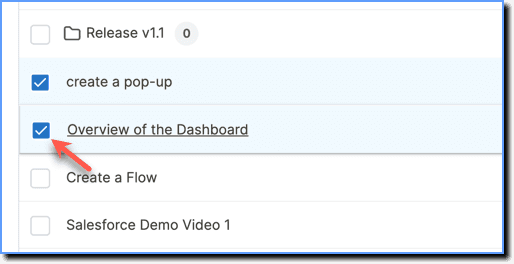
Select the content from which you want to remove tags using the checkbox.
-
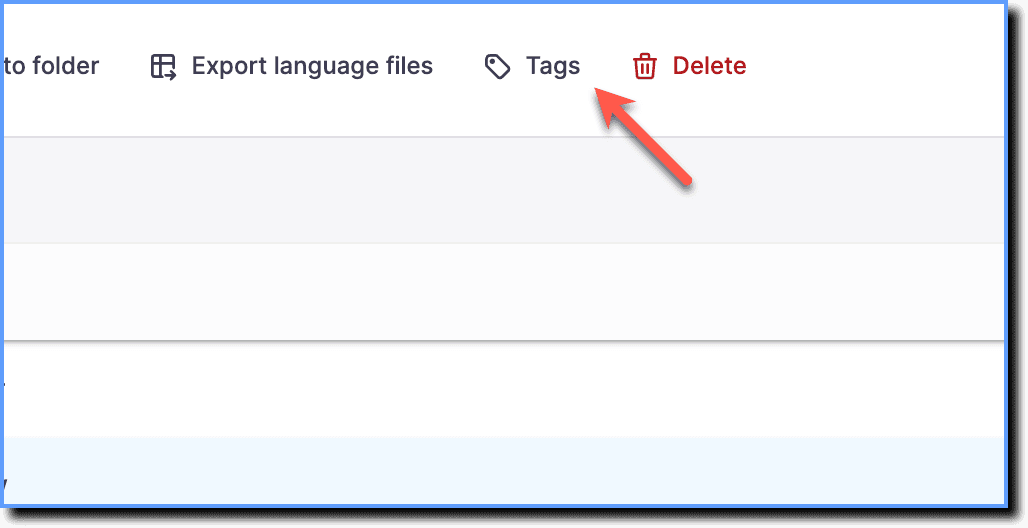
Click Tags.
-
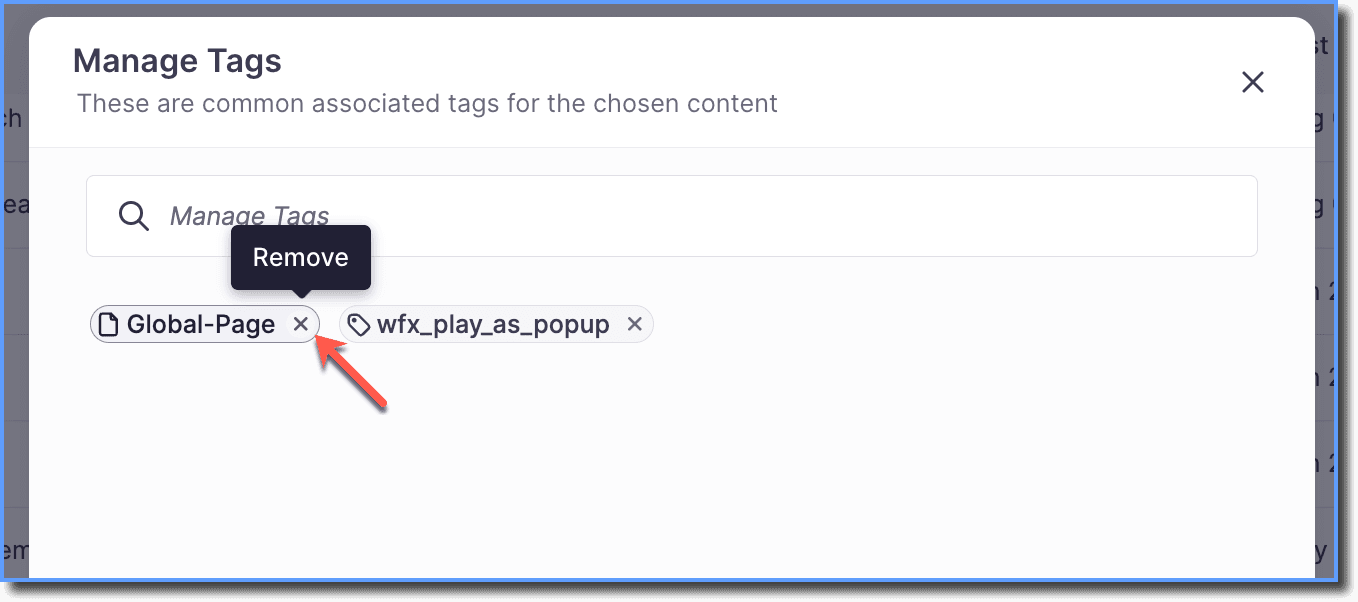
Click the Remove icon to remove the tags.
-
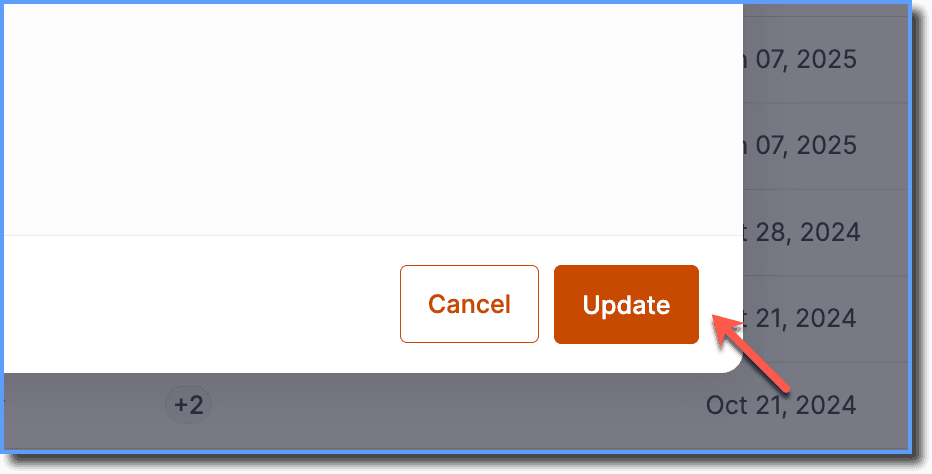
Click Update.