General
How to find the ID of a Static content?
Static content includes Articles, Videos, and Links uploaded to the Whatfix dashboard. Each content has a unique ID that is required for Advanced Customization (AC), API integrations, and more.
Note:
The following steps contain translation steps to find the ID of static content.
Use the following steps to find the ID for static content:
-
On the Whatfix Guidance dashboard, click Content.

-
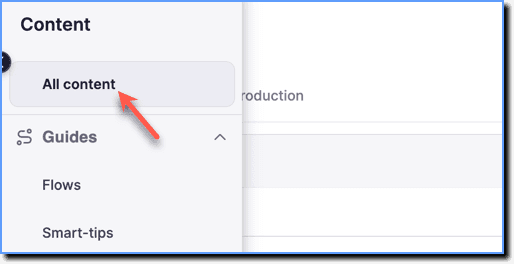
Click All content.
-
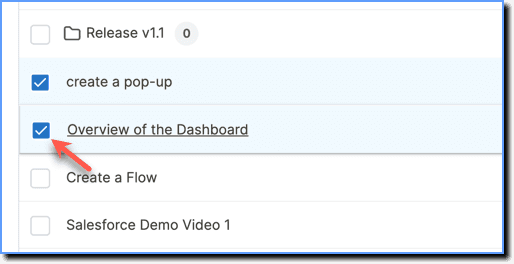
Hover the cursor over the content for which you want to find the ID, and then select it using the checkbox.
-
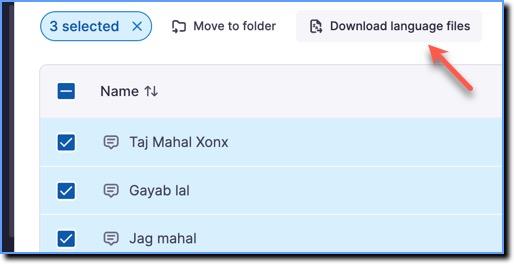
Click Download language files.
-
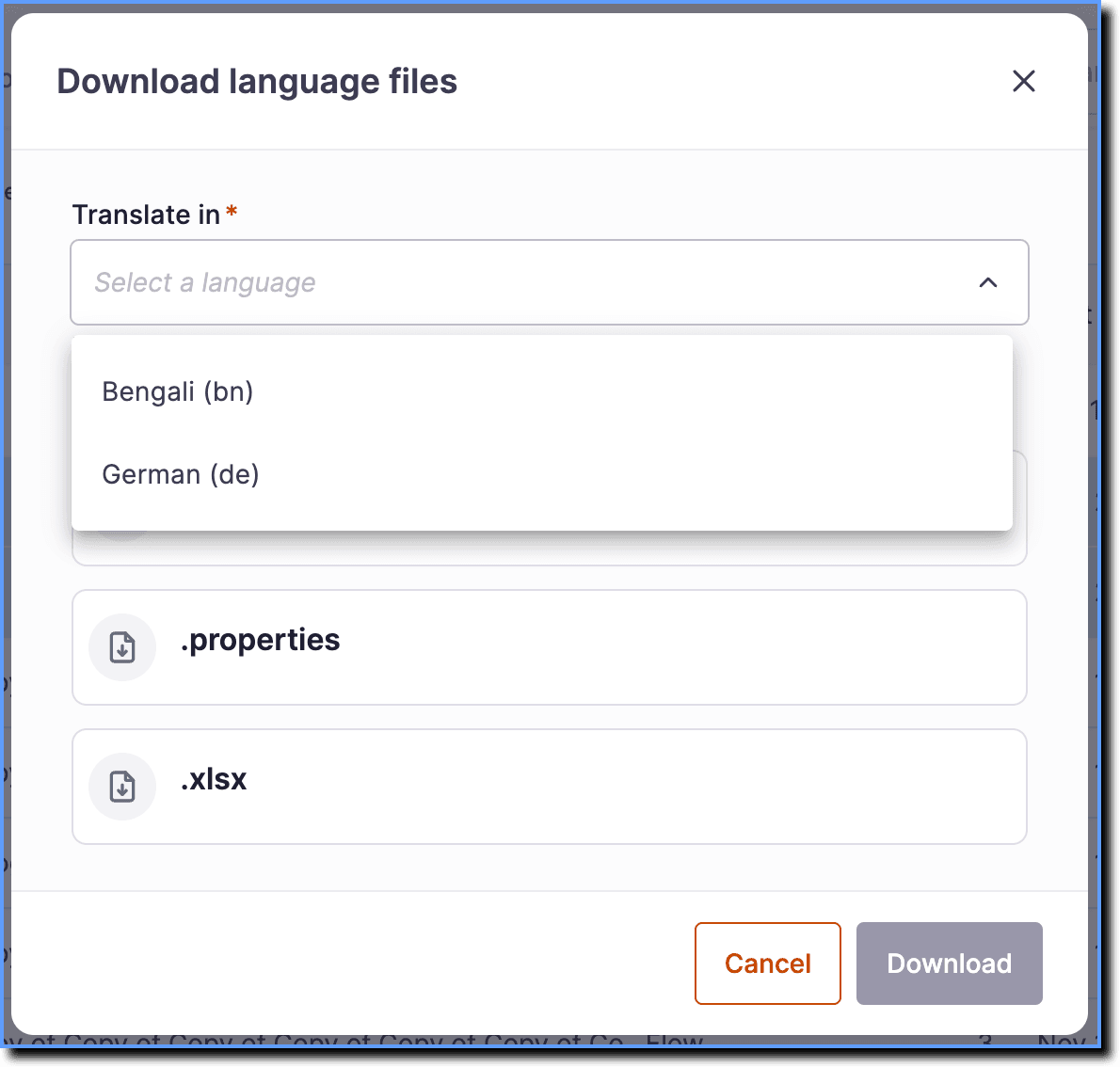
From the Translate in dropdown, select any language.
-
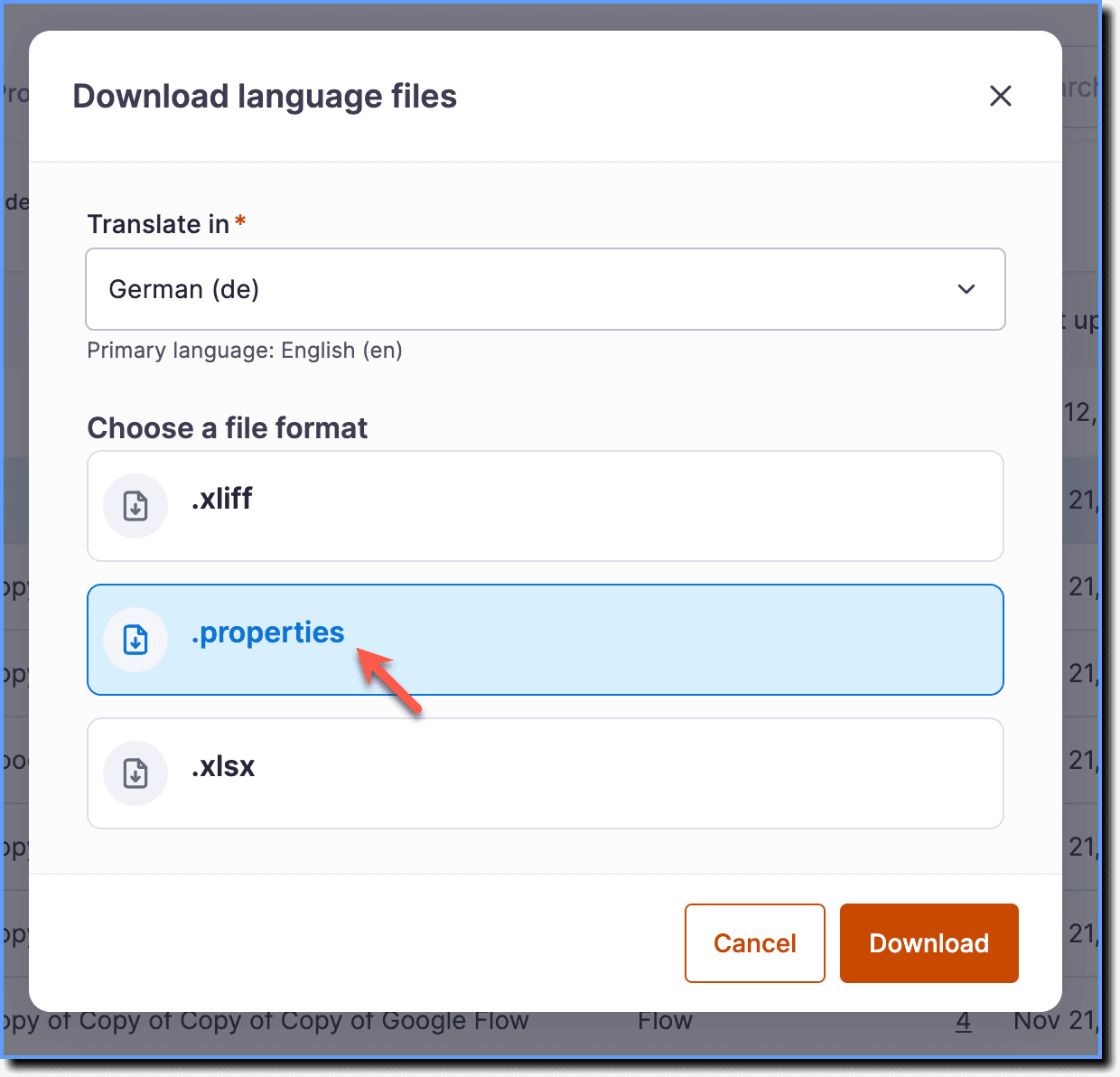
Click the .properties option.
-
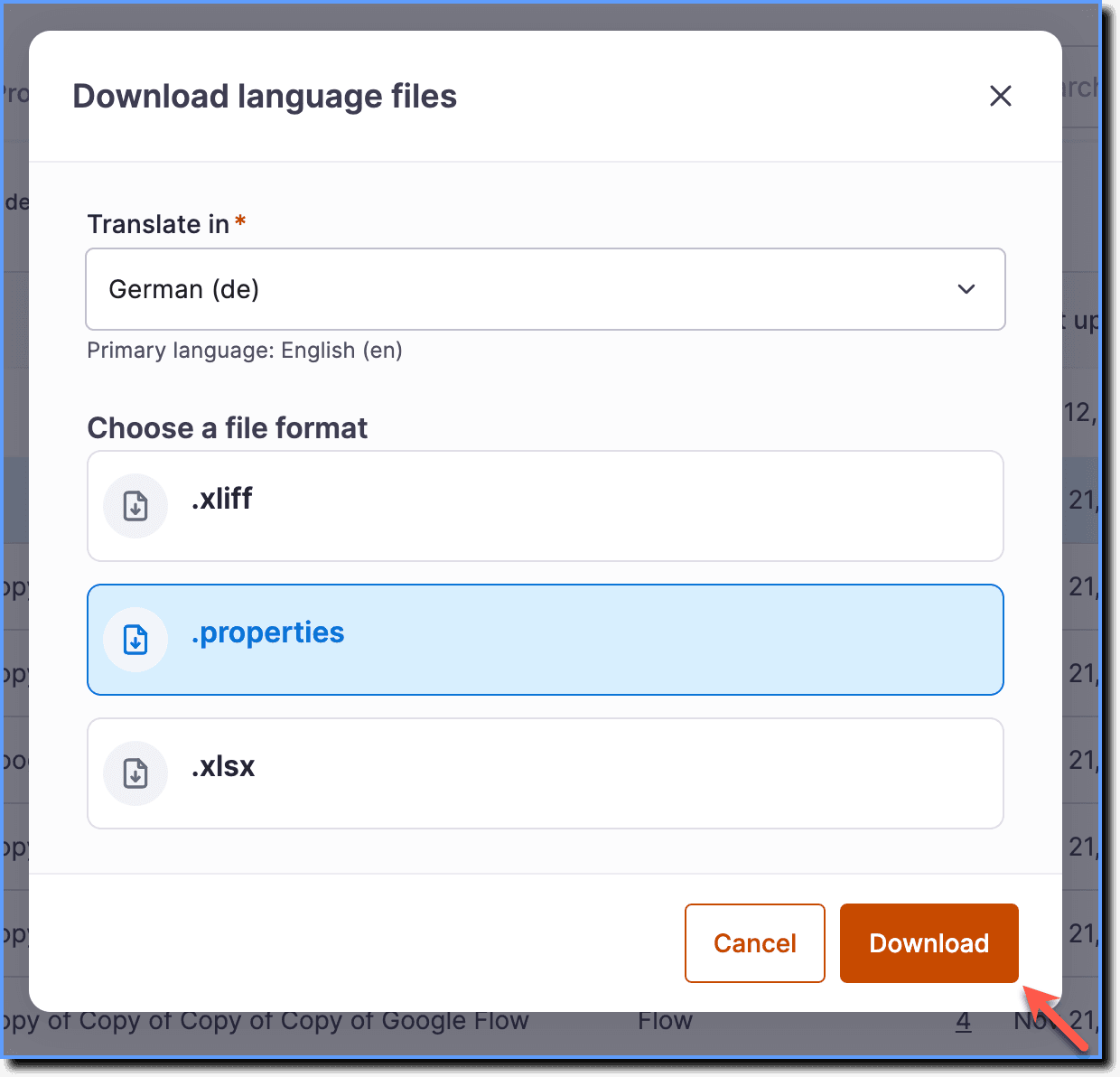
Click Download.
Info:
The language file downloads to your local drive.
- Extract the ZIP file and open the default.properties file in the full folder using a text editor, such as Notepad or Sublime Text.

Note:
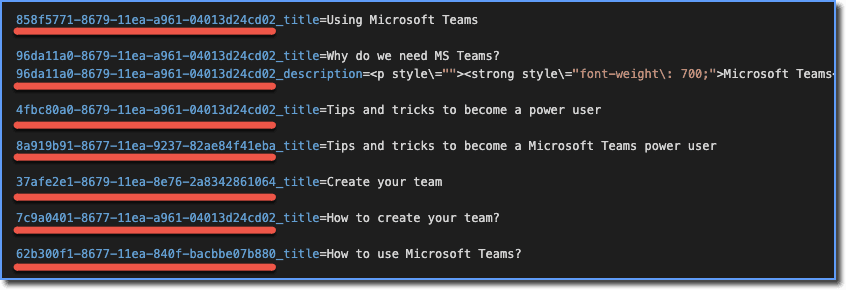
The ID and the name of the content appear at the top. The first section, before the underscore of each content, is the ID, as shown in the following image: