Analytics
How to disable Analytics on specific domains?
Disable Guidance and Product Analytics on specific domains or environments directly on the Whatfix dashboard without using any Advanced Customization (AC) code. Whatfix enables the addition of URL properties for domains where tracking analytics is not desired. Once the condition is satisfied, Whatfix blocks the capture of analytics data for that specific domain.
Use the following steps to disable Guidance and Product Analytics on specific domains:
-
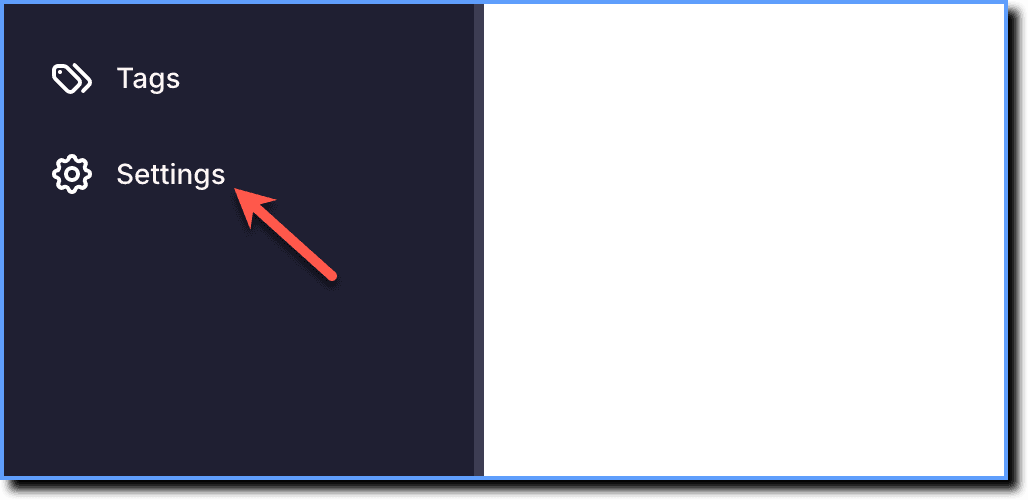
On the Whatfix Guidance dashboard, click Settings.
-
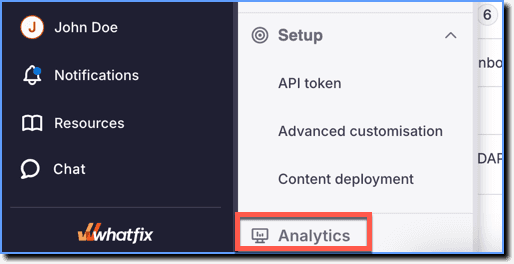
Click Analytics.
-
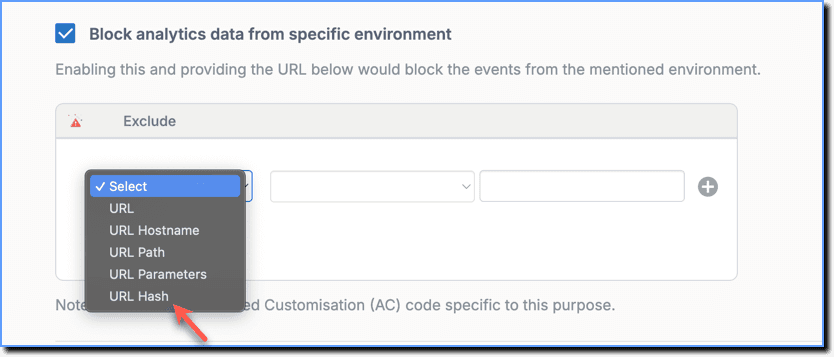
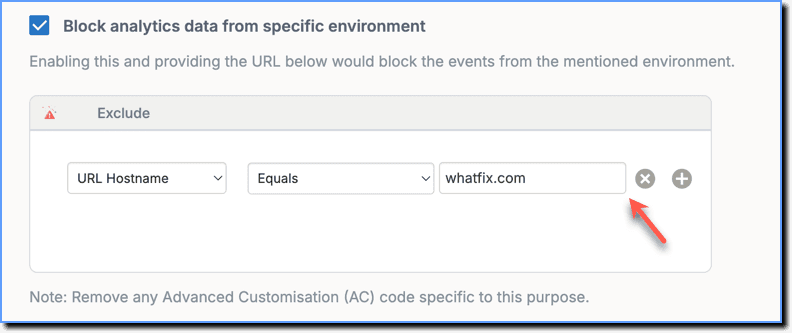
Select the Block analytics data from specific environment checkbox.

-
Under the Exclude section, select a URL property from the dropdown. For more information on URL Properties, see URL Properties as Visibility Rules.
-
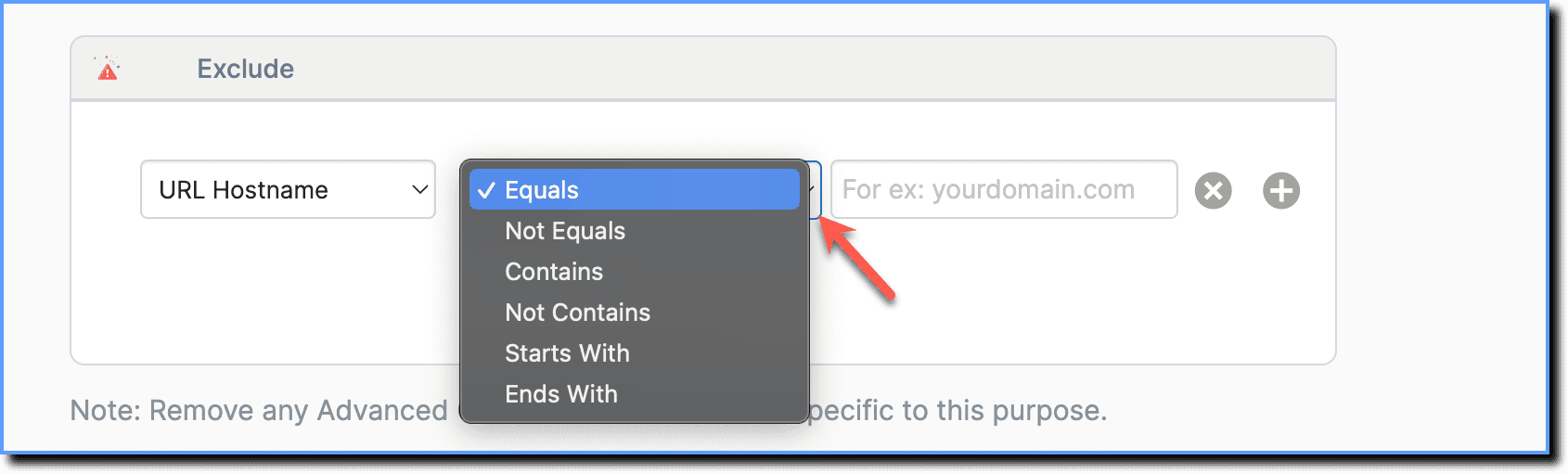
Select the operator.
Info
For more information on the different operators, see Visibility and Display Rule Conditions.
- Enter the value.
Note
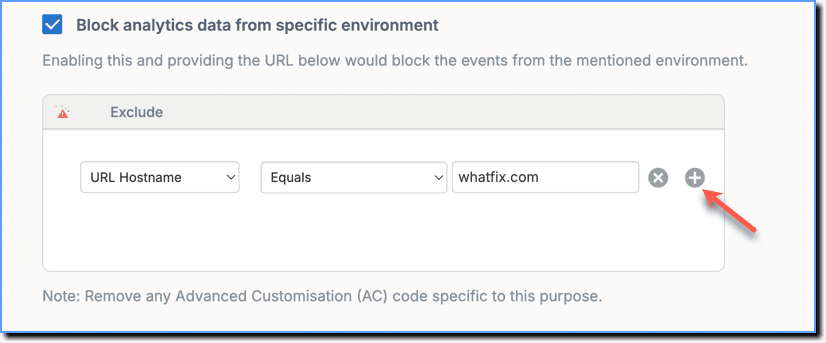
- Add more conditions by clicking the + icon.
- If you've added any AC code to disable Analytics, Whatfix recommends that you remove the existing code and use the URL-based blocking.
- Click Done.
Info
Disabling Whatfix Analytics on specific domains also disables tracking of Goal Management for those domains.