Configure Global Settings using Technical Configurations
Ignore Application Attributes during Mutations
Whatfix uses Mutation Observer to monitor changes in your application's DOM (Document Object Model). These changes can include updates to the attributes of HTML elements such as class, id, or style. For more information on how Whatfix uses MutationObserver API, see Configure Mutation Observer..
However, not all attribute changes are relevant. By enabling Mutation Exclude Attribute Names, you create a list of attributes that Whatfix ignores. Even if these attributes change, Whatfix does not treat them as mutations and does not react to them.
By ignoring irrelevant changes, Whatfix focuses only on mutations that impact application functionality and user interactions.
Consider an example where you’re using Whatfix on a web application that frequently changes the color of its buttons. The color attribute (style) changes are not significant for the functionality of the Whatfix flows, so you decide to exclude them from mutation observations.
Use the following steps to exclude certain application attributes during mutations:
-
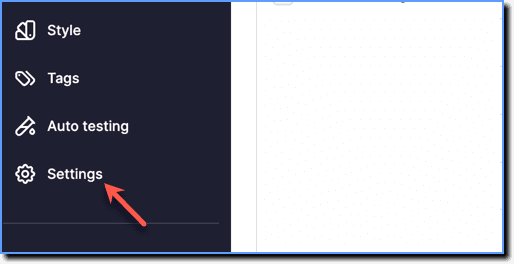
On the Whatfix Guidance dashboard, click Settings.
-
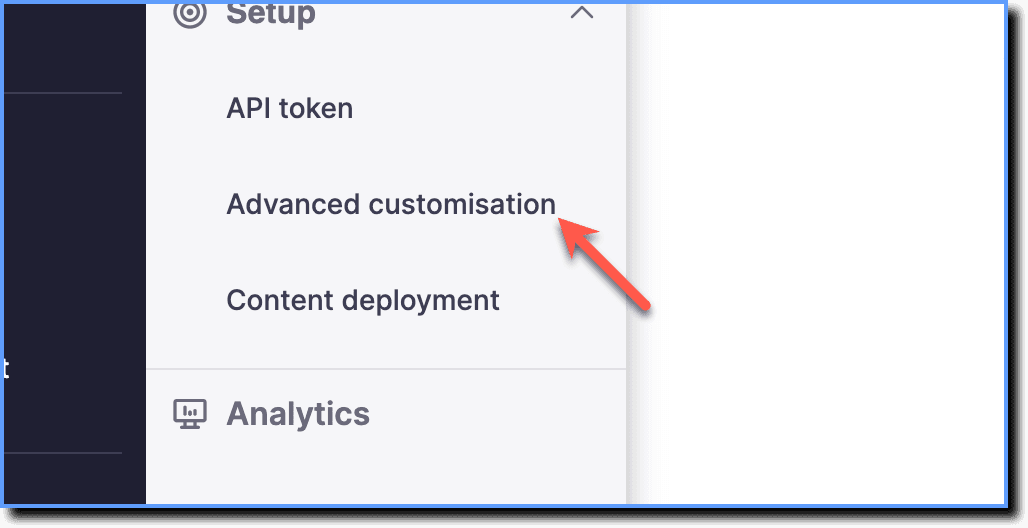
Click Advanced customisation.
-
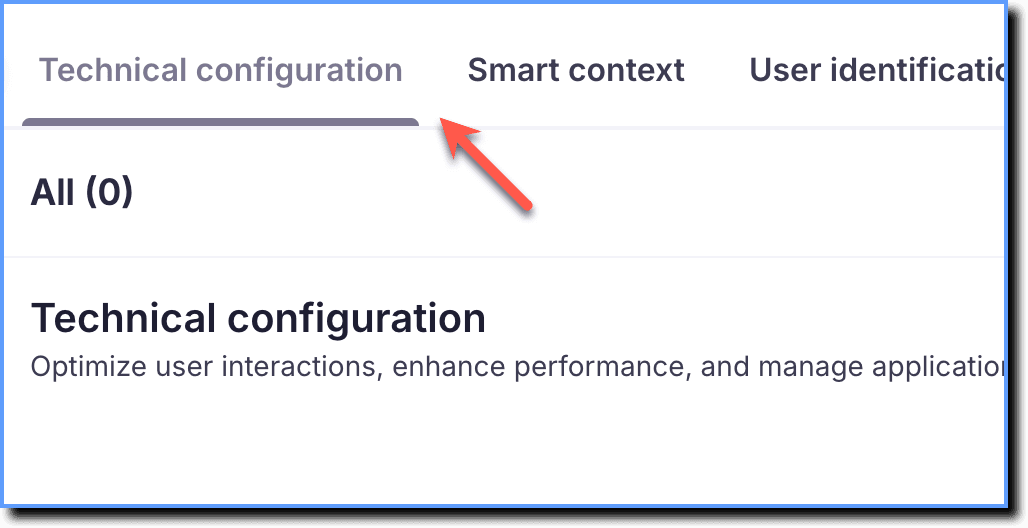
Click Technical configuration.
-
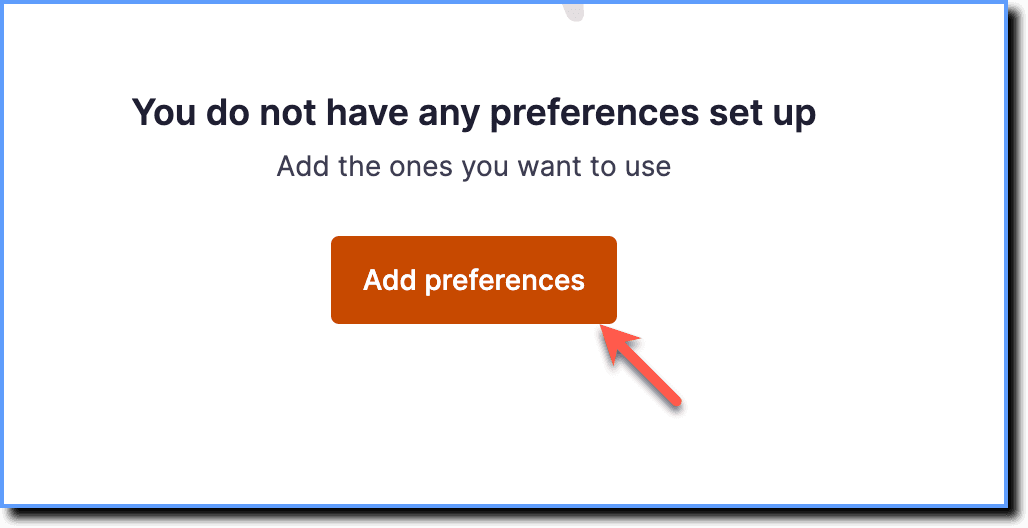
Click Add preferences.
-
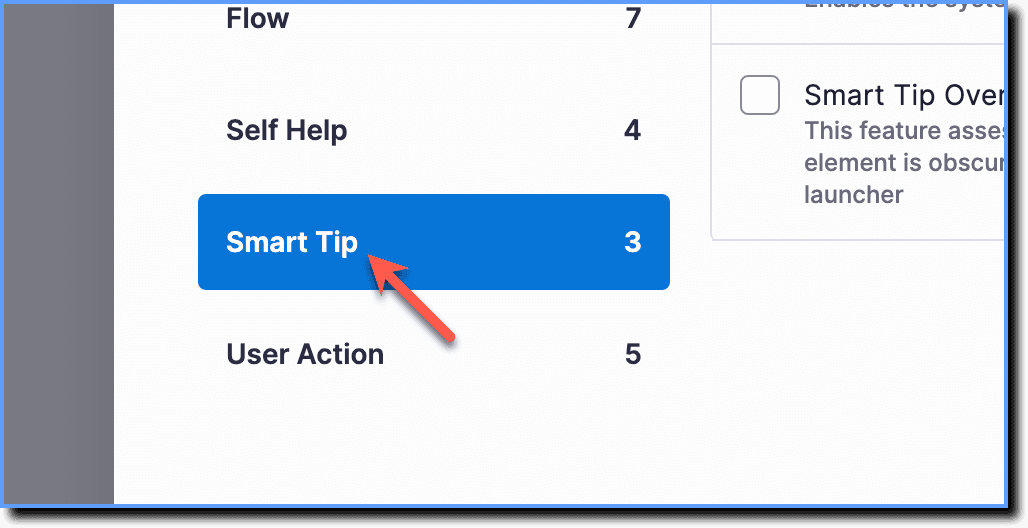
Click Smart Tip.
-
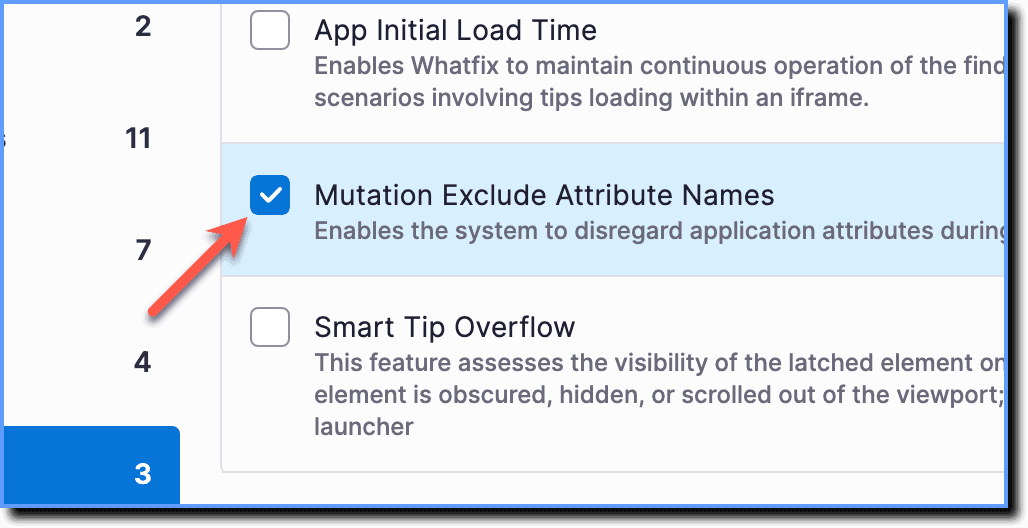
Select the Mutation Exclude Attribute Names checkbox.
-
Click Add.

-
In the Mutation Exclude Attribute Names Value field, enter the attributes you want Whatfix to exclude, as shown in the following image:
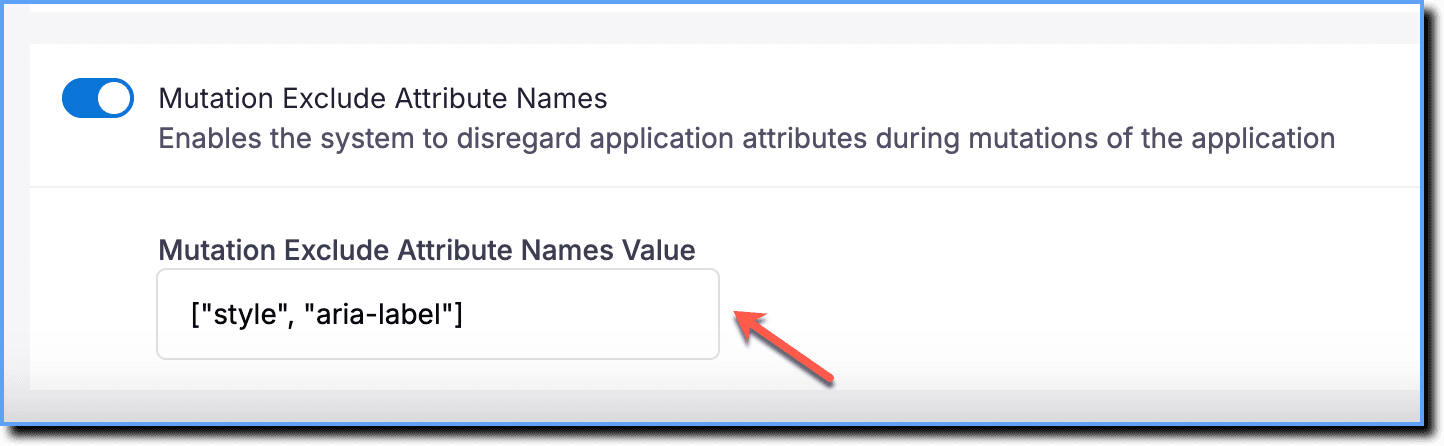
The attribute name values must be enclosed in double quotes.
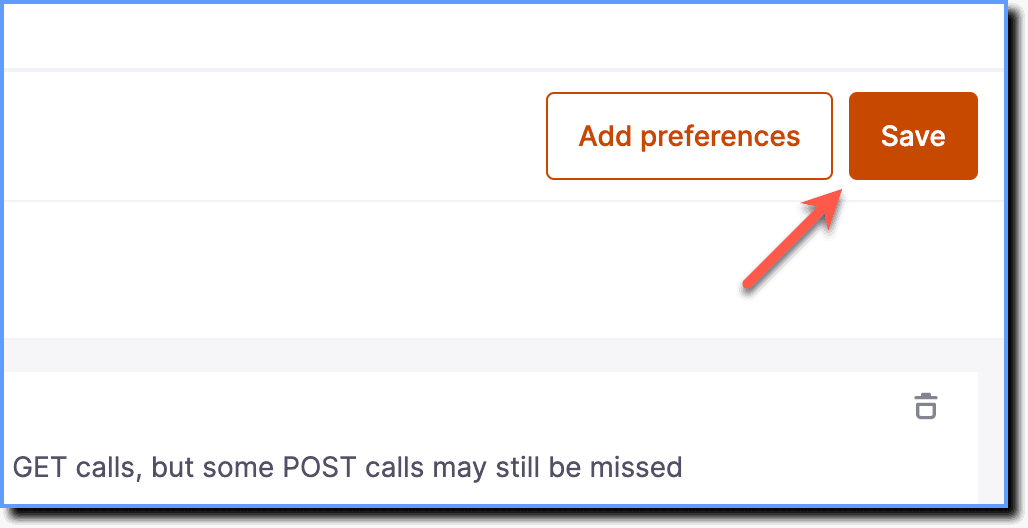
- Click Save.