Whatfix ODF Export
Share a Flow as an ODF file
Whatfix enables sharing a Flow as an ODF (Open Document Format) file (previously called ODT file). ODF is an open XML-based document file that simplifies editing and converting content to other formats. Any Flow on the Whatfix Dashboard can be emailed as an ODF file attachment to an SME for annotation and editing.
Use the following steps to share a Flow as an ODF file:
- On the Whatfix Guidance dashboard, click Content.

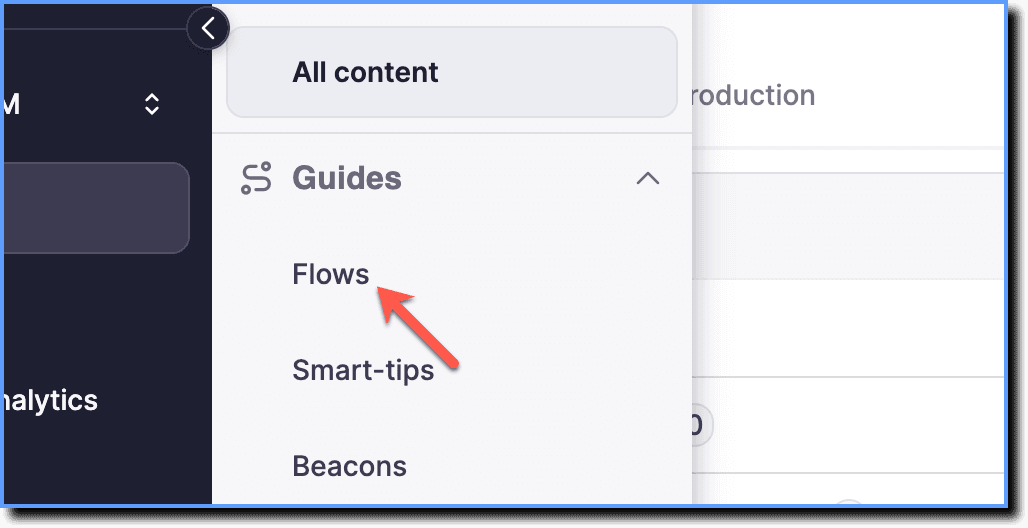
- Click Flows.
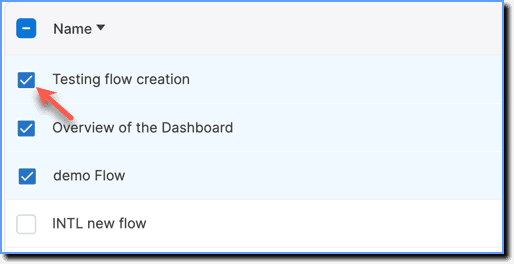
- Select the required Flows.
- Click Share.

You can share up to 10 Flows at a time.
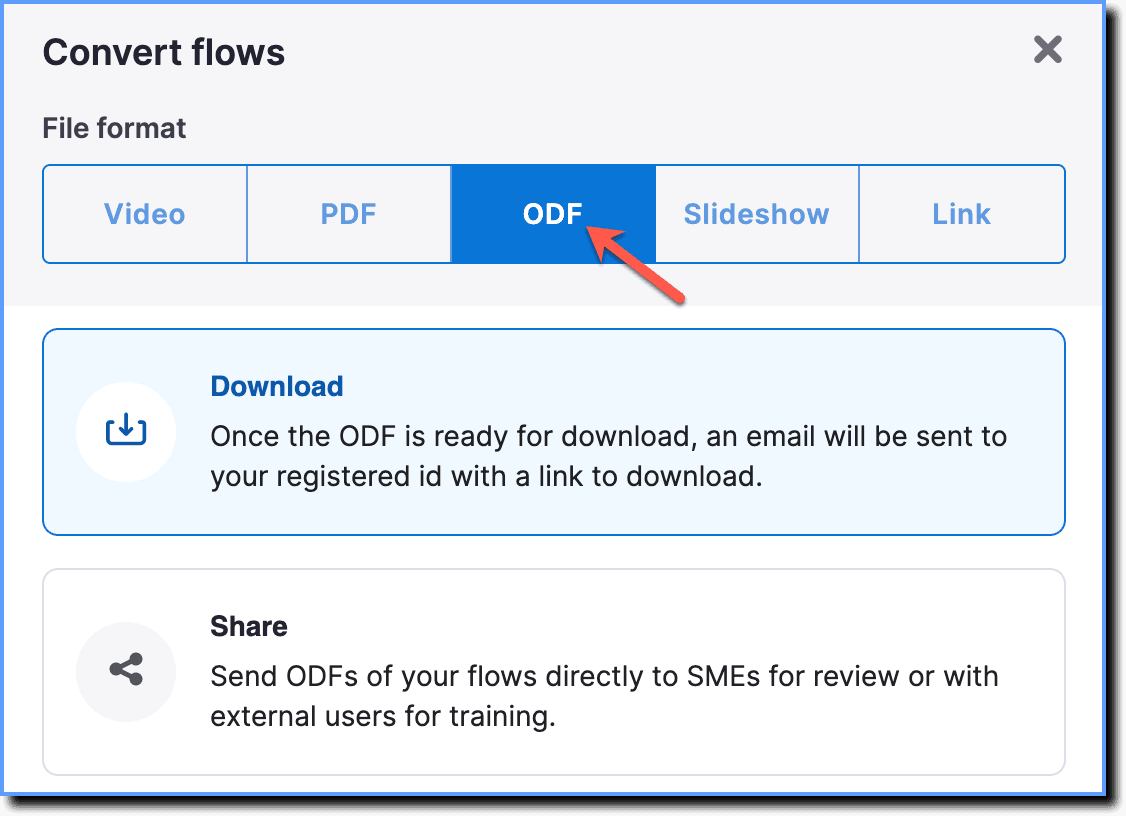
- Choose the ODF option.
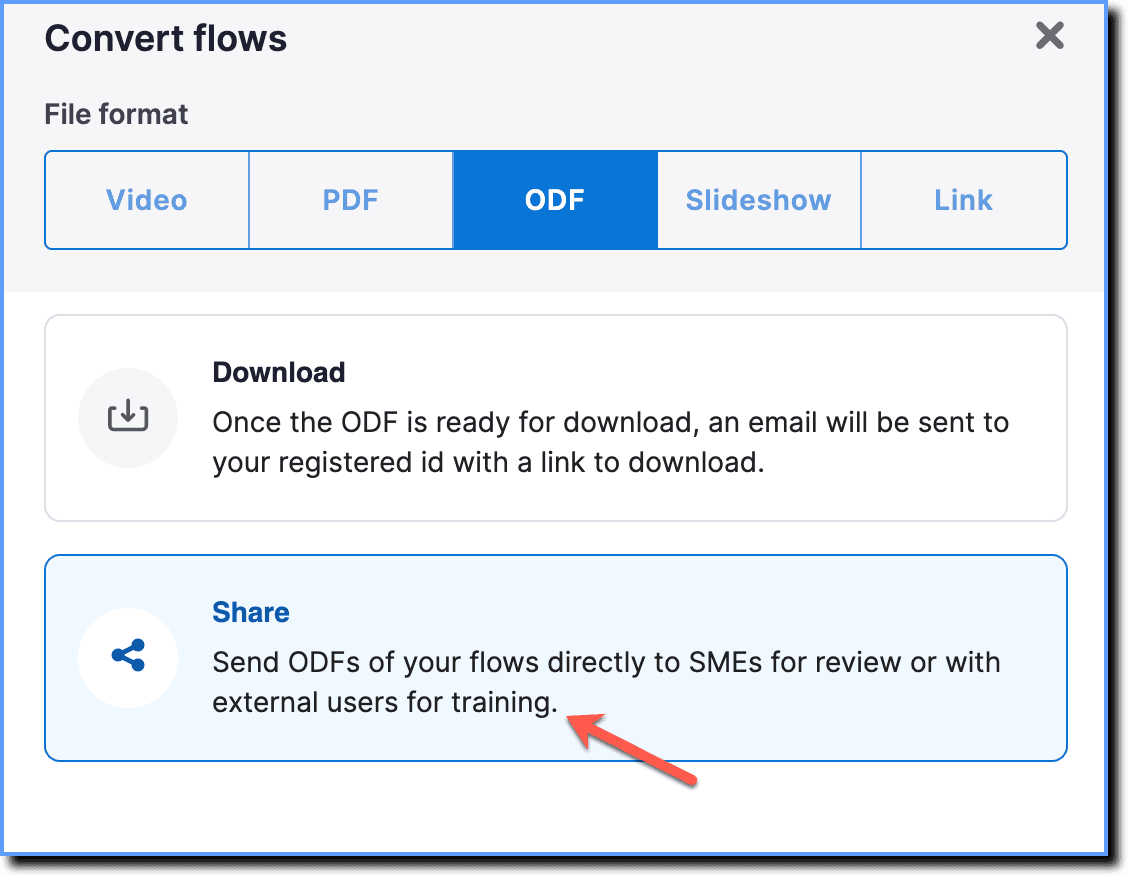
- Click Share.
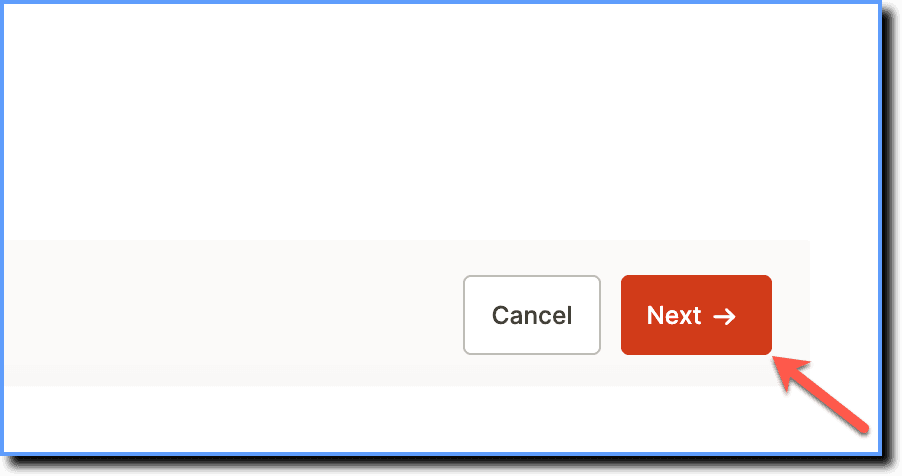
- Click Next.
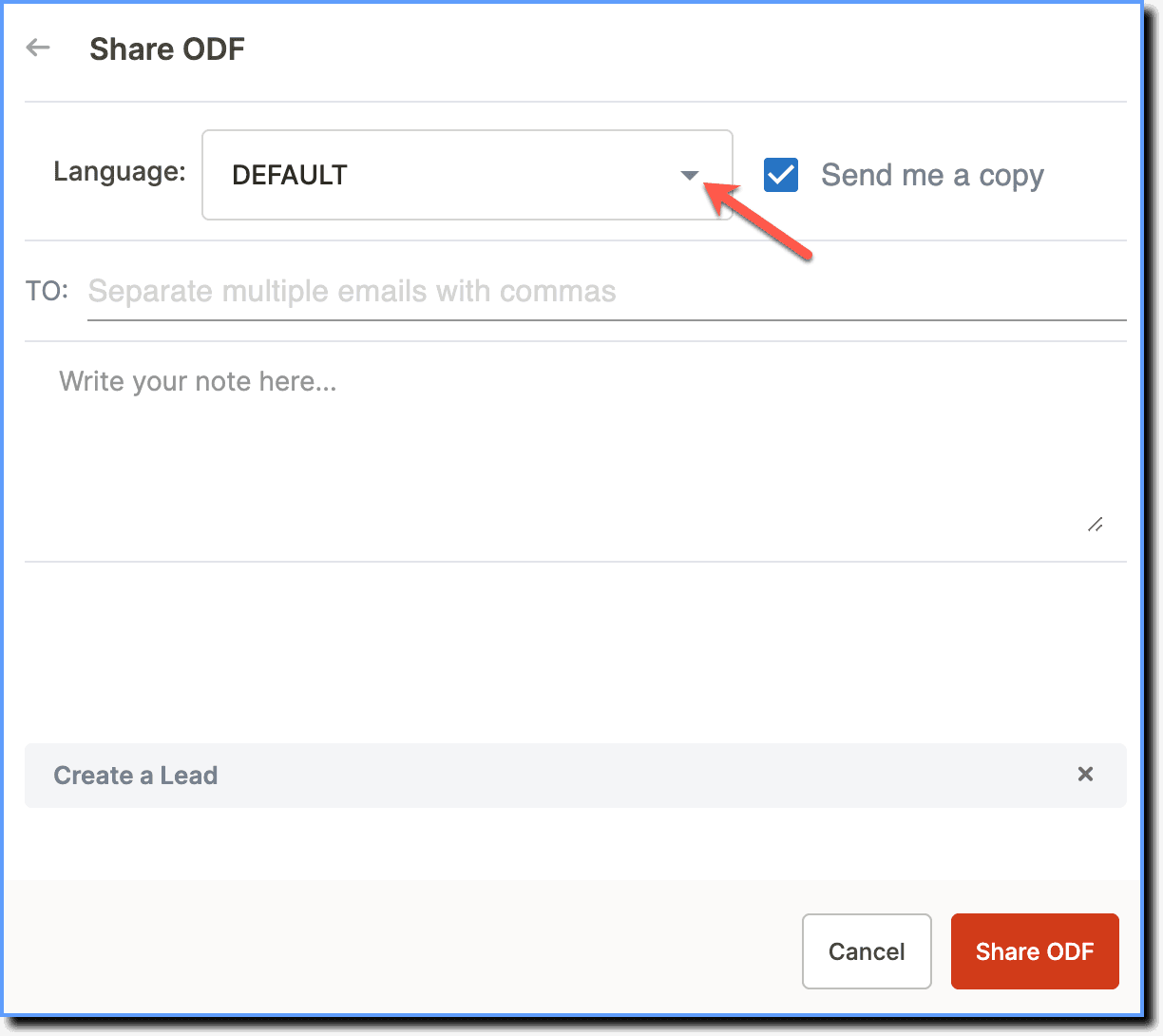
- In the Language dropdown, select the language in which you want to share the Flows.
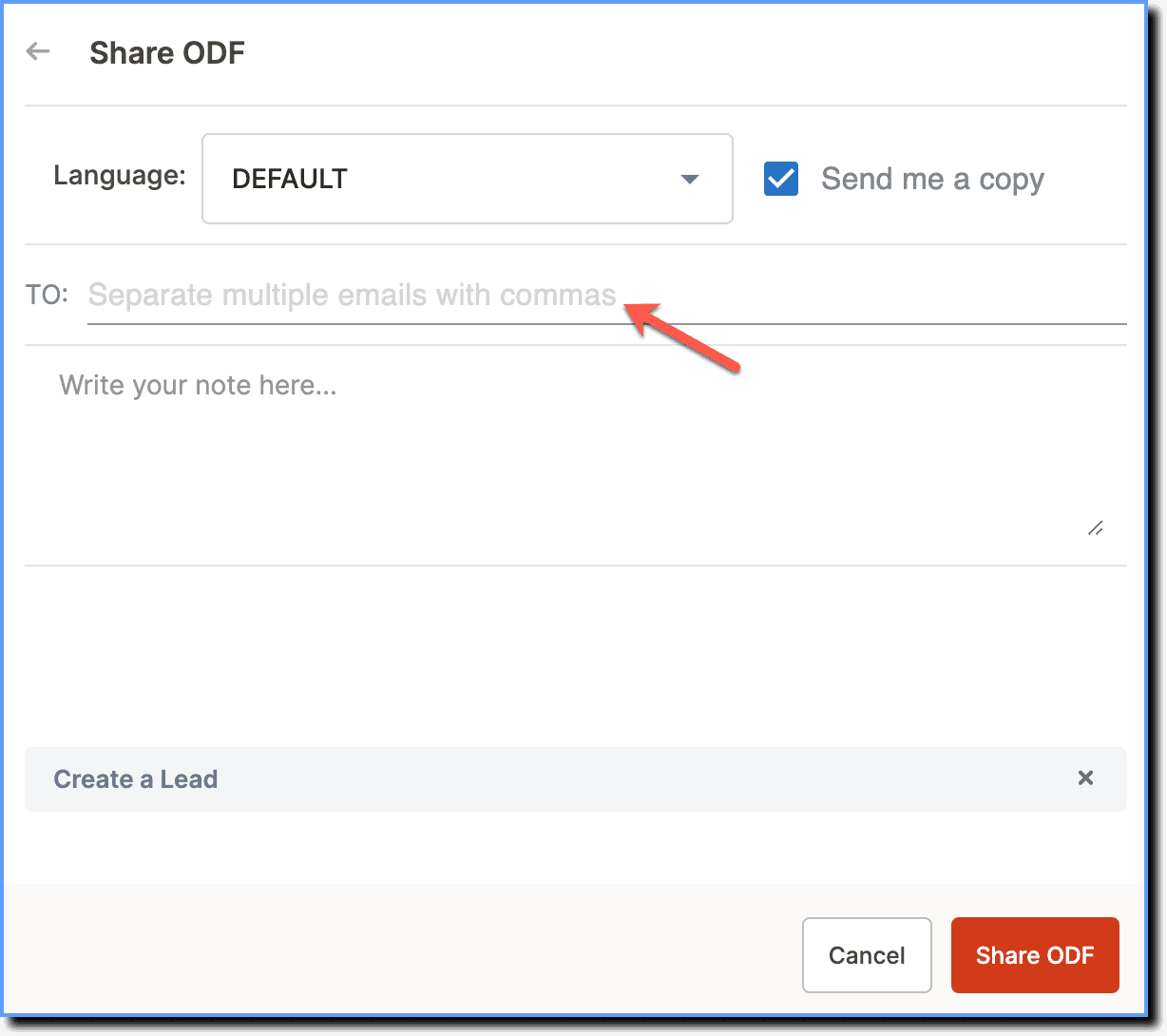
- Enter the recipients' email addresses and description (email body).
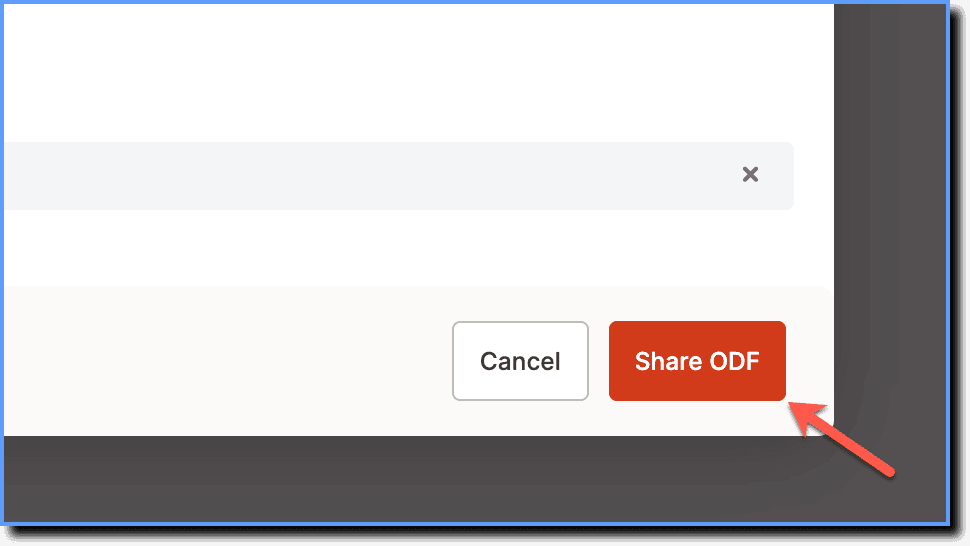
- Click Share ODF.
- An email with a .odt attachment is sent to the email address.
- By default, Flows can be shared only to people whose email address belongs to your organization's domain. To add additional domains, contact support@whatfix.com