Flows: Step Level Configuration
Move a step in a Flow
Whatfix enables you to move Flow steps within a Flow in case you have inserted a step in the wrong place. This saves the effort to create the Flow again.
Use the following steps to move a step within a Flow:
-
On the Whatfix Guidance dashboard, click Content.

-
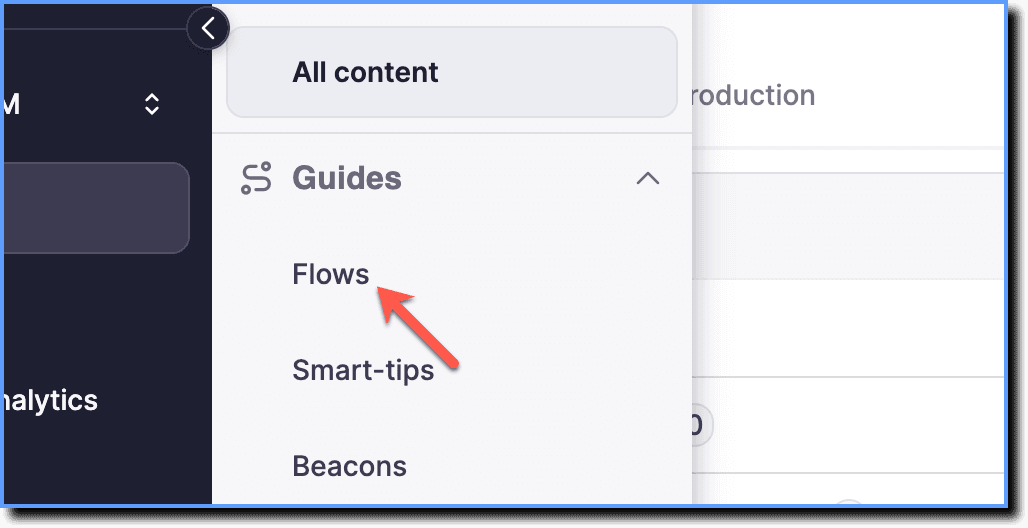
Click Flows.
-
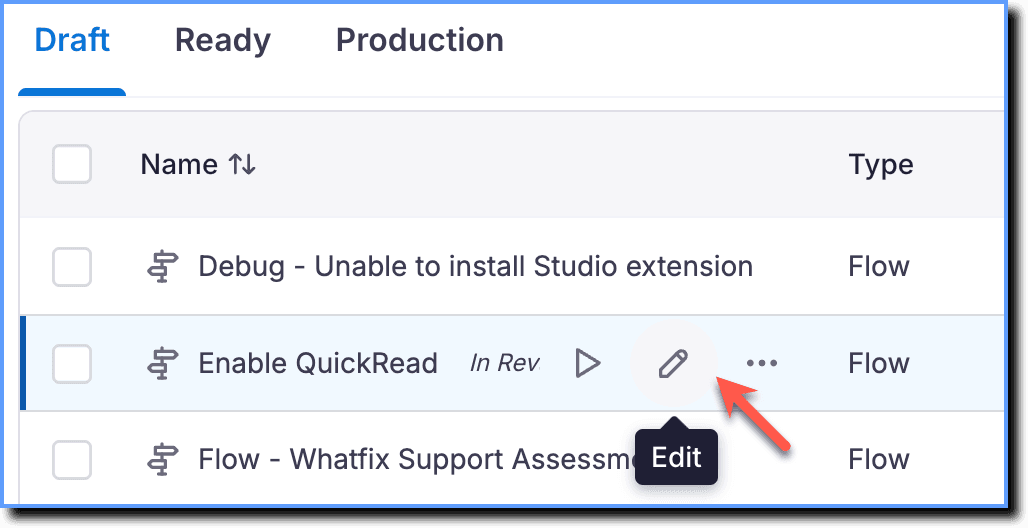
Hover your cursor over the required Flow, and then click the Edit icon.
-
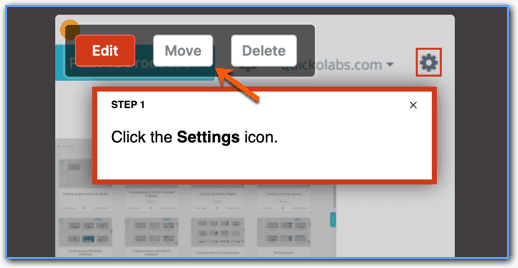
On the step you want to move, click Move.
-
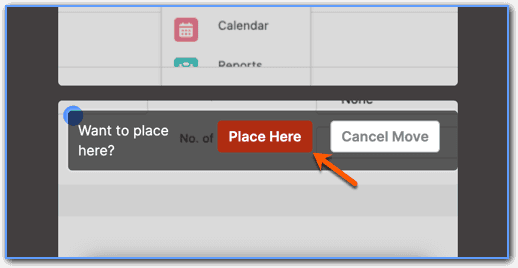
In the new location where you want to move the step to, click Place Here.
-
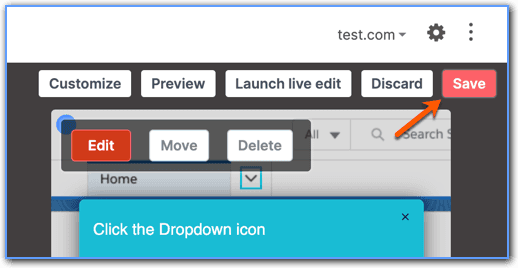
On the top right, click Save.