FAQs: Deployment and Delivery
How is the browser extension updated?
Browser extensions are automatically updated once you push Whatfix content and widgets to the Production stage.
Info:
To know more about generating and updating extensions, see Manage Extensions on the Whatfix Dashboard
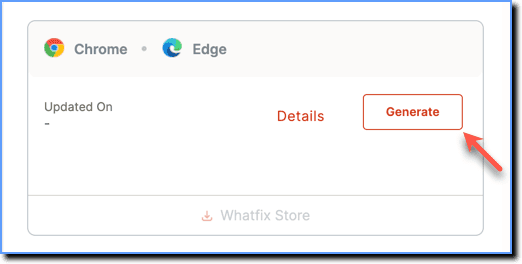
- Chrome and Edge (Chromium): This is the default browser for Whatfix. When you first access the extensions page, you see a Generate button. The extension is automatically updated when you push your Whatfix content to Production.
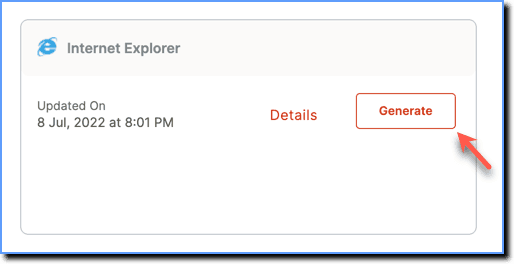
- IE: When you first access the extensions page, you see a Generate button in the IE card. The extension is automatically updated when you push your Whatfix content to Production. In IE, a downloadable installer file is generated.
For more information on how to push your content to Production see, Push Whatfix content and widgets to Production.
Info:
- For more information on the Firefox extensions, contact your Whatfix representative.
- To generate extensions for Edge (Legacy) and Safari, contact support@whatfix.com.