FAQs: Deployment and Delivery
How does Preview Mode differ from See Live and Launch live edit?
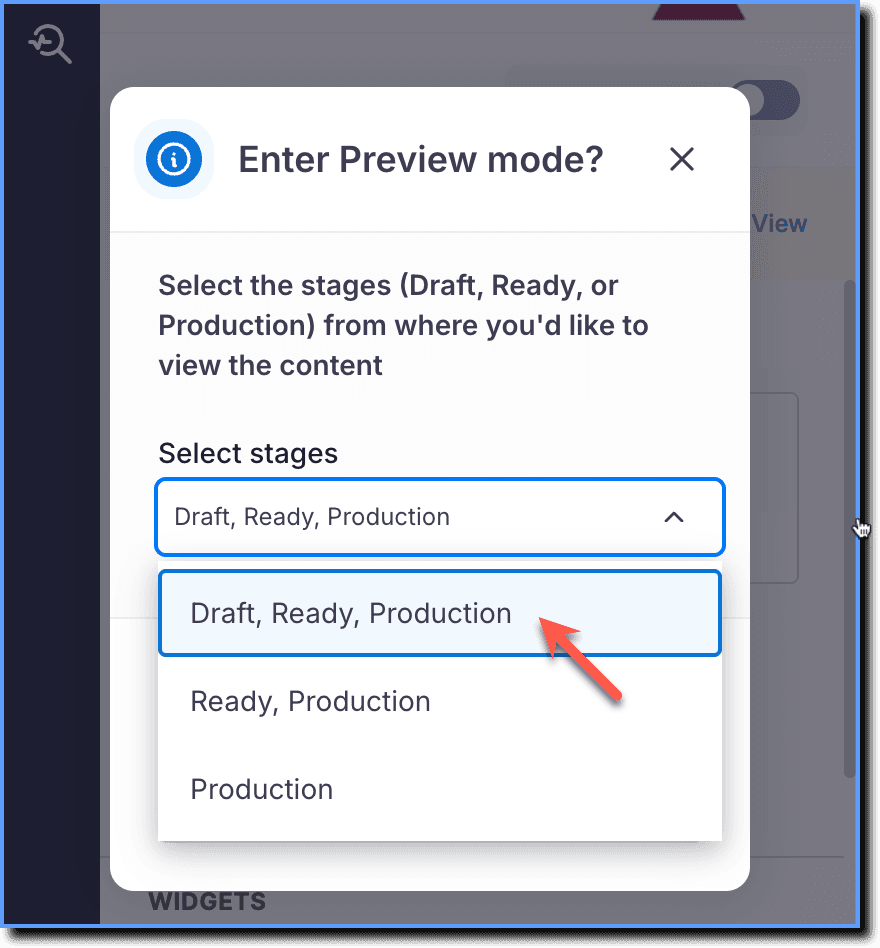
Preview Mode: Preview Mode enables you to see what your end users experience on your application, even if the Whatfix JavaScript or the Whatfix custom extension is not deployed. You can choose from which dashboard stages you want to view content from in Whatfix Studio, and Whatfix displays the content from those stages.
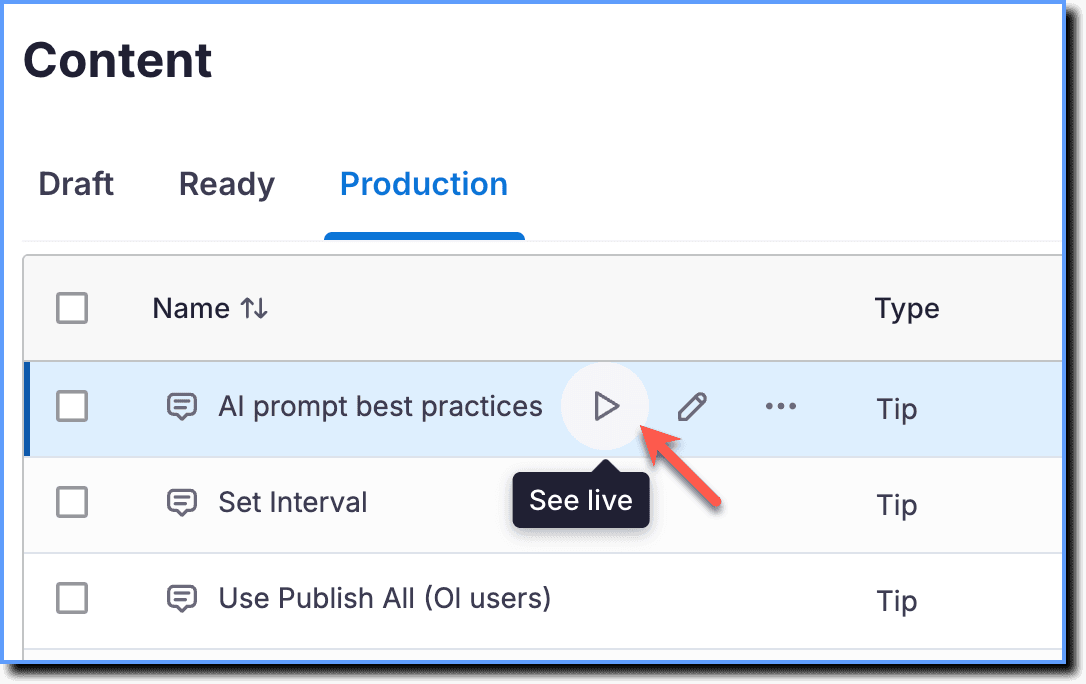
See Live: Displays a preview of only the specific content you choose to view from the Whatfix Guidance dashboard. For example, you want to view the appearance of a Smart Tip on your application, and when you click See Live, Whatfix displays only that content as it would show for your end users.
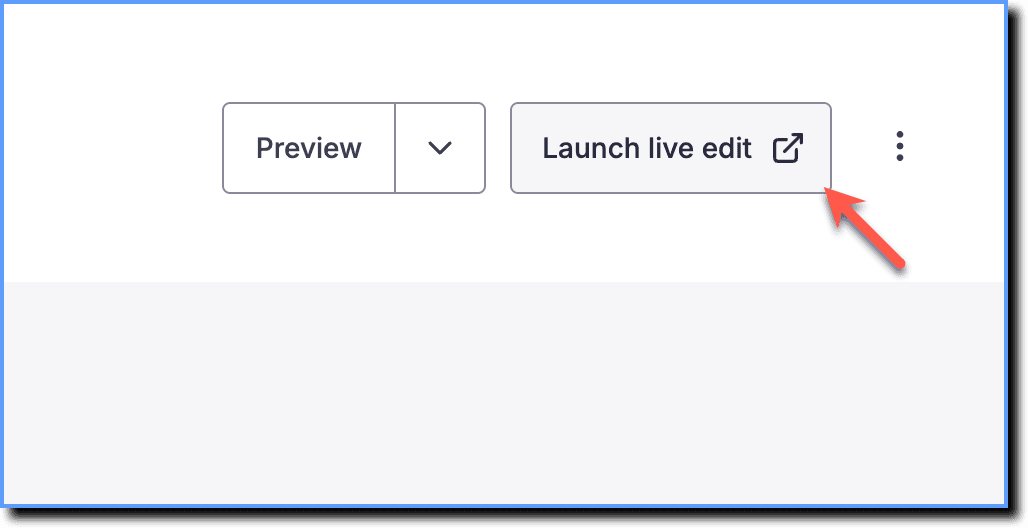
Launch live edit: Enables you to edit Flows, Blockers, Launchers, Smart Tips, and Beacons live, while running the content in the application that they were created in.
The following table lists the Whatfix features that can be viewed in different modes:
| Whatfix Content or Widget | Preview Mode | See live | Launch live edit |
|---|---|---|---|
| Beacons |  | | |
| Blockers | | | |
| Flows | | | |
| Launchers | | | |
| Pop-Up | |  | |
| Smart Tips | | | |
| Self Help | | | |
| Task List | | | |
If you choose to preview Advanced customization (AC) changes, you must Use Preview Extension to Test Whatfix Content.