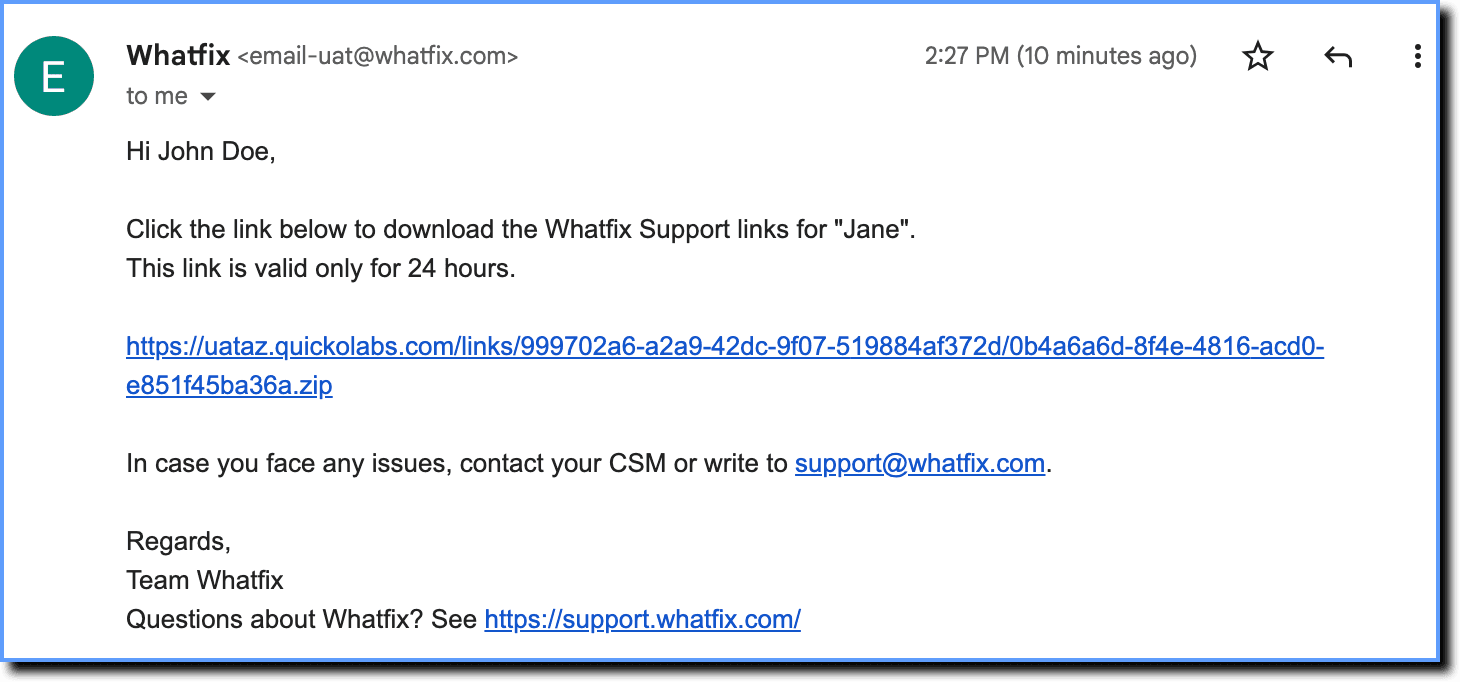
Whatfix Links
Download a Flow as a Link
Whatfix enables you to download Flows as links. When users click a link to a Flow, the live Flow launches directly within the application where it was created.
For example, share an onboarding Flow as a link with new users or clients to deliver step-by-step guidance within the app without requiring additional access.
Use the following steps to download a Flow as a link:
-
On the Whatfix Guidance dashboard, click Content.

-
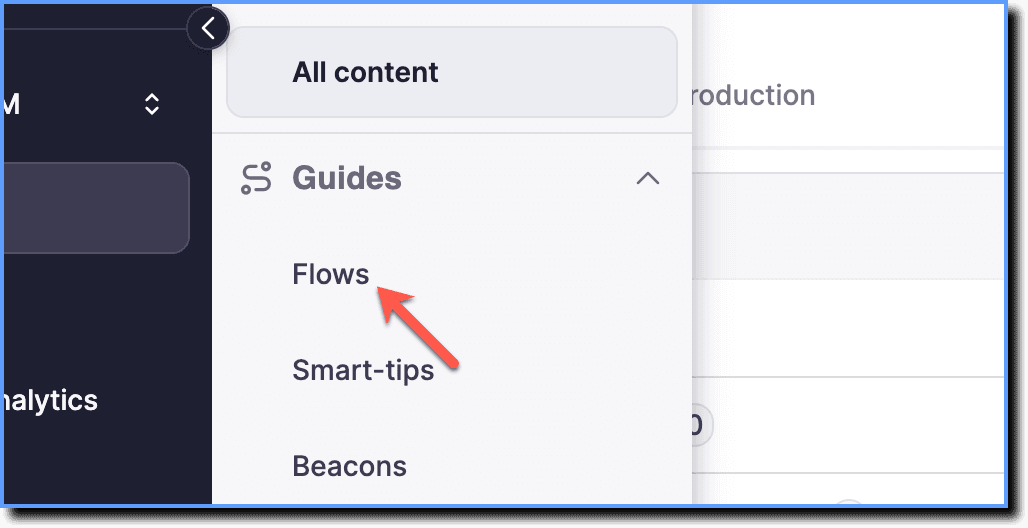
Click Flows.
-
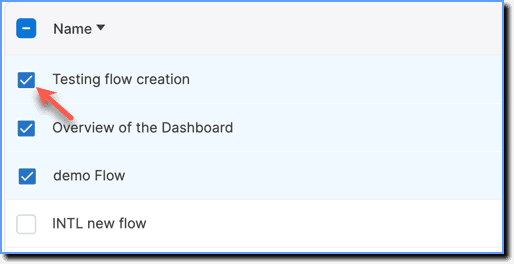
Select the required Flows.
-
Click Share.

-
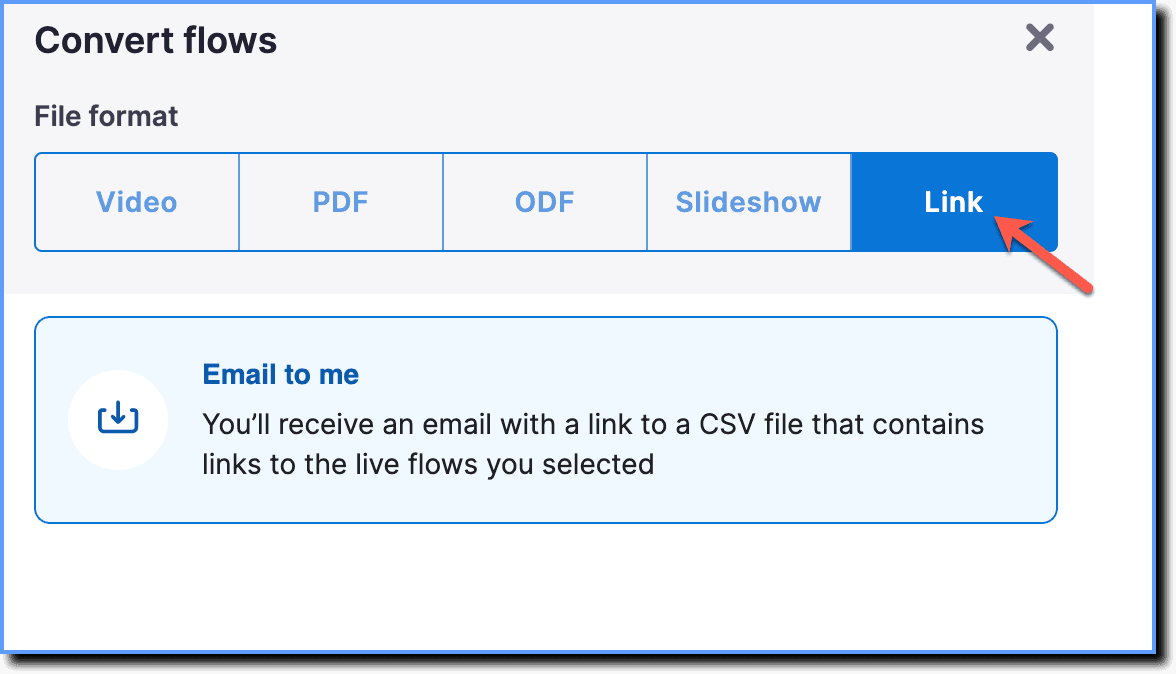
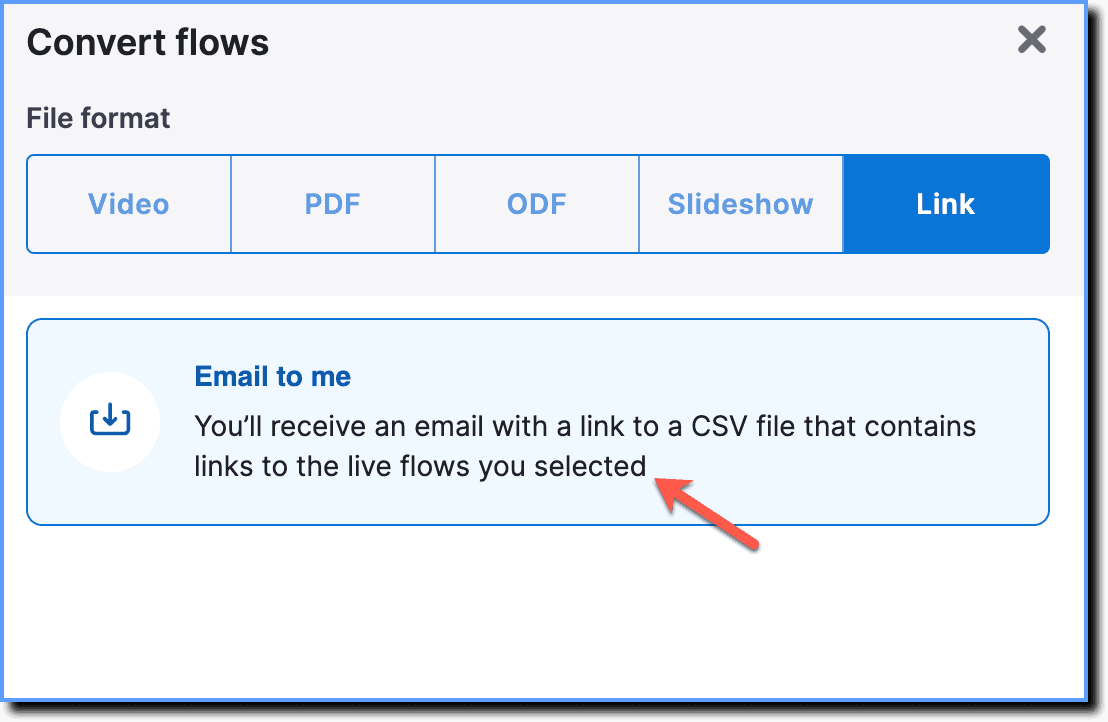
Select Link.
-
Click Email to me.
-
Click Next.
-
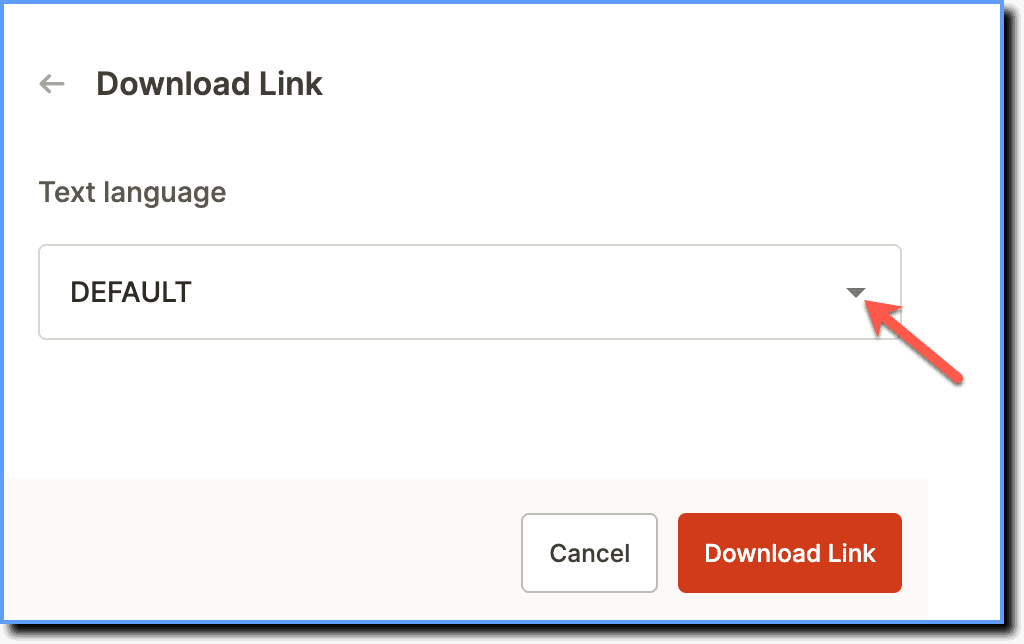
If you're using multiple languages, select the required language from the drop-down menu.
-
Click Download Link.
An email with a .zip link is sent to the registered email address.