New Visibility Rules for Content
New Visibility Rules for Flow steps on Studio
Display Rules are now available as New Visibility Rules and Element Precision Rules in Studio.
Advanced Visibility Rules enable you to control where, when, and to whom a Flow step is shown. Whatfix enables you to configure the new Visibility Rules at the step level using Whatfix Studio. When you configure the new Visibility Rules in Studio, the rules apply only to that specific Flow step. It enables you to create a more personalized and dynamic experience for each Flow step.
The following table lists all the conditions used while configuring the Visibility Rules for Flow steps. These conditions determine when, where, and to whom Flow steps are to be displayed on your application.
| Clause | Visibility Rule Condition | Corresponding Previous Display Rule Condition | Description |
|---|---|---|---|
| #### When does the step start appearing? | Specific date range | NA | Show the Flow step if the current date and time fall within the specified range. |
Something on the application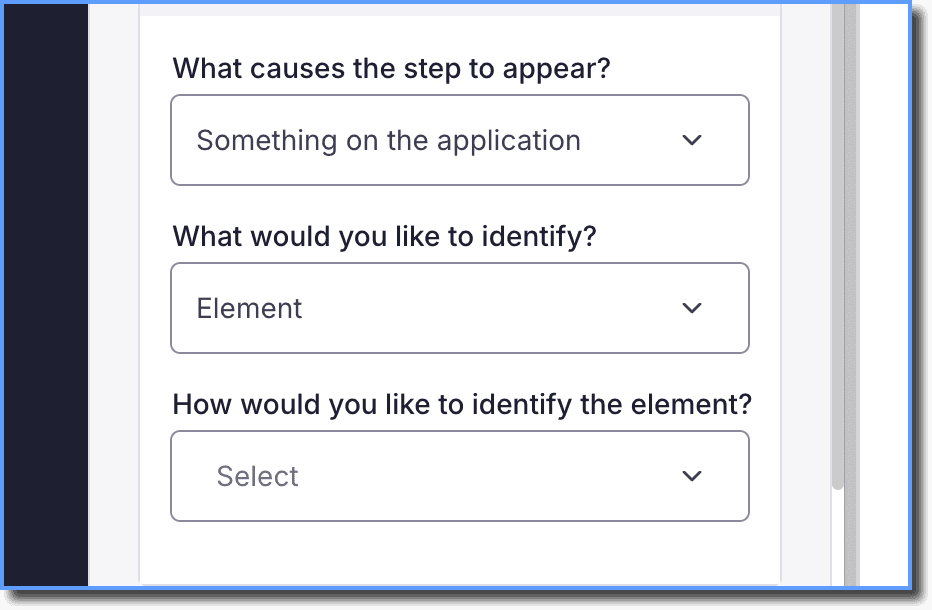 | Other Element on Page | Show the Flow step based on the presence of a specific Element, Local storage value, Window variable, Session storage value, Cookie value, or Custom variable on the page. | |
| #### Where does the step appear? | URL | URL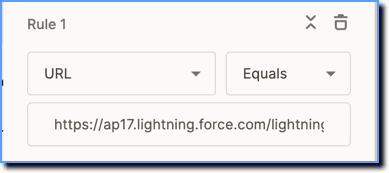 | Show the Flow step when the current page URL matches the specified URL. |
Domain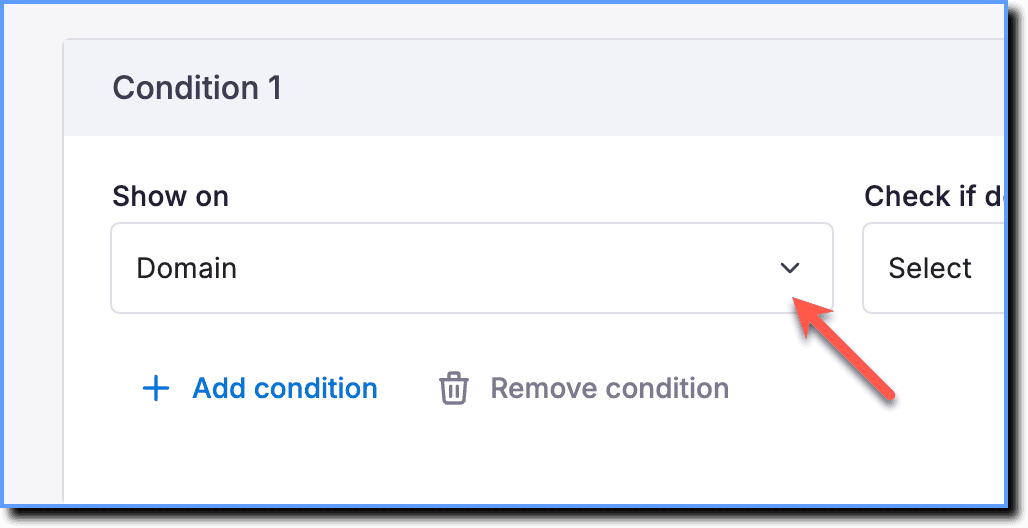 | URL Hostname | Show the Flow step when the domain of the current page matches the configured domain. | |
URL path 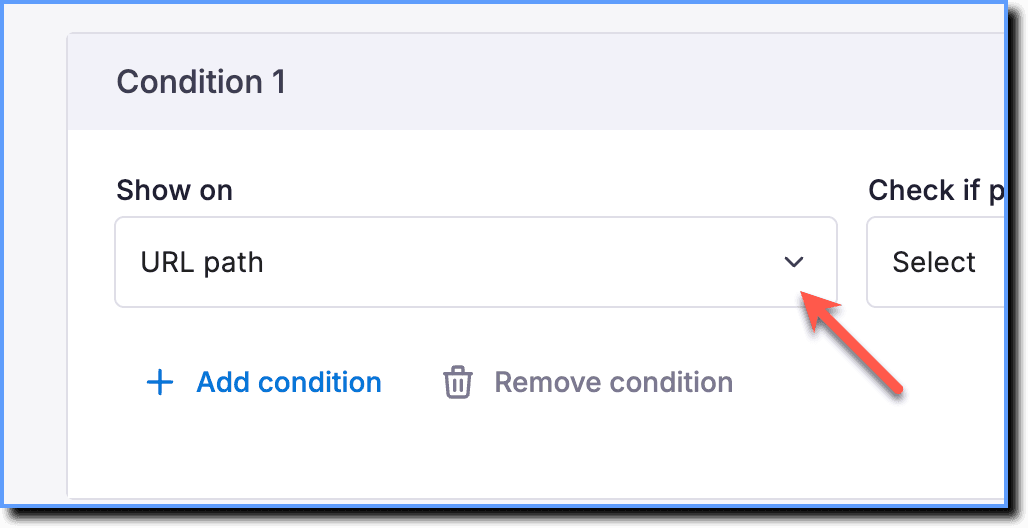 | URL Path 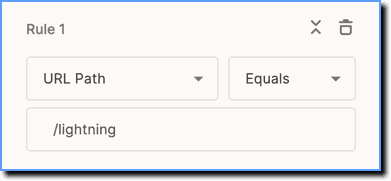 | Show the Flow step when the path of the current page URL matches the specified path. | |
URL parameter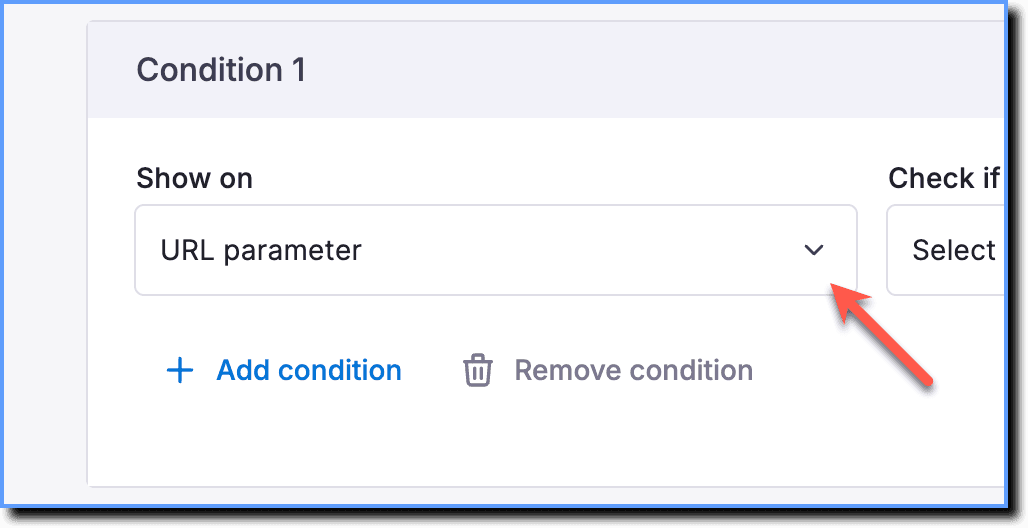 | URL Parameter 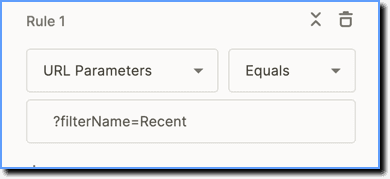 | Show the Flow step when the current page URL matches specified parameter(s). | |
URL hash value 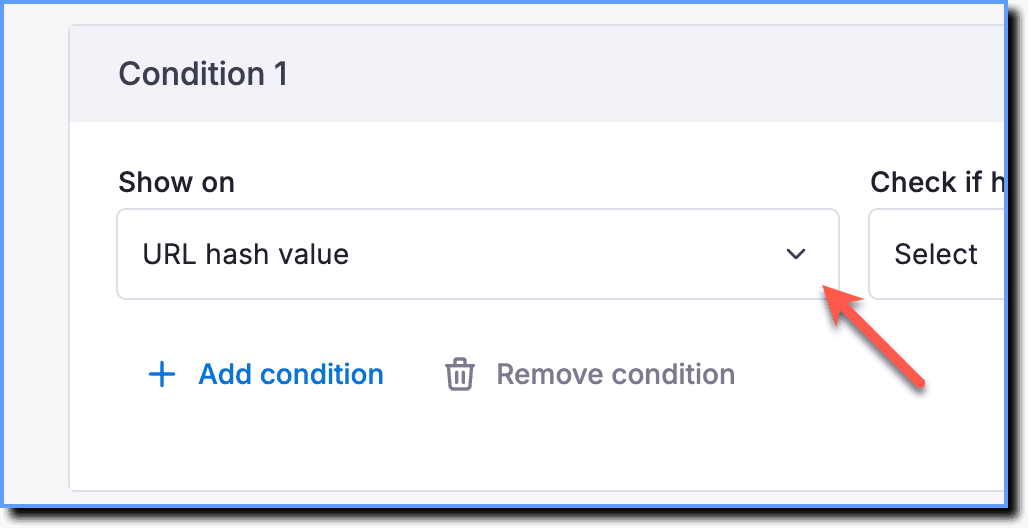 | URL Hash 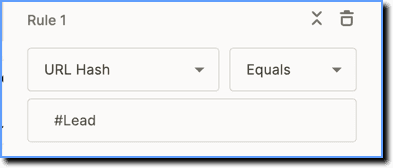 | Show the Flow step if the hash value in the URL matches the specified value. | |
Page tags | NA | Show the Flow step if the page has matching page tags. | |
| #### Who does the step appear to? | Enterprise Attributes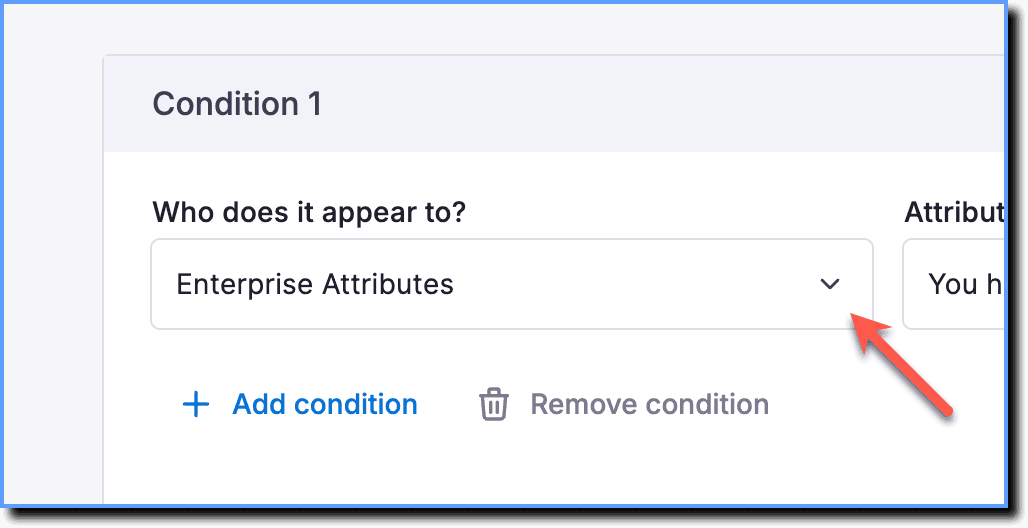 | Enterprise Attribute  | Segment the Flow step based on user roles, departments, geography, accounts, and more. |
User Attributes | User Attribute | Segment the Flow step based on end-user information from your application. | |
Cohorts  > [!WARNING] > Note: > > Cohorts is a Beta feature. To enable it, contact support@whatfix.com. | NA | Show the Flow step to specific user groups based on certain use cases. | |
| Salesforce Objects > [!WARNING] > Note: > > Salesforce Objects is a Beta feature. To enable it, contact support@whatfix.com. | NA | Salesforce Lightning objects are properties that help Whatfix serve relevant content to Salesforce Lightning users based on existing Salesforce Lightning properties that help identify different users. Using Salesforce Lightning objects helps you to show relevant content to your users. |
Use the following steps to configure Visibility Rules for Flow steps using Studio:
Step 1: Create a Flow. For more information, see Create a Flow.
Step 2: Configure the Visibility Rules.
- On the Whatfix Studio, click Visibility Rules.
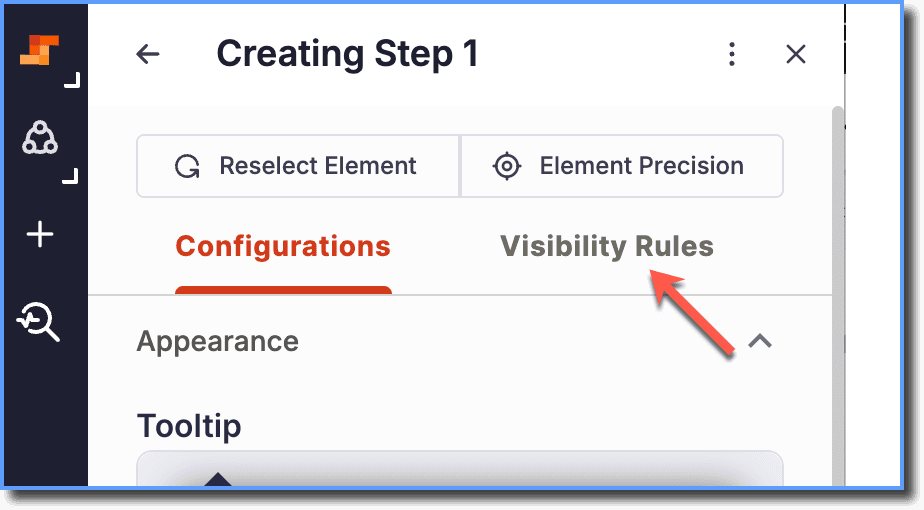
- On the Visibility Rules page, set the following conditions:

- Once you have added all the required Visibility Rules, click Save Step.