Whatfix Slideshows
Add a slideshow as a link to your Dashboard
Whatfix enables conversion of Flows to Slideshows, which you can link to your Whatfix Guidance dashboard. Any Flow can be converted to a Slideshow and added as a link to your Dashboard. Insert the link into other Whatfix content and widgets, such as Self Help and Task List.
For more information on how to add a link to Self Help or Task List, see
Use the following steps to add a Flow as a Video:
- On the Whatfix Guidance dashboard, click Content.

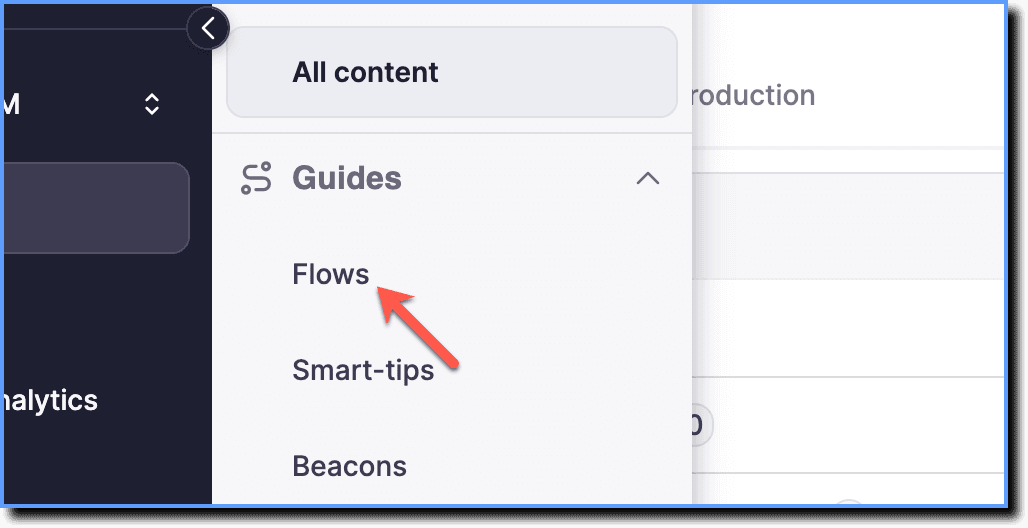
- Click Flows.
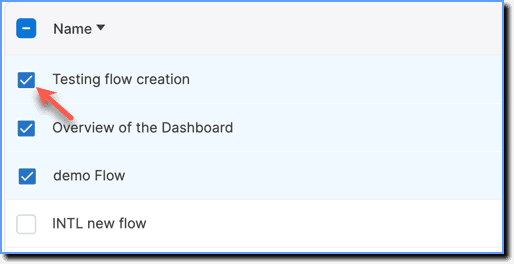
- Select the required Flows.
- Click Share.

Share up to 10 Flows at a time.
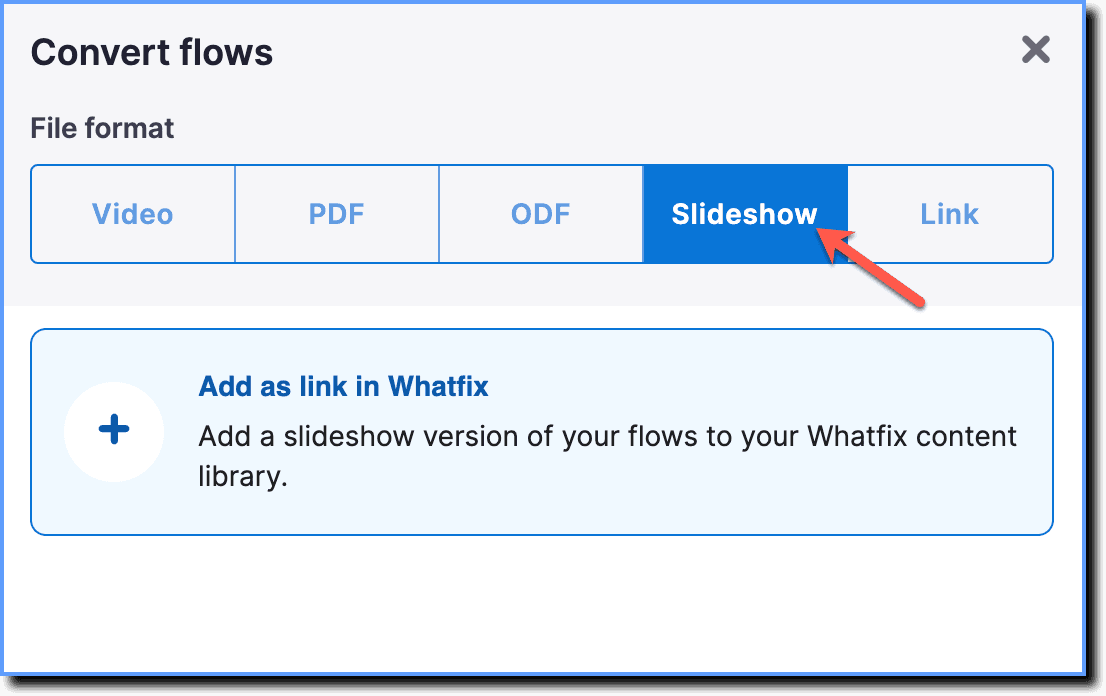
- Click the Slideshow option.
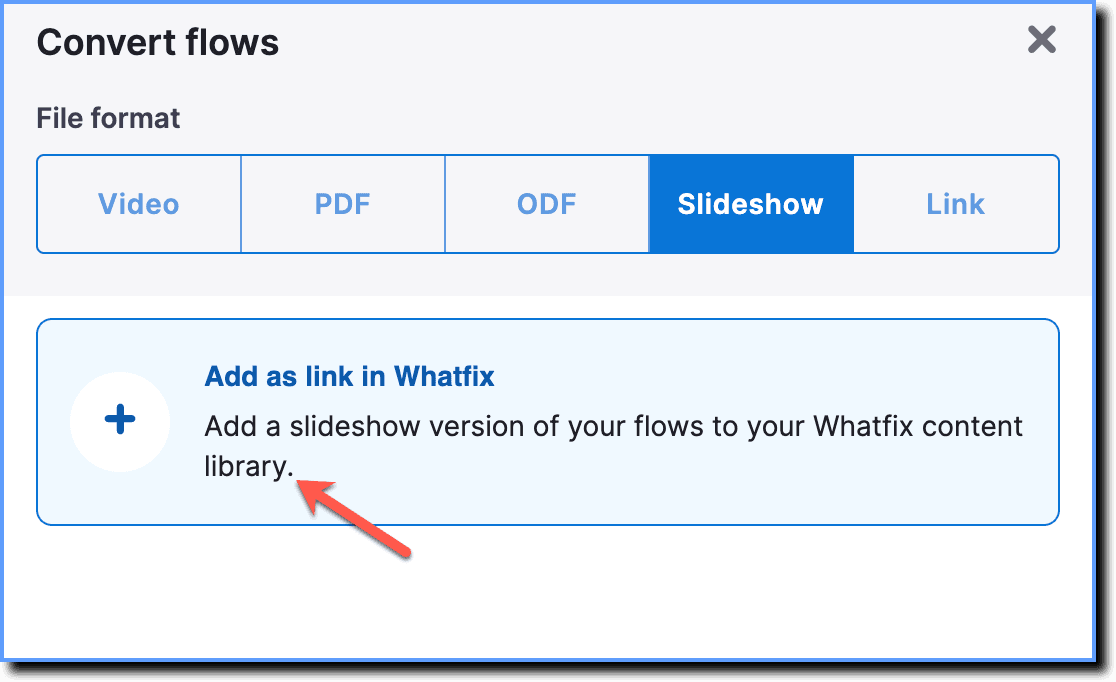
- Click Add as link in Whatfix.
- Click Next.
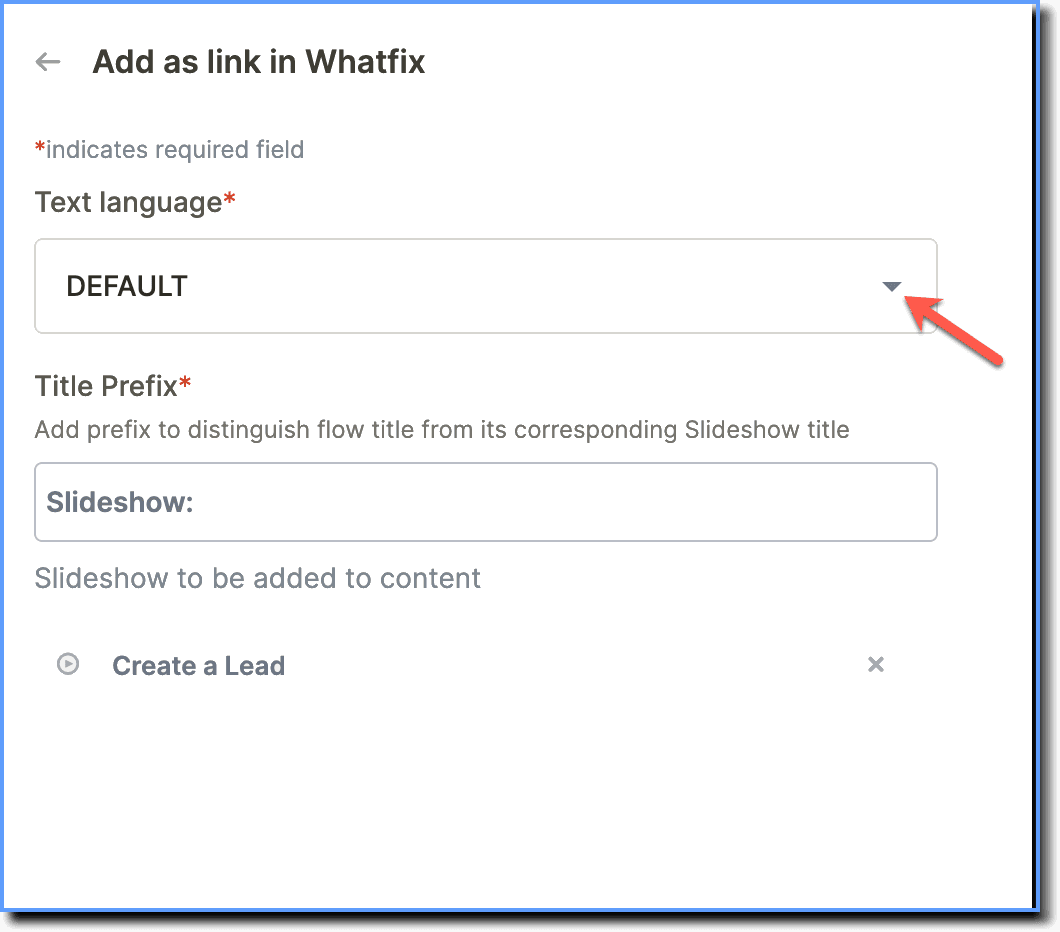
- Select the language in which you want to add the Flows to your Dashboard.
- Enter the title of your Slideshow.
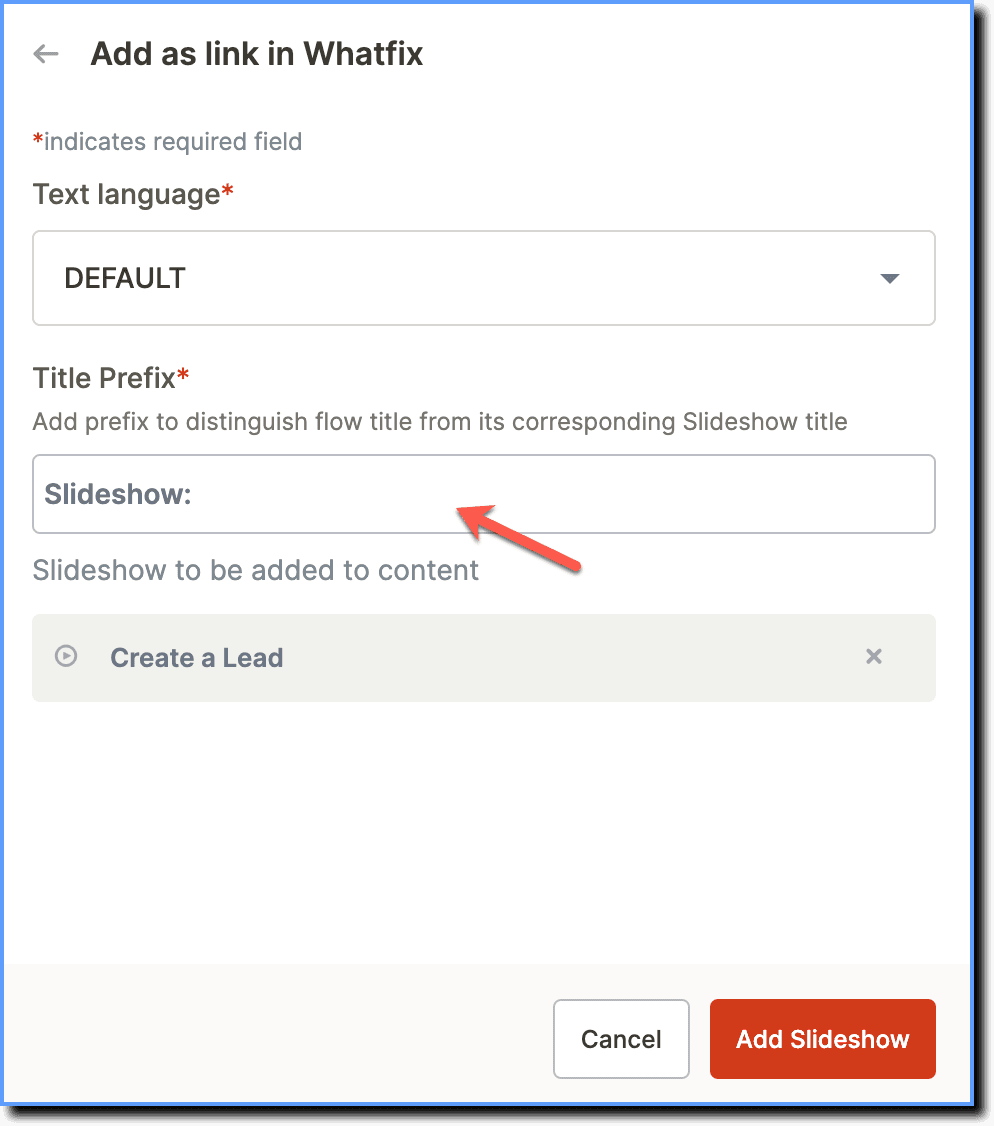
The prefix title distinguishes the Flow title from its Slideshow title.
- Click Add Slideshow.
The link is created in the Draft stage of your Whatfix Guidance dashboard. 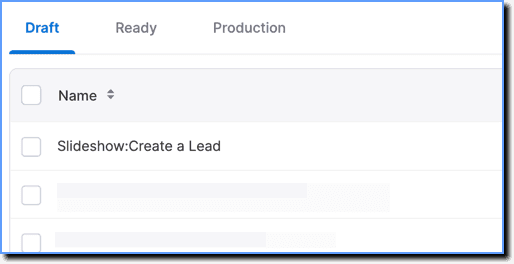
- Launch a Flow as a slideshow using a nolive tag.
- When a Flow is tagged with a nolive tag, the Flow launches as a slideshow when clicked in Self help and Task list.
- Flows tagged with the nolive tag do not display a See live option.

Troubleshooting
Unable to access Slideshow as a link in a new tab