Walkthrough
Customize Button actions in a Walkthrough
Whatfix Mobile enables you to link various types of actions to a button present in the step of a Walkthrough.
Use the following steps to customize a button action:
- Design the Walkthrough as required. For more information see, Create Walkthrough.
- In the configuration panel, expand the Customize Button section.
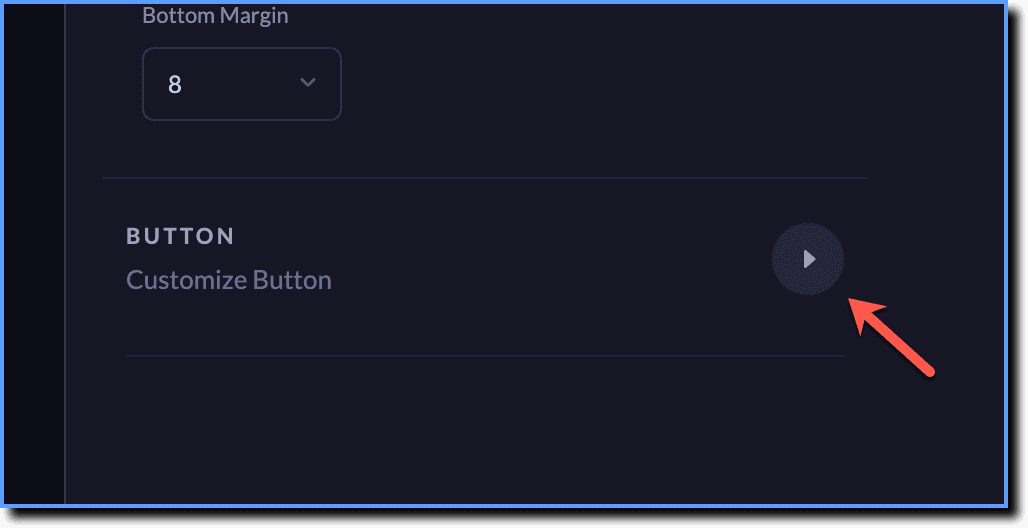
- Click the Button Actions dropdown.
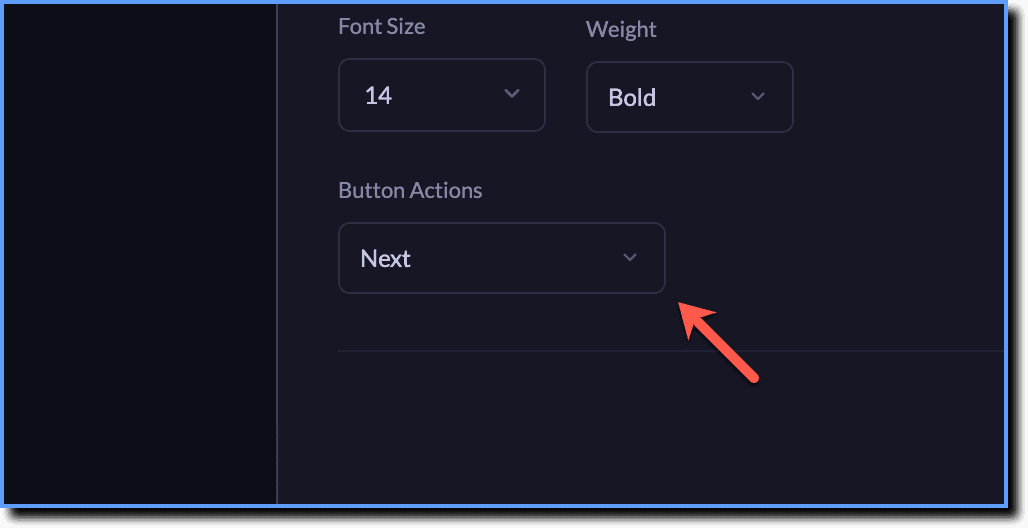
- Choose the button action you want to add to your Walkthrough step.
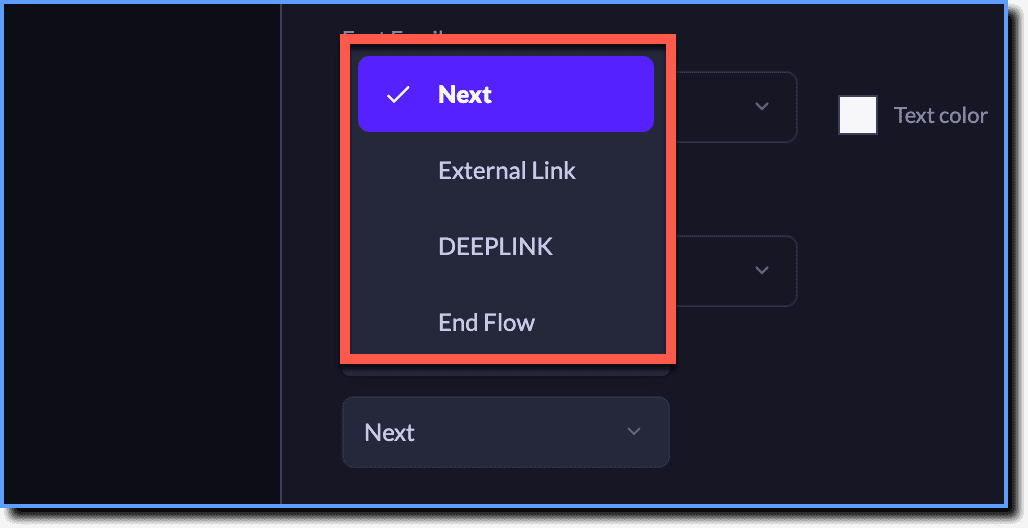
Expand the accordions for more details:
List of all button actions
The following are the button actions that can be set for the Walkthrough step:
| Button Action | Impact on Start Step |
|---|---|
| Dismiss | End the Walkthroughand mutes it for the rest of your session. > [!WARNING] > Note: > > - The Walkthrough can be unmuted by clicking the icon. > - If icon is not present, the Walkthrough is considered to be terminated. |
| Flow Opt in | Closes the start screen and starts the corresponding Walkthrough. |
| Button Action | Impact on Walkthrough step |
|---|---|
| Deeplink | - Closes the step and opens the deep link in the app, if available. > [!NOTE] > Info: > > A deep link is a link that takes you directly to a specific destination within an app. - The Walkthrough resumes from the next step which is expected to be in the page where the deep link is configured. |
| End Flow | Dismisses the step, exits and mutes the Walkthrough for all sessions. > [!WARNING] > Note: > > - The Walkthrough can be unmuted by clicking the icon. > - If the icon is not present, the Walkthrough is considered to be terminated. |
| External Link | - Closes the step and opens the browser with the external link specified. - On returning to the app, the Walkthrough resumes from the next step. |
| Next | Closes the current step and continues with the next step. |
Impact of Button Actions on Discovery Trigger Frequencies
If you have defined a Discovery Trigger Frequency for your Walkthrough, the button actions have the following impacts:
- The following two Trigger Frequencies, Play once in a life-time and On icon click, are not impacted by any of the button actions.
- The Flow Opt in button action does not impact any Trigger Frequencies.
As a best practice, always set the Trigger Frequency as In every session. This ensures that even in the absence of an icon, Whatfix Mobile can discover the Walkthrough.
| In every session | In every session until dismiss by user | Every session until flow complete | |
|---|---|---|---|
| Deeplink | - | - | If configured in the last step, on button click, the Walkthrough is considered to be completed and is not auto-triggered in subsequent sessions. |
| Dismiss | - | Impact on start step: Mutes the discovery and from the next session onwards, Walkthrough can be triggered only via icon click and is never auto-triggered. | - |
| End Flow | Mutes the discovery and from the next session onwards, Walkthrough can be triggered only via icon click and is never auto-triggered. | Mutes the discovery and from the next session onwards, Walkthrough can be triggered only via icon click and is never auto-triggered. | Mutes the discovery and from the next session onwards, Walkthrough can be triggered only through sicon click and is never auto-triggered. > [!WARNING] > Note: > > The Walkthrough need not be completed to be muted in this scenario. |
| External Link | - | - | If configured in the last step, on button click, the Walkthrough is considered to be completed and is not auto-triggered in subsequent sessions. |
| Next | - | - | If configured in the last step, on button click, the Walkthrough is considered to be completed and is not auto-triggered in subsequent sessions. |
Impact of Button Actions on Termination Frequencies
If you have defined a Termination Frequency for your Walkthrough, the button actions have the following impacts:
- The following two Termination Frequencies, Never and After 'n' sessions, are not impacted by any of the button actions.
- Flow Opt in button action does not impact any Termination Frequencies.
- For all button actions, if After 'nTH' time flow completion is configured in the last step, then the Walkthrough is considered to be completed on the button click.
- For Deeplink button action, if At assist dismiss by user is configured in the start step, then on button click, the Walkthrough is considered to be completed.