Best Practices
Tooltip Best Practices
Help attract your users' attention to particular elements on your app using Tooltips, Highlights, Beacons, or Gestures. These appear when end users go to a specific area or perform a certain action on the app.
Expand the following accordions for more details:
Use Nudges to grab user attention
Use Nudges to direct your end users to specific elements or functions on your app. For example, highlight a new feature on your app, or configure a Scroll down gesture to guide your users to a link at the bottom of the page. 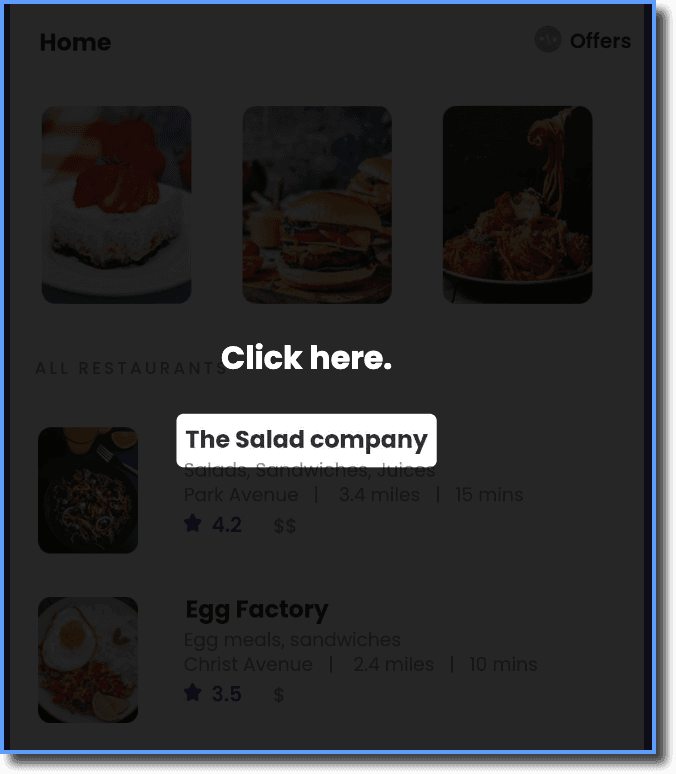
Use a brief description in Tooltips
Use easy-to-understand words and simple sentences. Keep the description in your tooltip to the point. 
Create Nudges in a stable environment
Create Nudges on production apps that are stable and not undergoing frequent code changes. If the underlying code of your app is changed, it might affect any existing Nudges that you might have created. 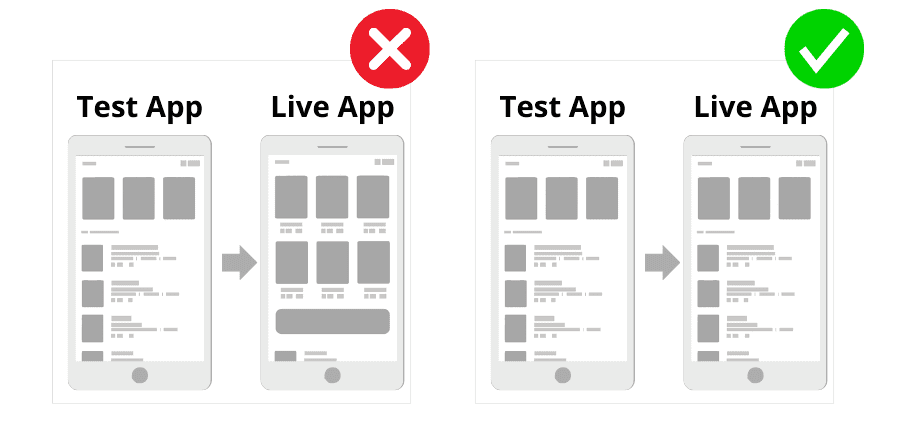
Ensure that your Nudges don't hide any UI elements on the screen
Position the Nudges so that they don't hide any elements on your app screen. In certain cases, the tooltip could inadvertently hide certain important UI. 
Author clear and concise content
Use simple words and sentences while creating Whatfix content. Keep the description in your Tooltip brief and to the point.
Choose an appropriate theme for the Nudges
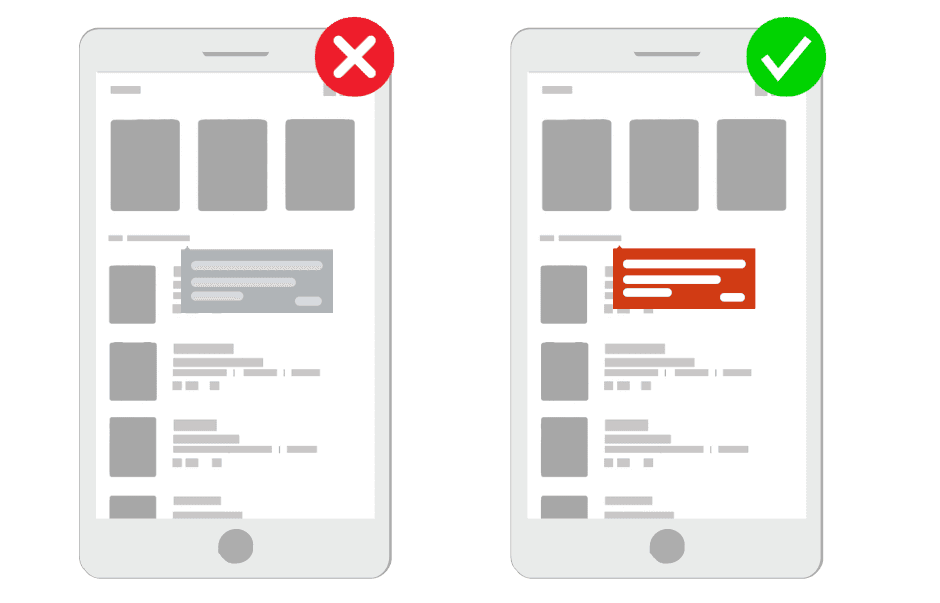
Choose the best available Nudge theme to ensure that the design of the Nudge matches your app's UI. Use contrasting colors that make the Nudge noticeable on your app. This is to ensure that the Nudges are not lost in your interface because they can't be distinguished from the underlying app.