Whatfix Administration
Change my password
In case you want to change your existing password for any reason, use the following steps:
Note
Change your password only if you remember your current password. If you don't remember your current password see, Reset my password.
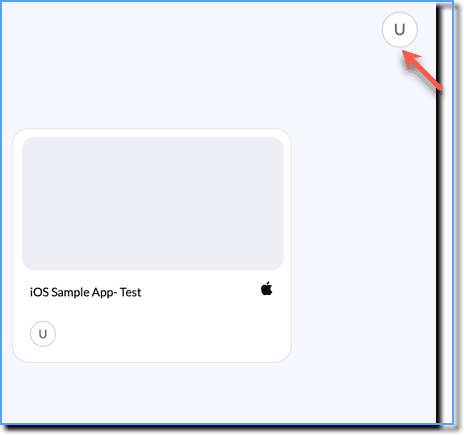
- On the Whatfix Mobile Dashboard, click your Profile icon.
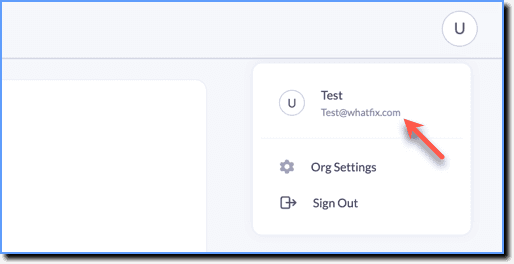
- Click your profile name.
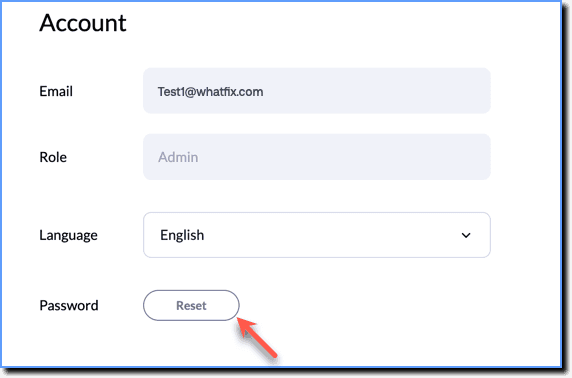
- Under Account, click Reset.
- Enter your current password.

- Enter and then re-enter your new password.
- Click Reset Password to confirm the change.

Info:
Your password is reset and you are redirected to the login page where you log in using your new password. 