Whatfix Administration
Reset my password
In case you forget your password, set a new password on your own.
Note
Admins cannot change the password for other users. Only the respective users can change their passwords.
Use the following steps to reset your password:
- Go to Whatfix Mobile.
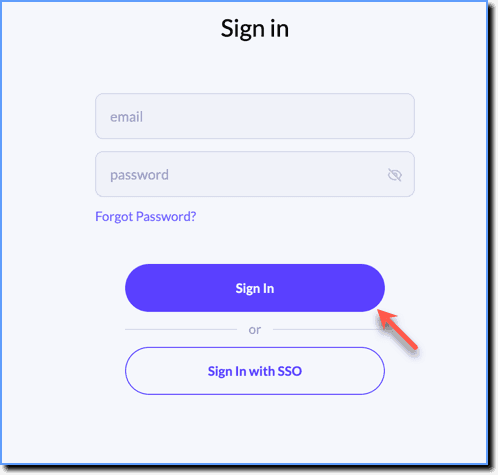
- Click the Sign In button.
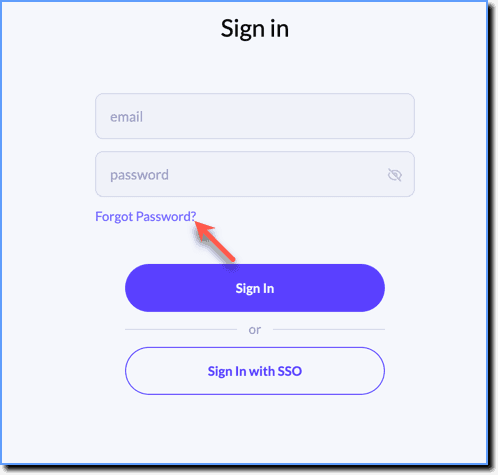
- Click Forgot Password?
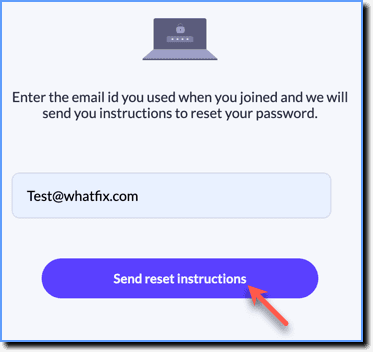
- Enter your registered Email id, and then click Send reset instructions.
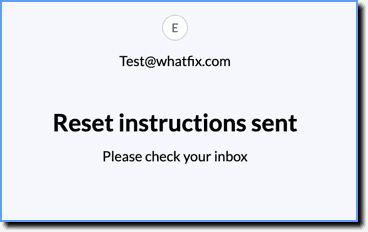
- An email with a link to reset your password is sent to your registered mail address.
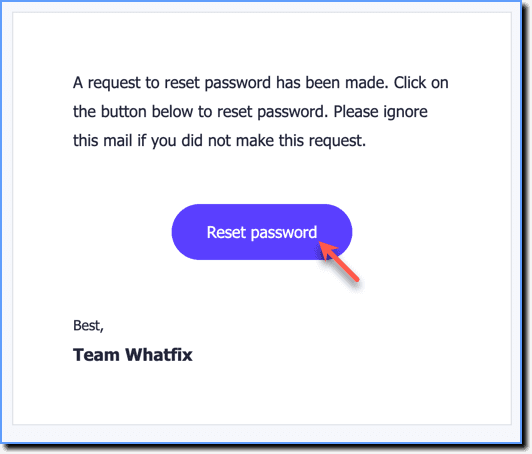
- Open the reset email and click Reset password.
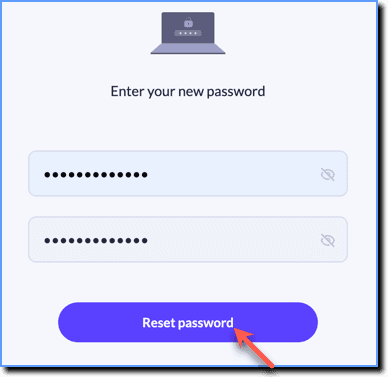
- In the Reset Password? screen, enter the new password, and then re-enter the same password.

- Click Reset Password to confirm.