Whatfix Administration
Add new users
Enable other users to create and maintain Whatfix Mobile content by adding them as new users.
Note:
Only an Admin can perform the following task.
Use the following steps to add a new user:
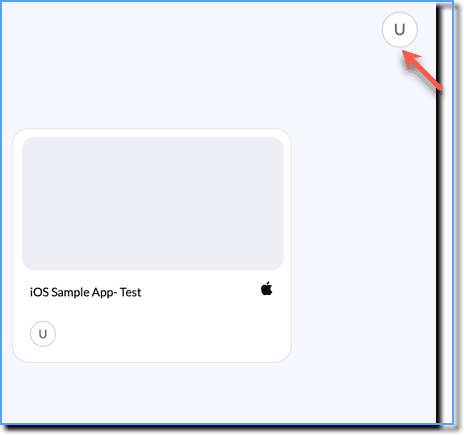
- On the Whatfix Mobile Dashboard, click your Profile icon.
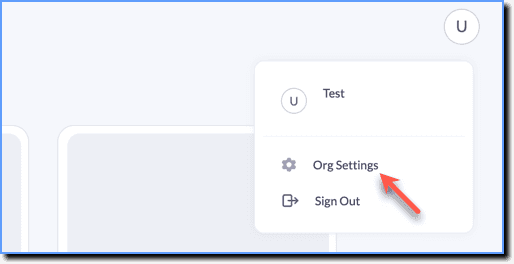
- Click Org Setting.
- Click the + Invite button.

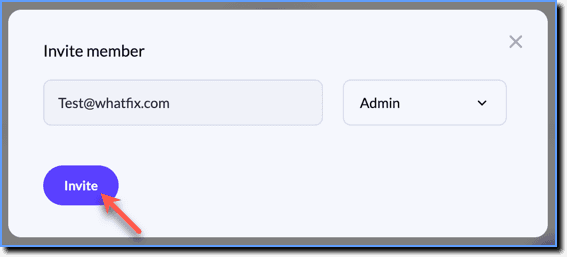
- In the pop-up, enter the email ID of the new user, and using the dropdown menu, select their role.

- Click Invite.
Info:
An email is sent to the new user with all the instructions to sign up.