Pop-Ups
Resize a Pop-up
Whatfix Pop-ups get auto-resized to desktop and mobile view based on the end users' device. In addition to this, Whatfix Pop-ups can be resized to match your content length proportionately.
- Visual Editor enables you to resize the height and width of Whatfix Pop-up templates without using the JSX code and make them proportionate to your content length.
- Resize a Pop-up during the Pop-up creation using Whatfix Studio. To know more about creating a Pop-up, see Create a Pop-up.
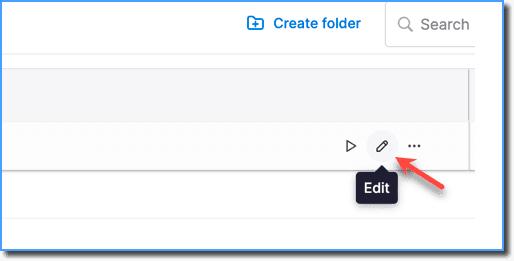
- Pop-ups can also be resized after creation using the Edit icon on the Dashboard.
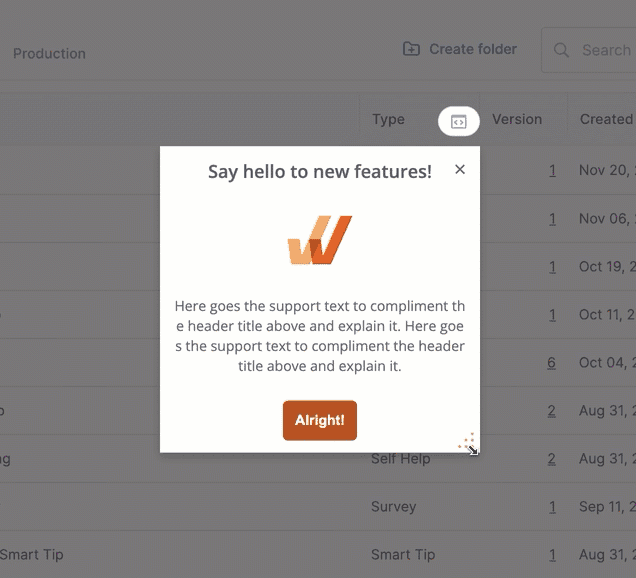
- To resize a Pop-up, hover your cursor over the bottom-right corner of the Pop-up template, then click and drag the resize icon to the desired width and height.
your title goes here
The maximum dimensions for a Pop-up tile are 600 pixels (5 inches) in height and 800 pixels (8.33 inches) in width.